27 Oct 2026 • 7 mins read
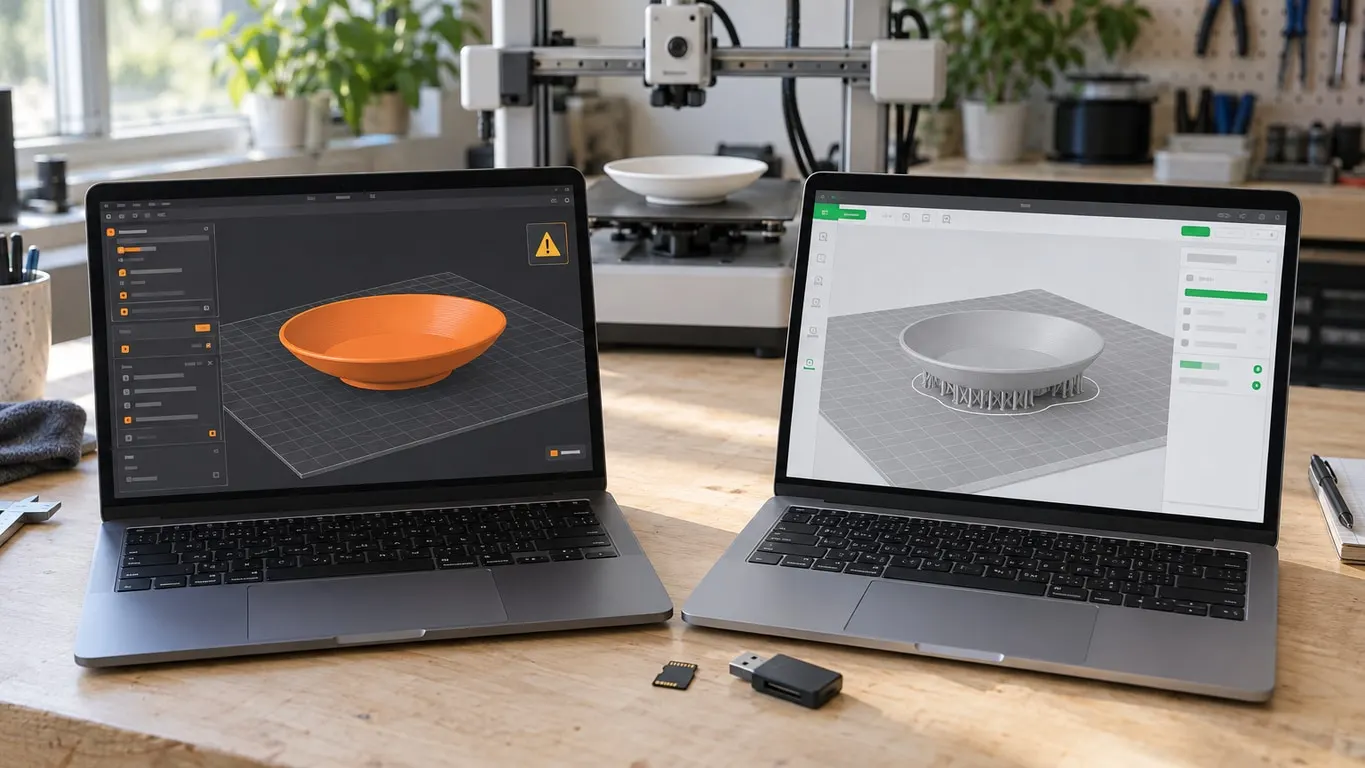
Bambu Studio holes too small? XY hole compensation
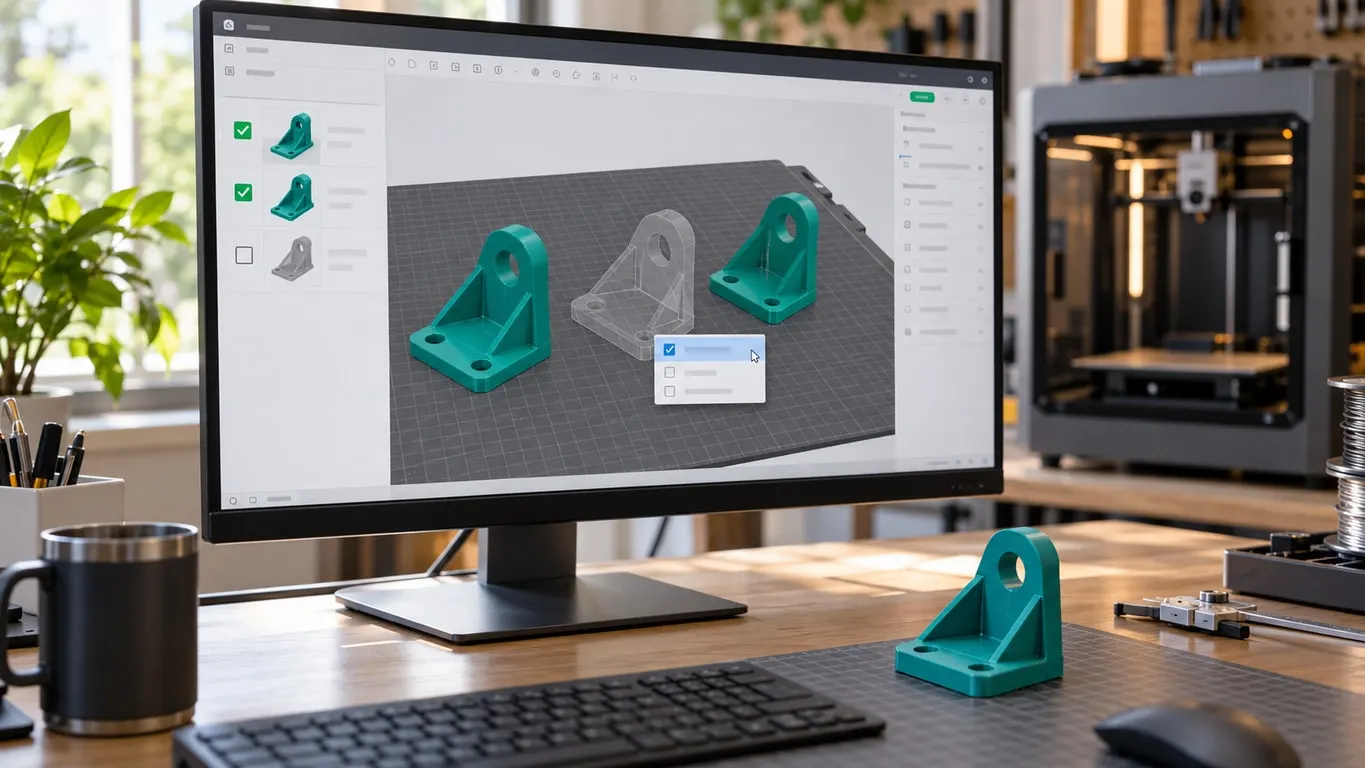
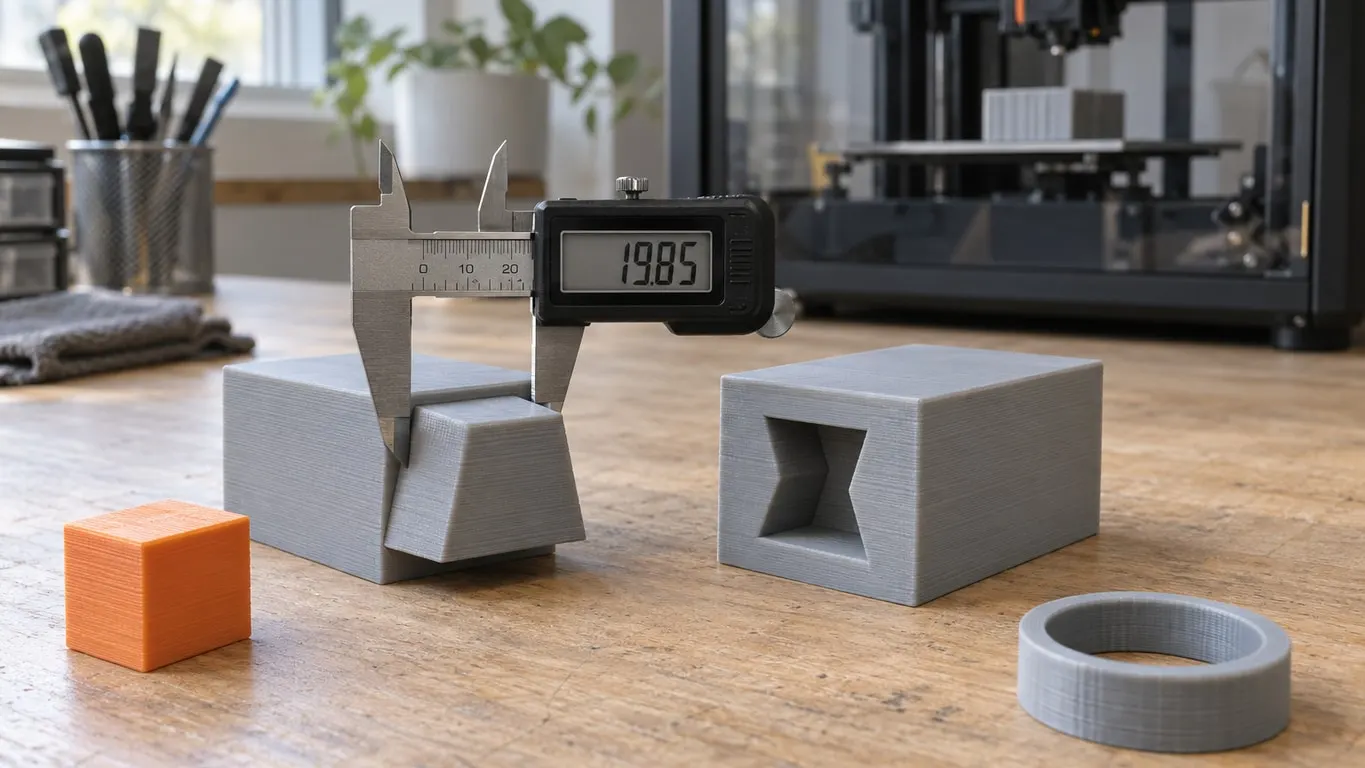
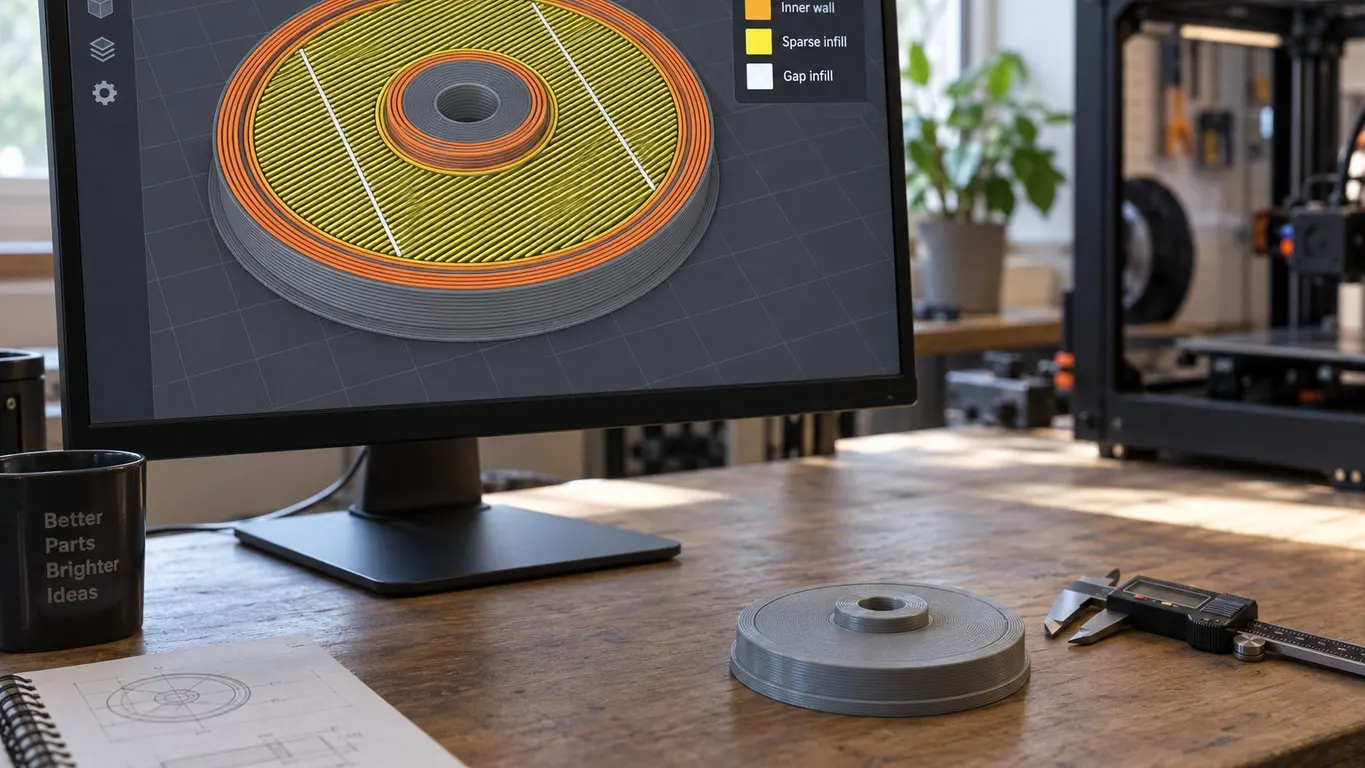
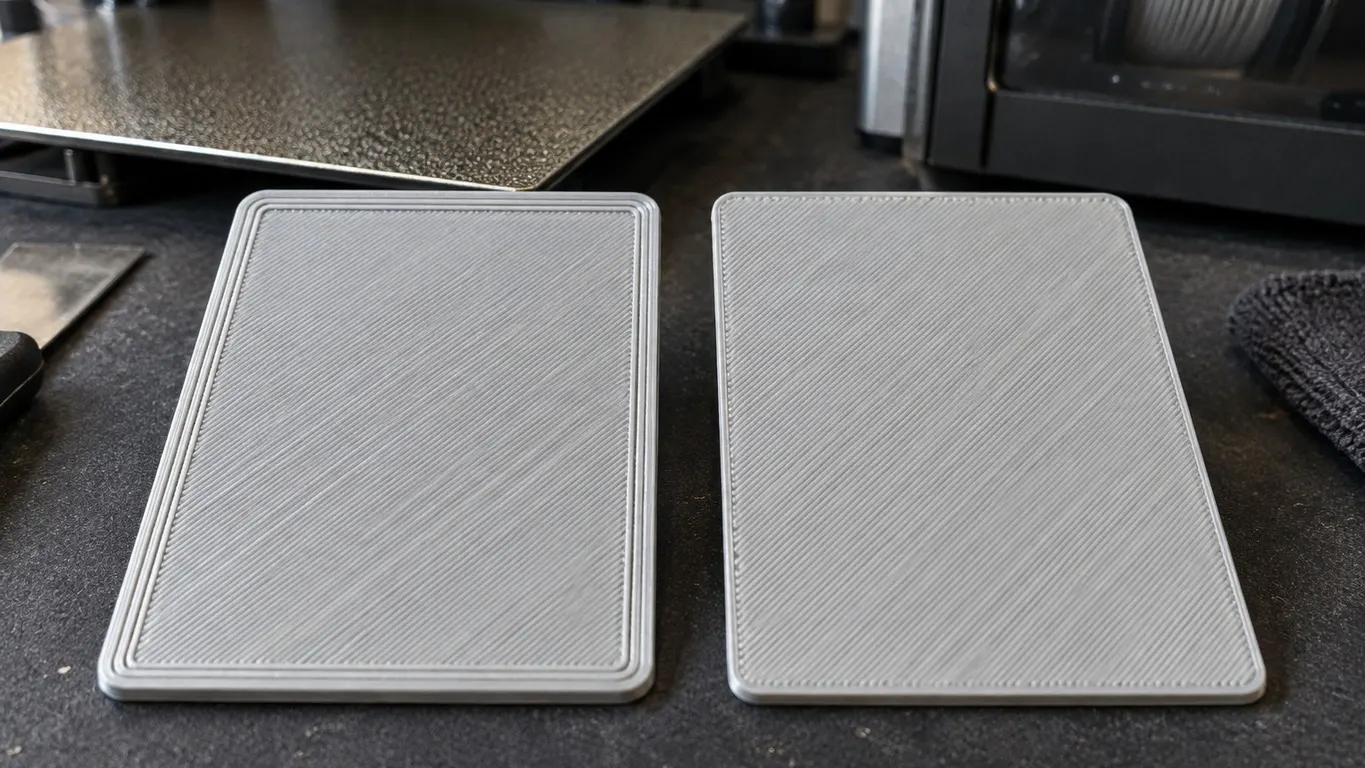
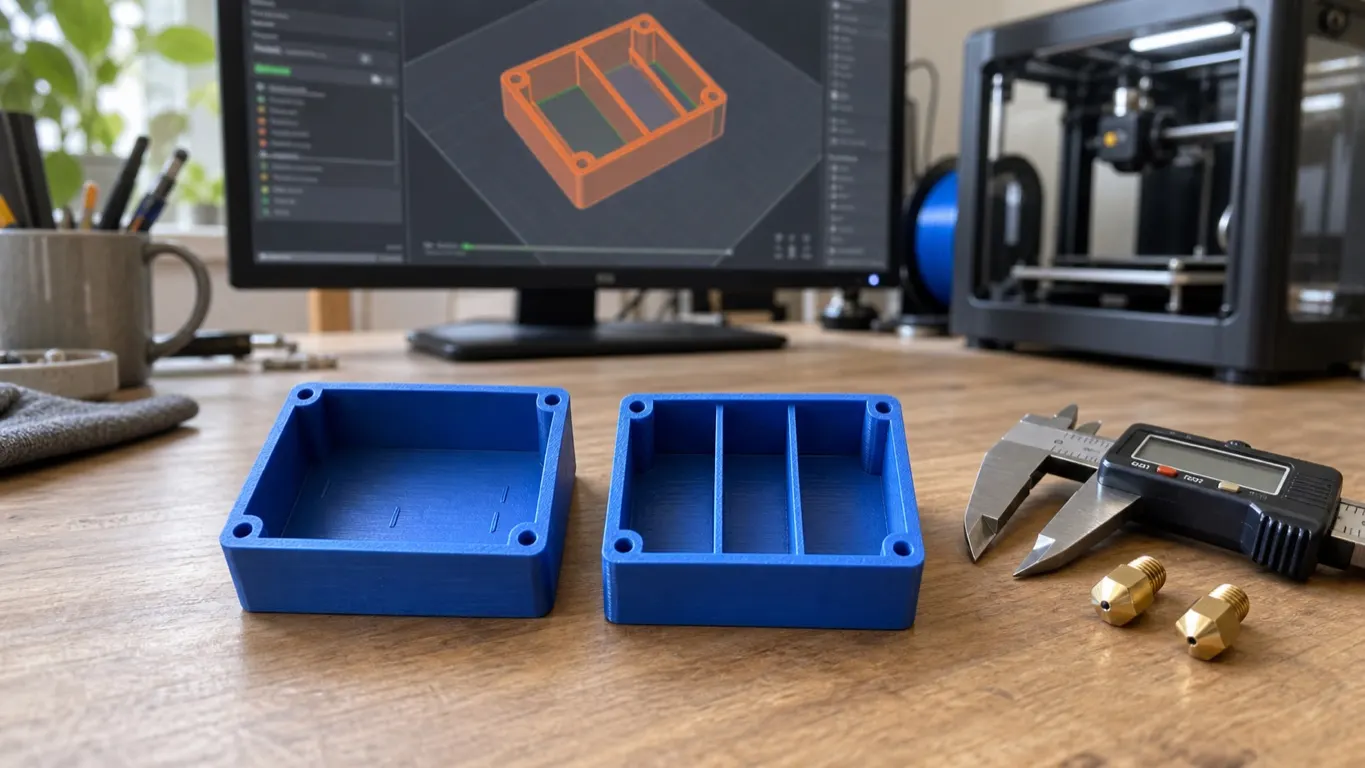
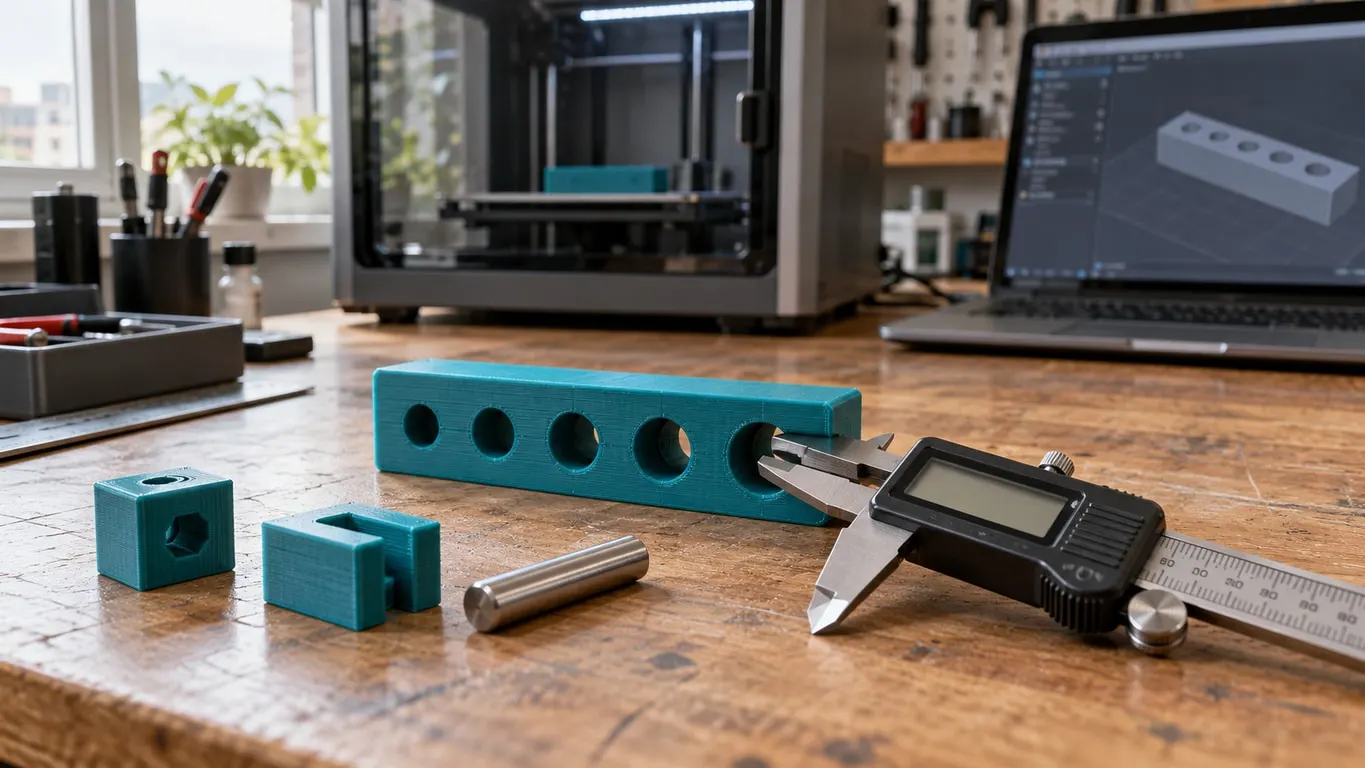
Entered the full error into XY hole compensation and the holes came out oversized? The value applies per side, so use half. Plus where it does nothing.

Guides for Bambu Studio first, plus Cura and Orca Slicer: support, speed and filament profile settings, G-code and connection issues.
Entered the full error into XY hole compensation and the holes came out oversized? The value applies per side, so use half. Plus where it does nothing.
See-through, gray or near-black, and gone after slicing: Printable is off. How to switch it back on, and what else Bambu Studio draws transparent.
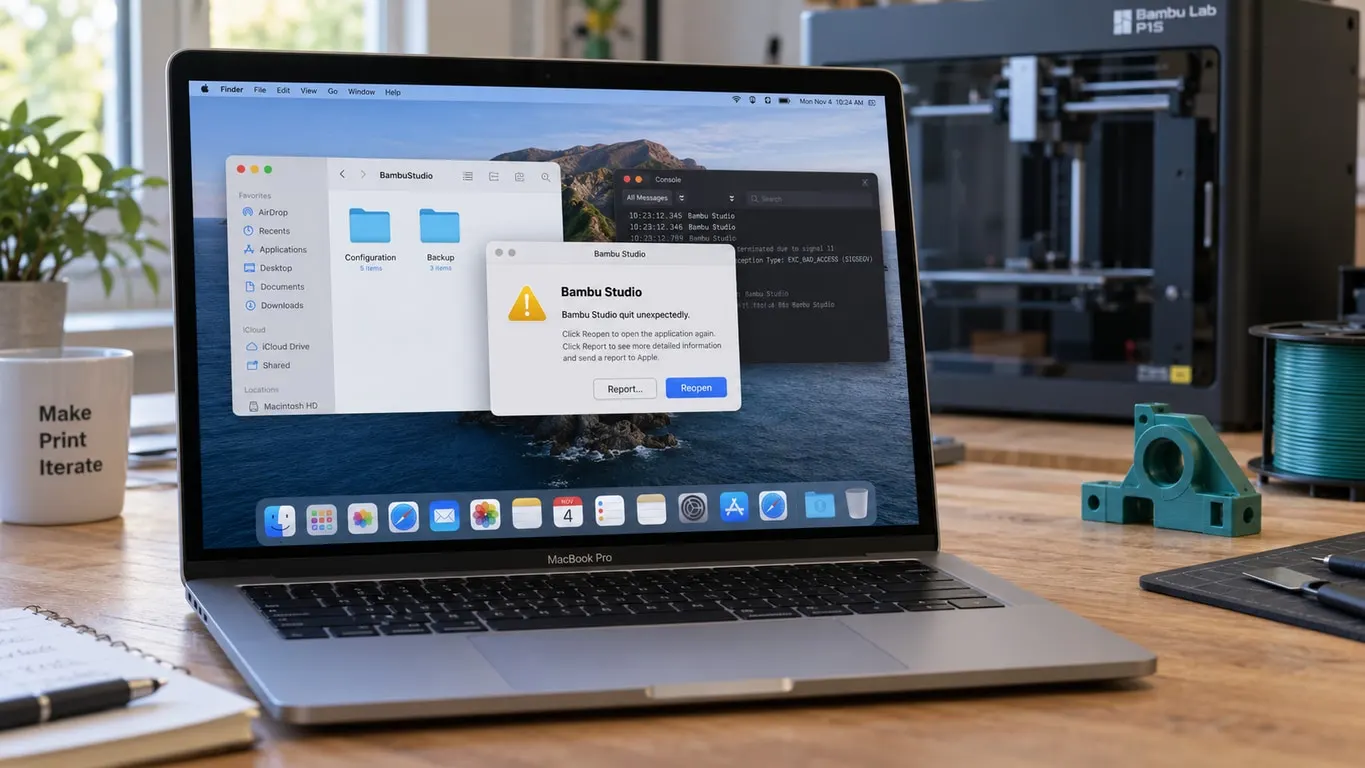
Bambu Studio crashing on startup or hanging on a Mac? Check the release notes, rename the data folder instead of deleting it, and know the macOS 27 bugs.
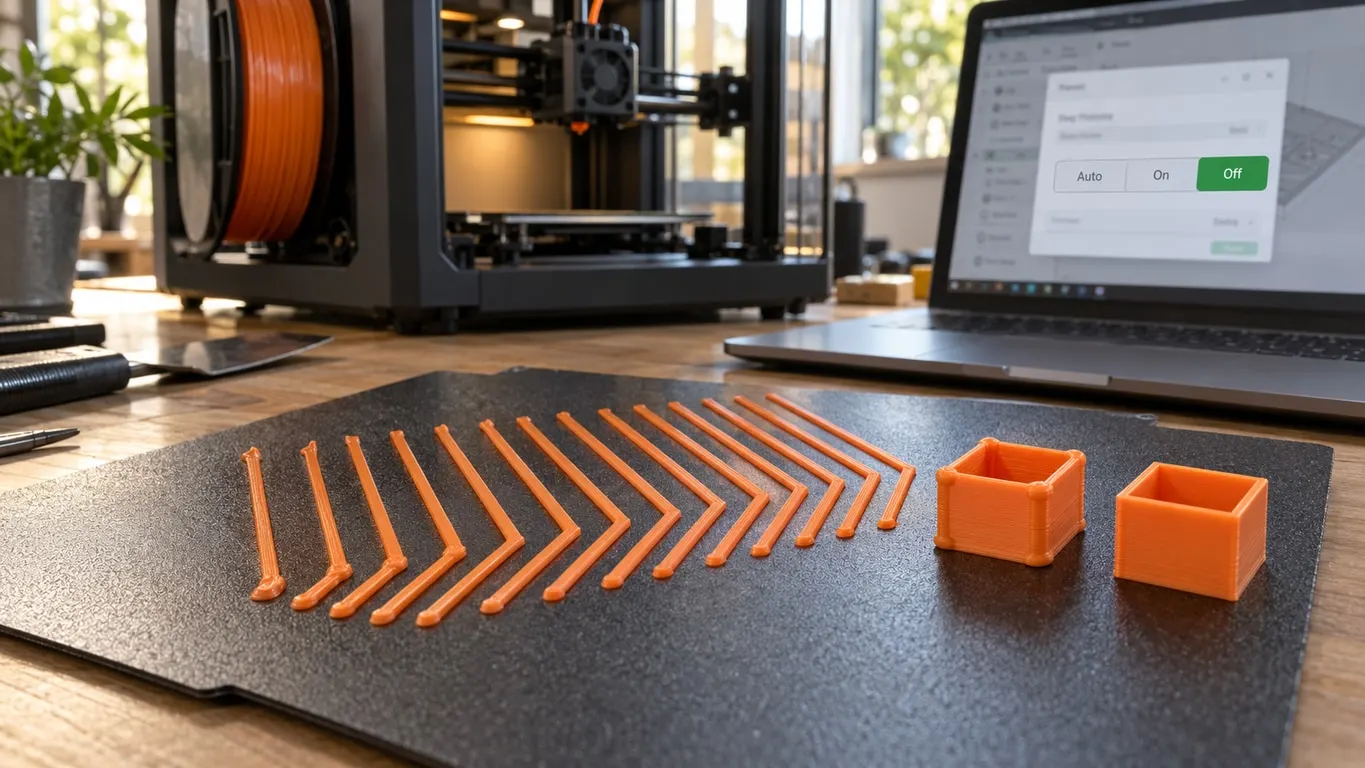
Your saved PA profile applies on Off. On and Auto print the filament they measure with the printer's own K value. The OFF warning, H2D nozzles, the A1 bug.
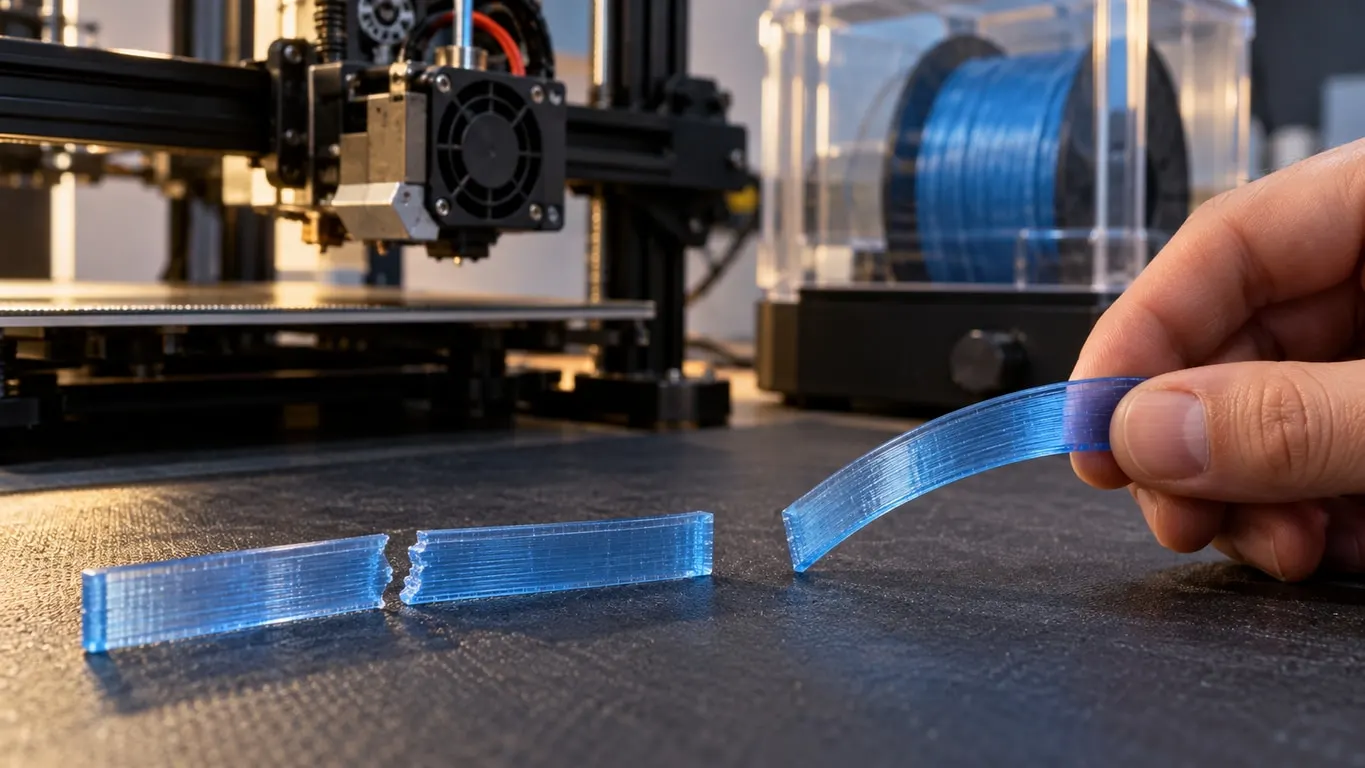
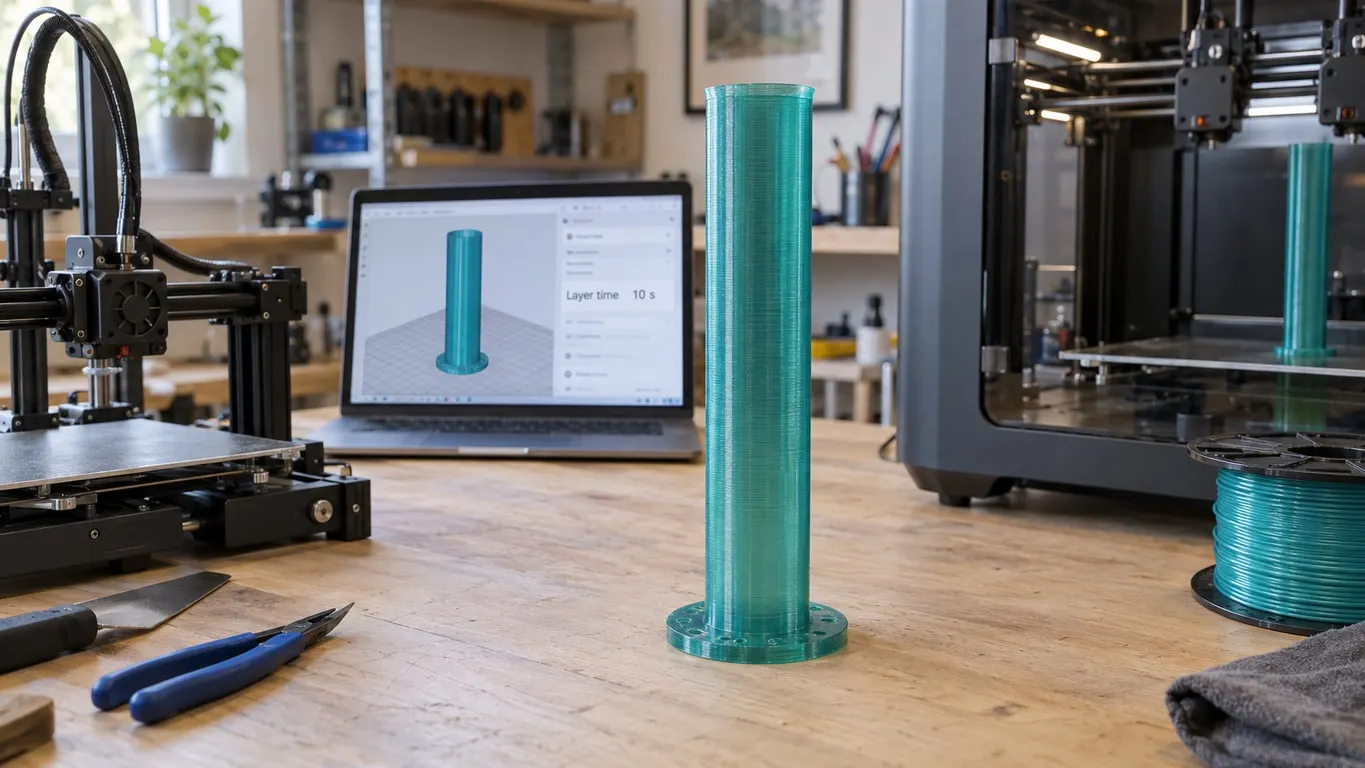
Dry PETG that still snaps? On tall, thin parts Bambu Studio runs the fan at its maximum, and in one case turning that down fixed it. How to check.
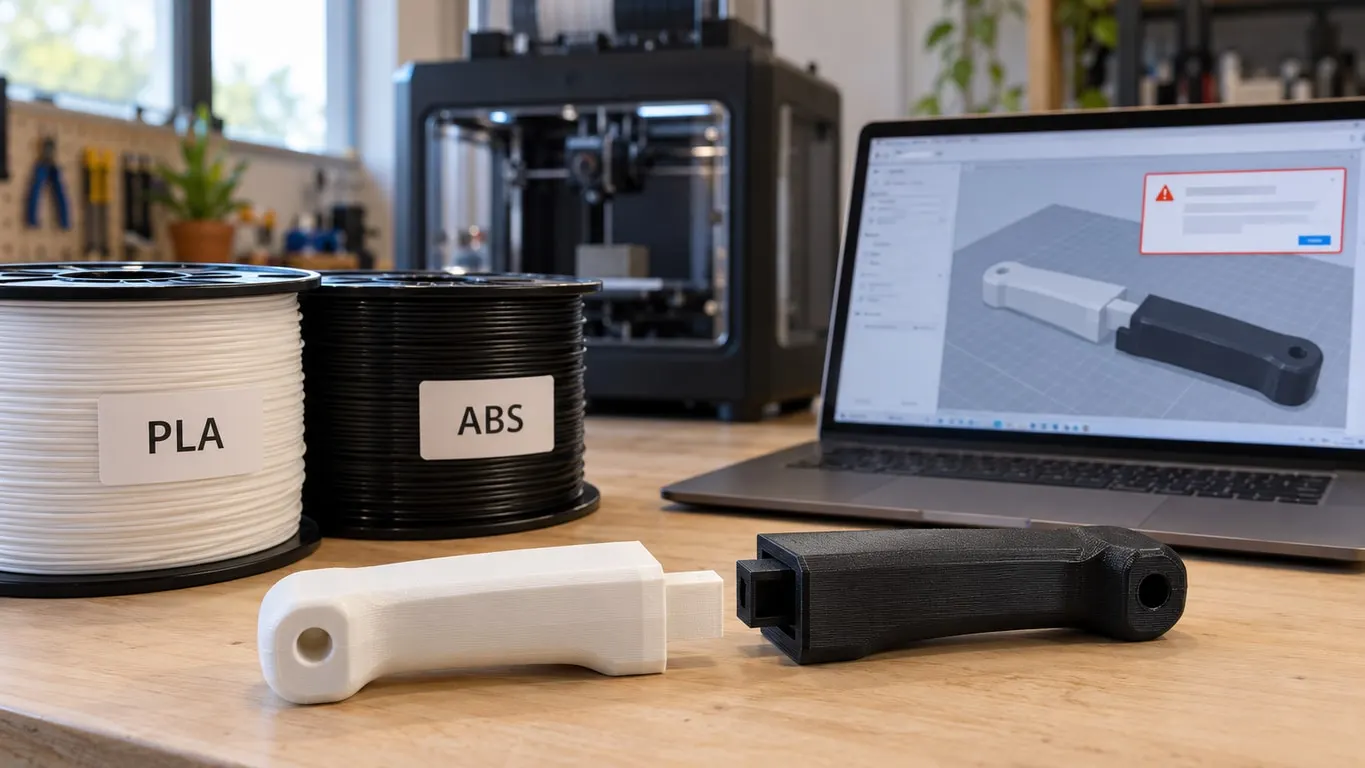
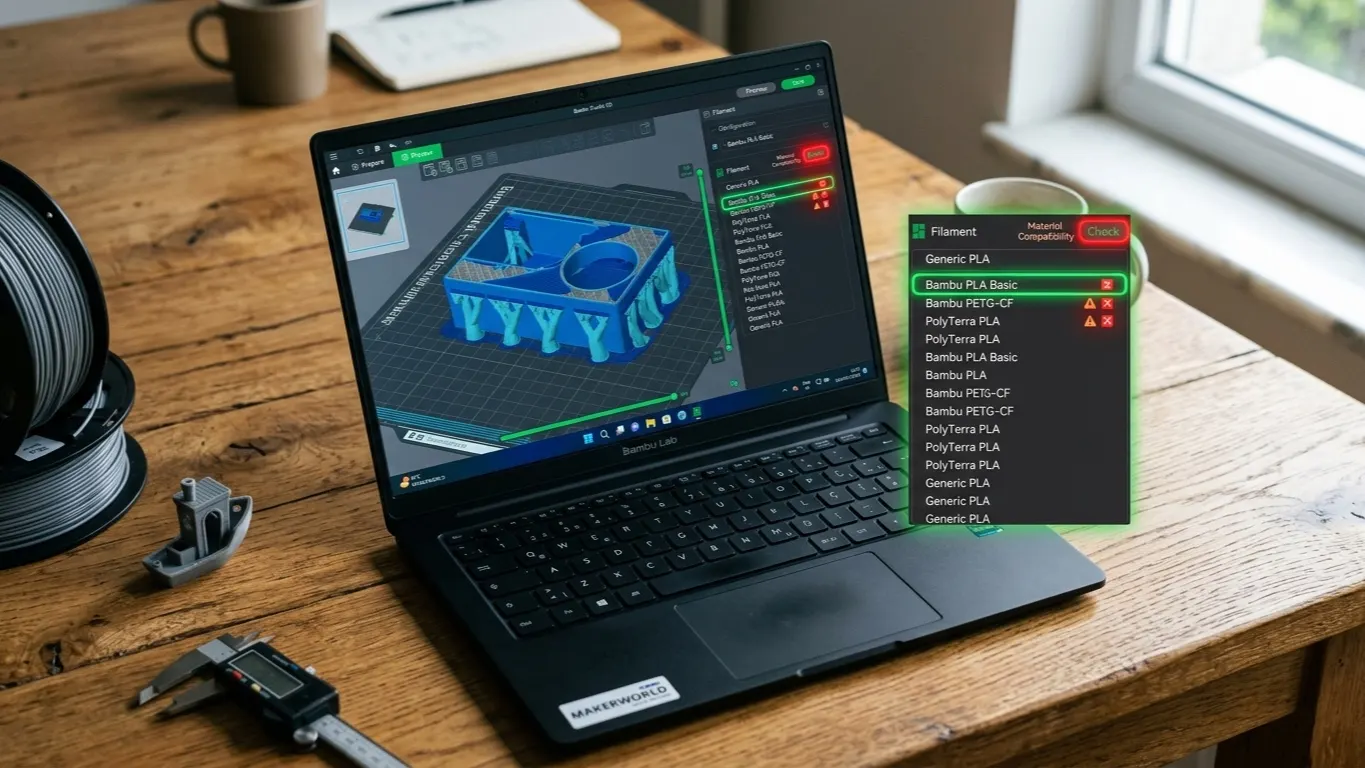
Bambu Studio blocks PLA with ABS by filament type, not temperature, so matching temps won't help. The Preferences override, the clog risk, PETG pairs.
Bambu Studio's Prepare time estimates the start G-code but counts heat-up waits as zero. Which startup steps you can switch off, which ones stay.
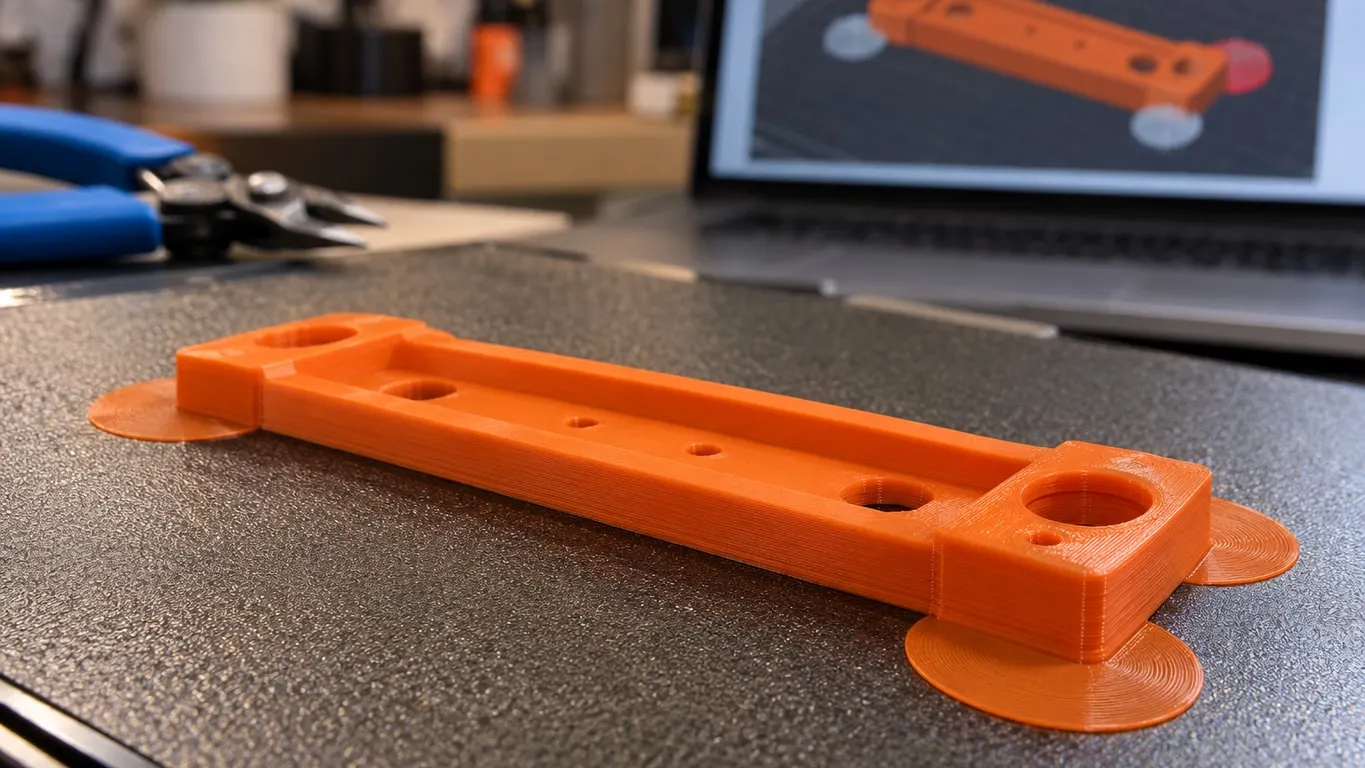
Brim ears only print when Brim type is set to Painted. A red ear and the invalid brim ears warning mean that spot never reaches the first layer.
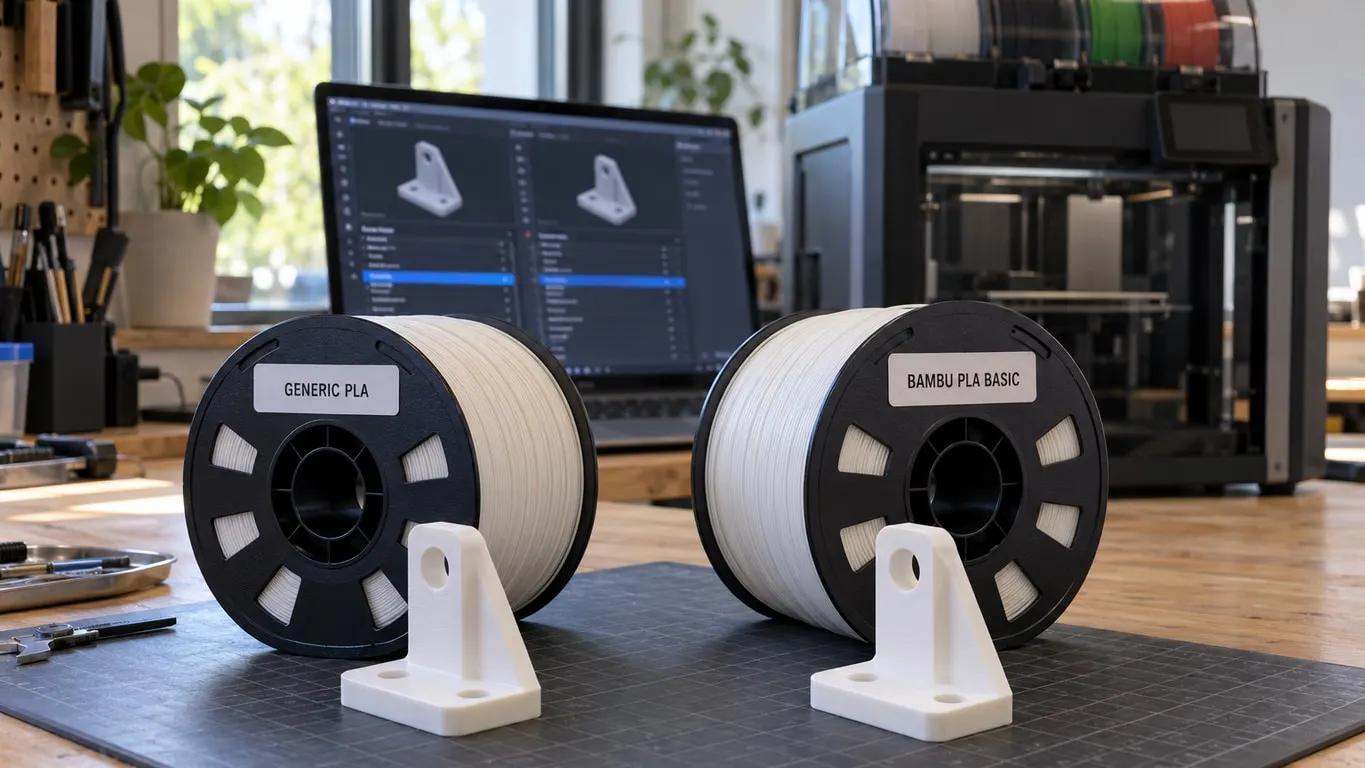
Generic PLA caps max volumetric speed at 12 mm³/s; Bambu PLA Basic allows 21 on the X1C and A1. Why the estimate jumps, how the AMS picks, how to compare.
Where the blob at the start of a Bambu print comes from: which end G-code wipes the nozzle, the April 2026 P2S change, wiper checks, cleaning buildup.
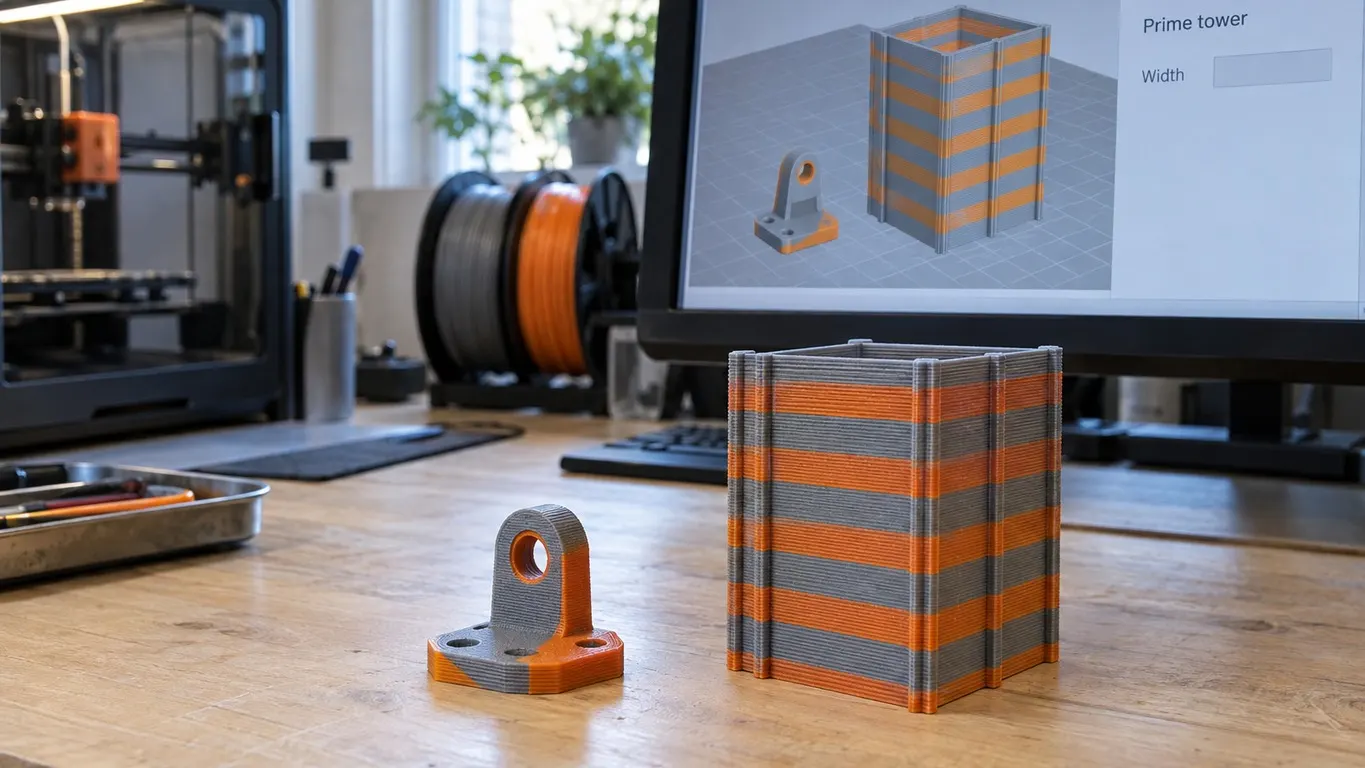
Flush into this object is missing in Global, gray when the prime tower is off. Plus the Flushing volumes multiplier and the A1 mini purge.
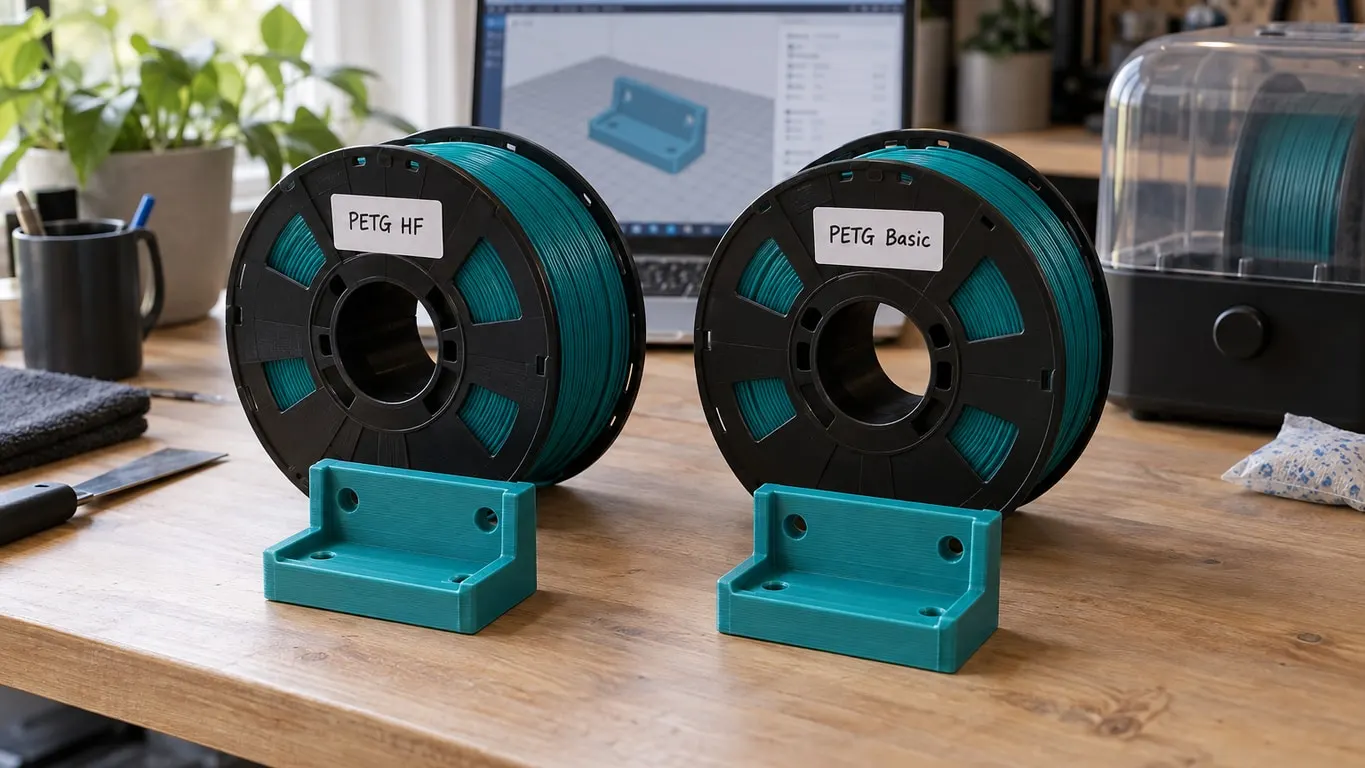
How Bambu's PETG HF and PETG Basic profiles differ: max volumetric speed, temperature and drying per printer, plus the update that makes HF appear.
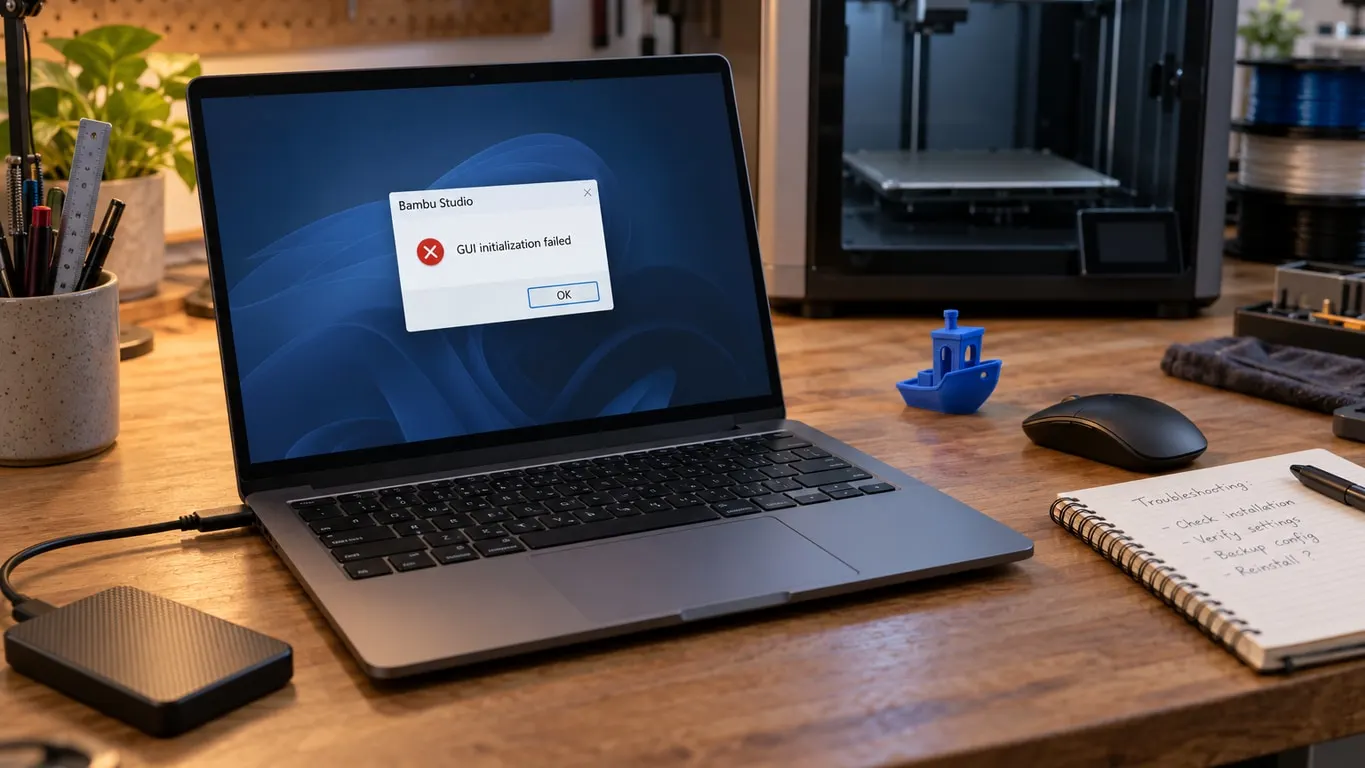
Bambu Studio not opening on Windows? Start with the Visual C++ runtime and GPU driver, read the error text, and back up before touching BambuStudio.conf.
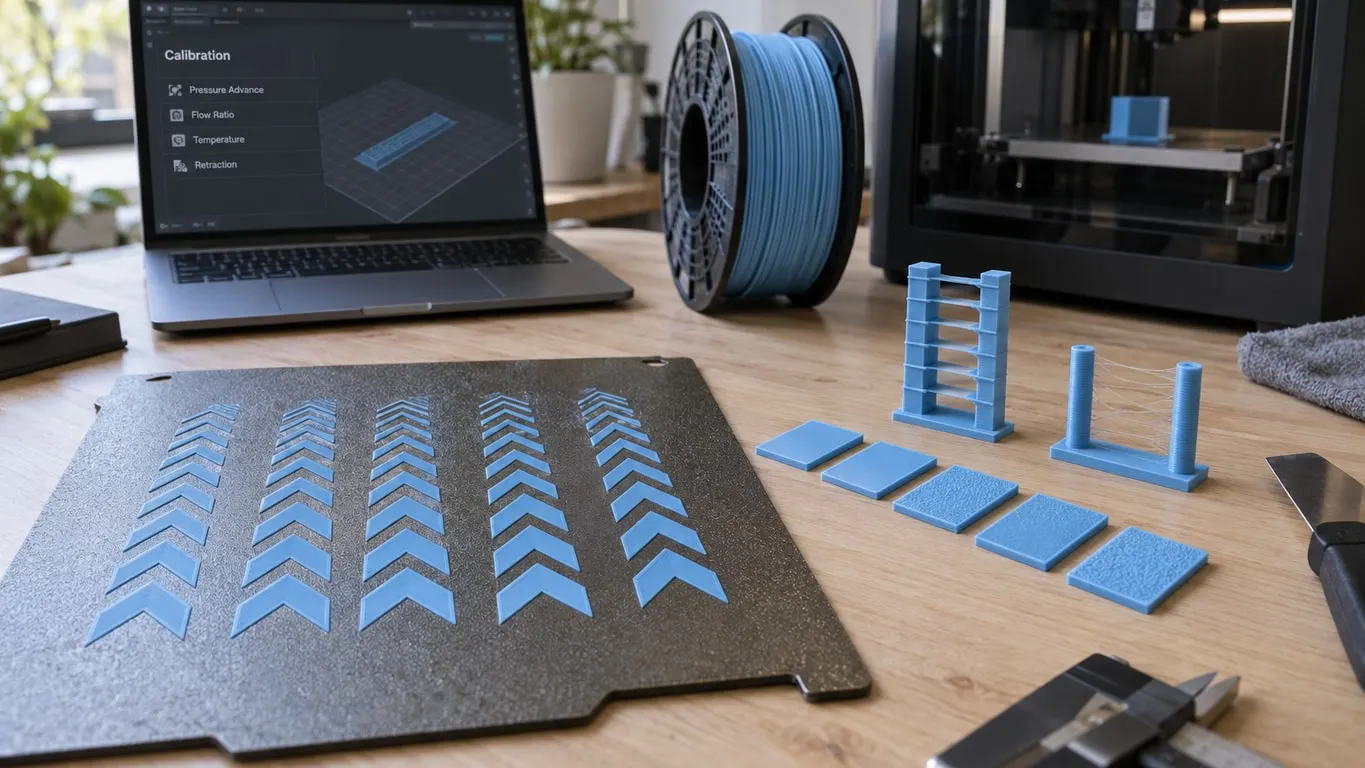
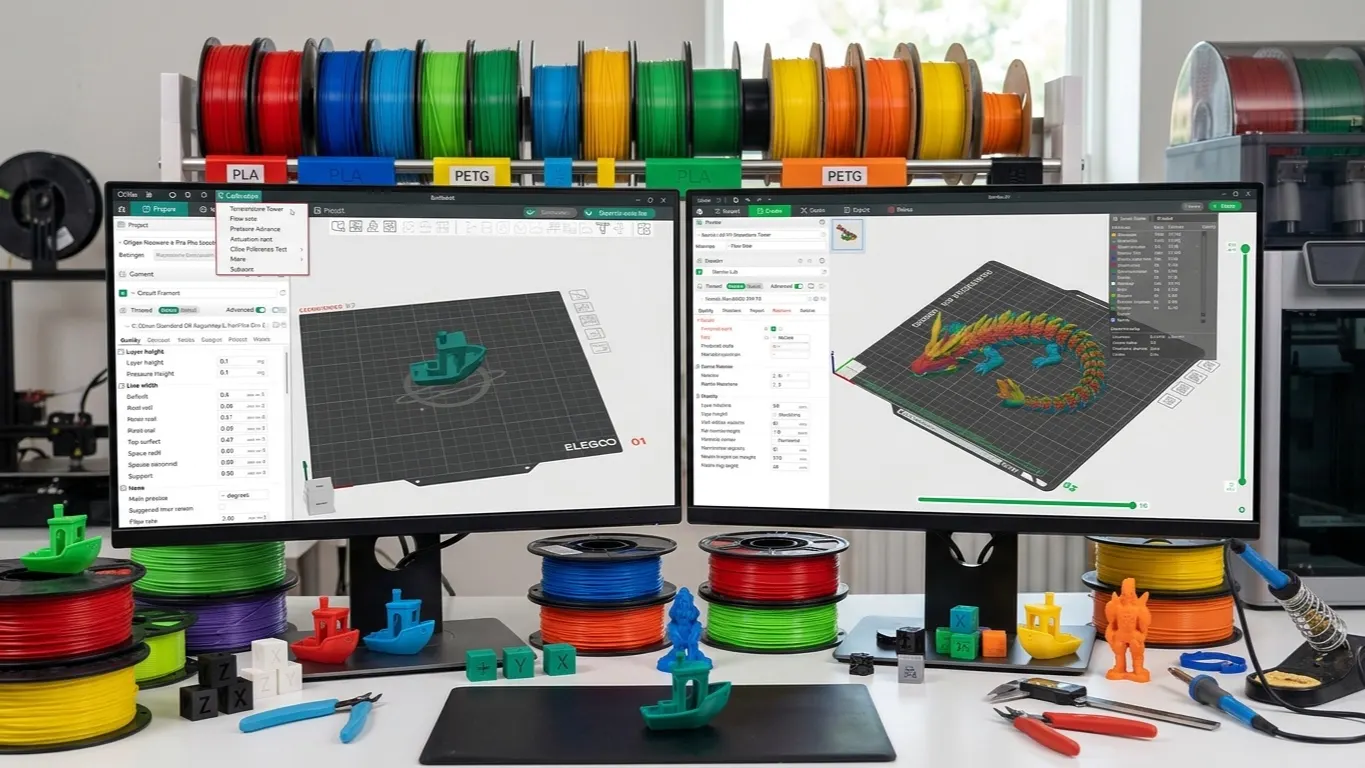
Bambu Studio hides its Calibration menu for Bambu printers until Develop mode is on. What each test does, where the results are saved, and what Orca adds.
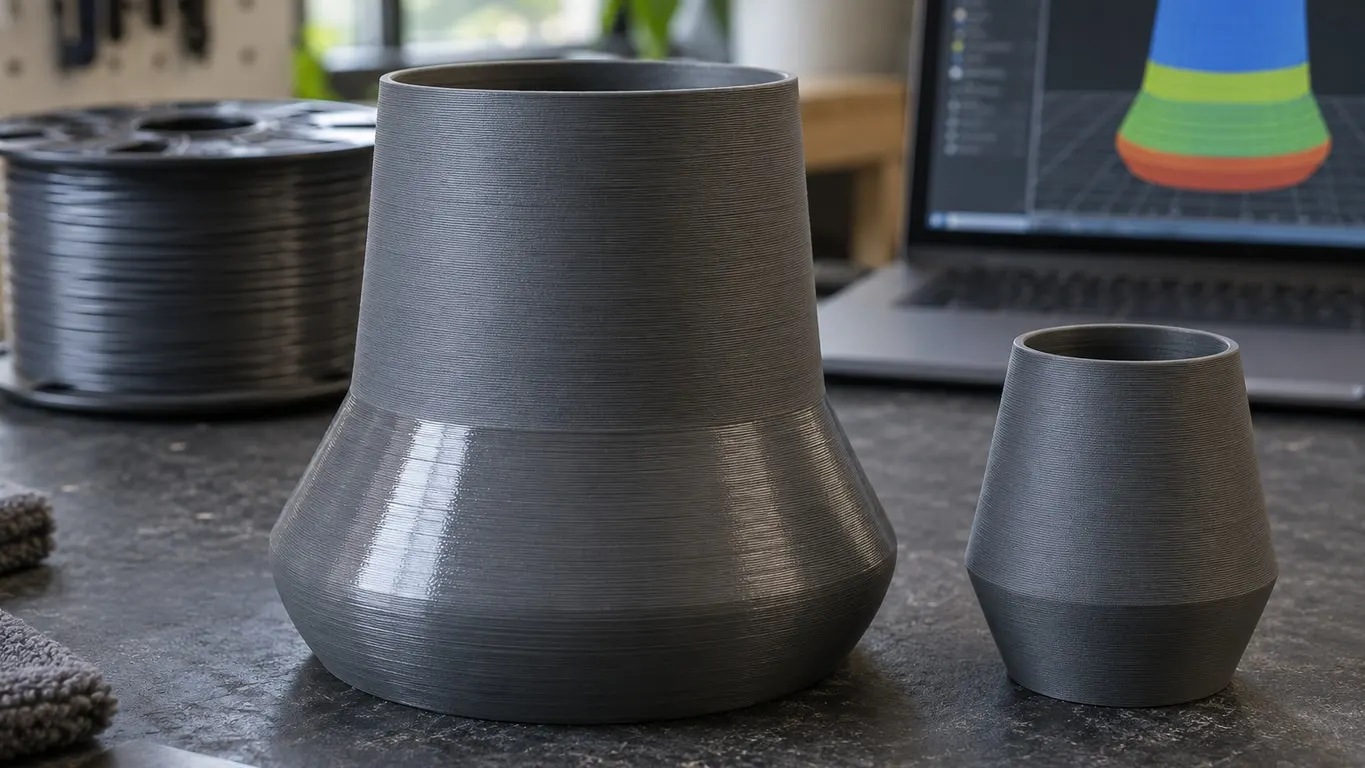
Matte PLA printing shiny in patches? It can follow an outer wall speed change. Find it in Preview, then even the speed out or test a hotter nozzle.
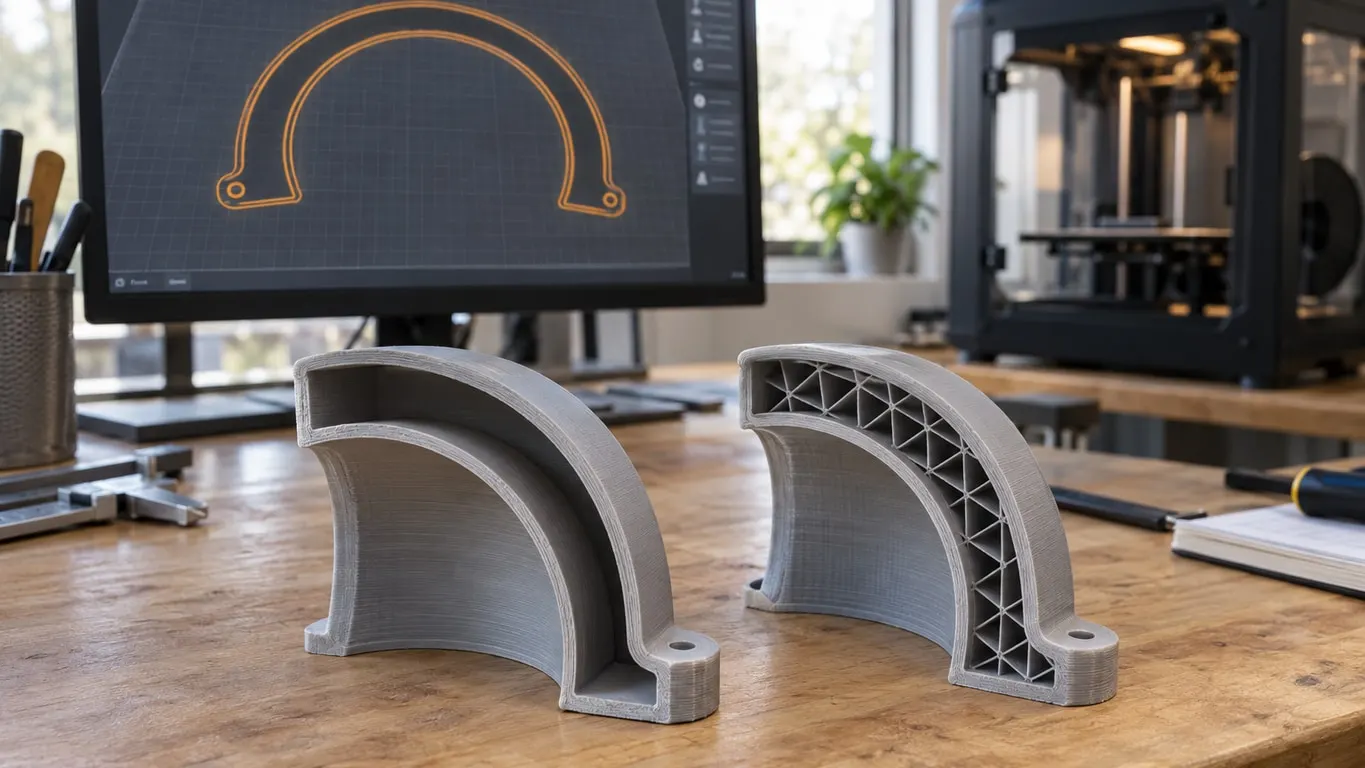
Walls only, no infill, whatever the density? Tell hidden infill from missing infill, the settings that remove it, and how to fix a model with two shells.
XY contour compensation widens a dovetail's tongue and, on a shared setting, narrows its slot too. How to measure a value, and when ABS needs Shrinkage.
PrusaSlicer has no Bambu Lab or A1 profile and can't send jobs over the network. Why its support alerts differ from Bambu Studio's, and how to use both.
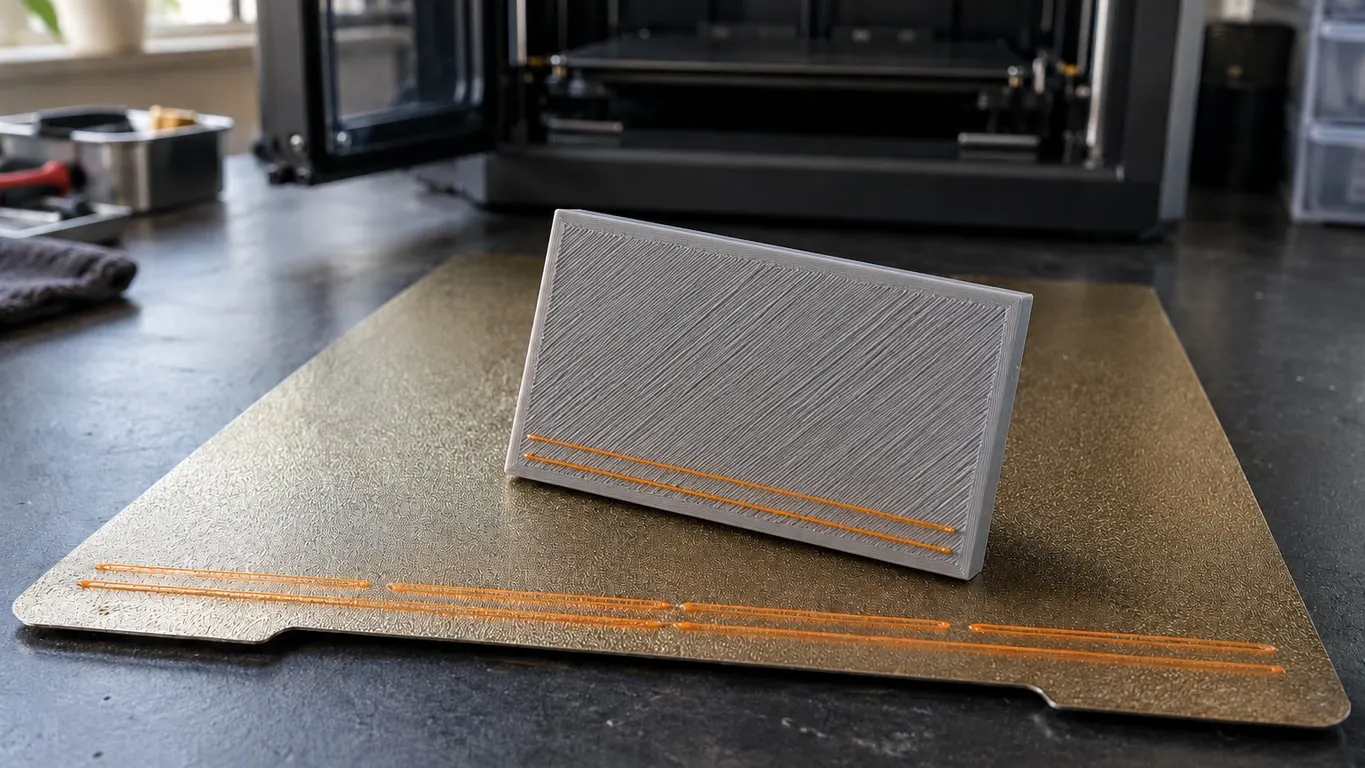
Before every print your Bambu lays calibration and purge lines along the front edge. Where they land, the arrange checkbox, and the exclusion area error.
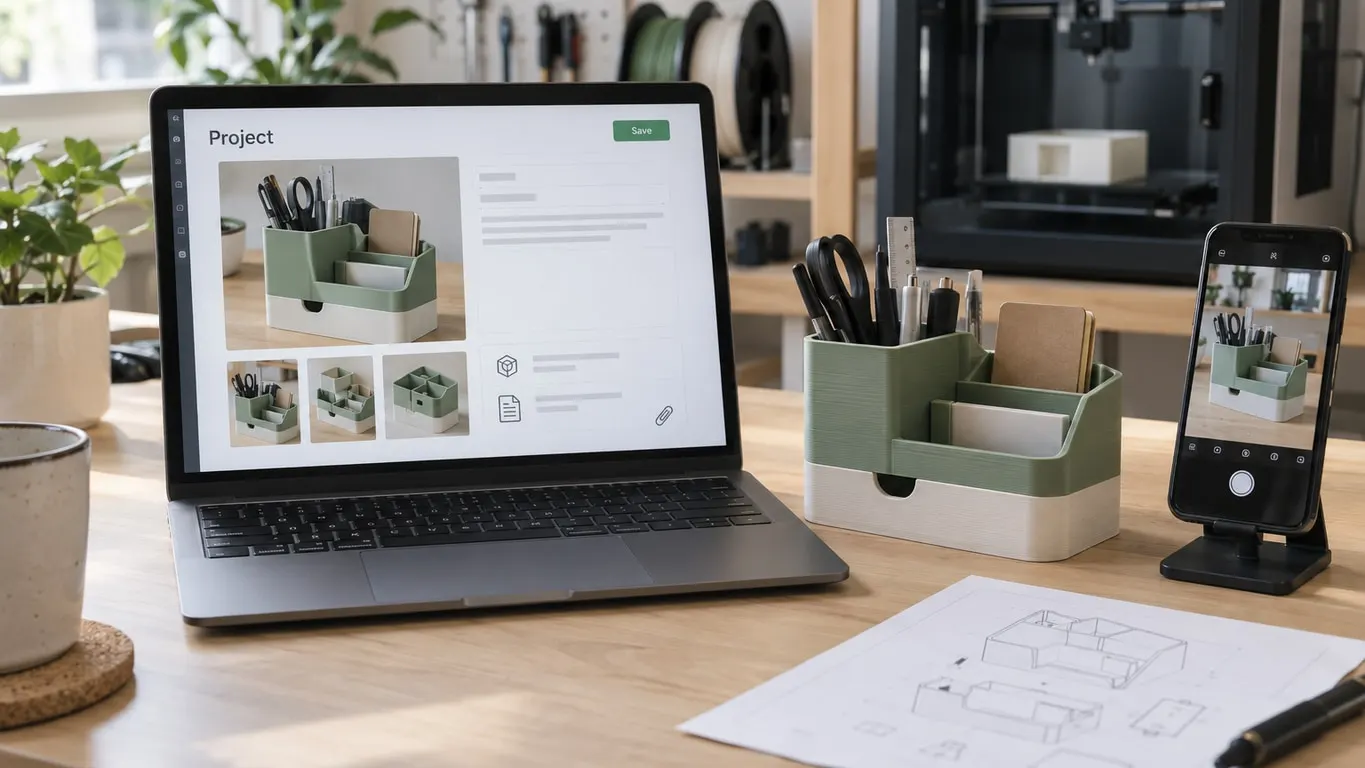
Bambu Studio project information is editable again since 2.4.0. What the editor requires, where it sits in the 3MF, and how to strip MakerWorld details.
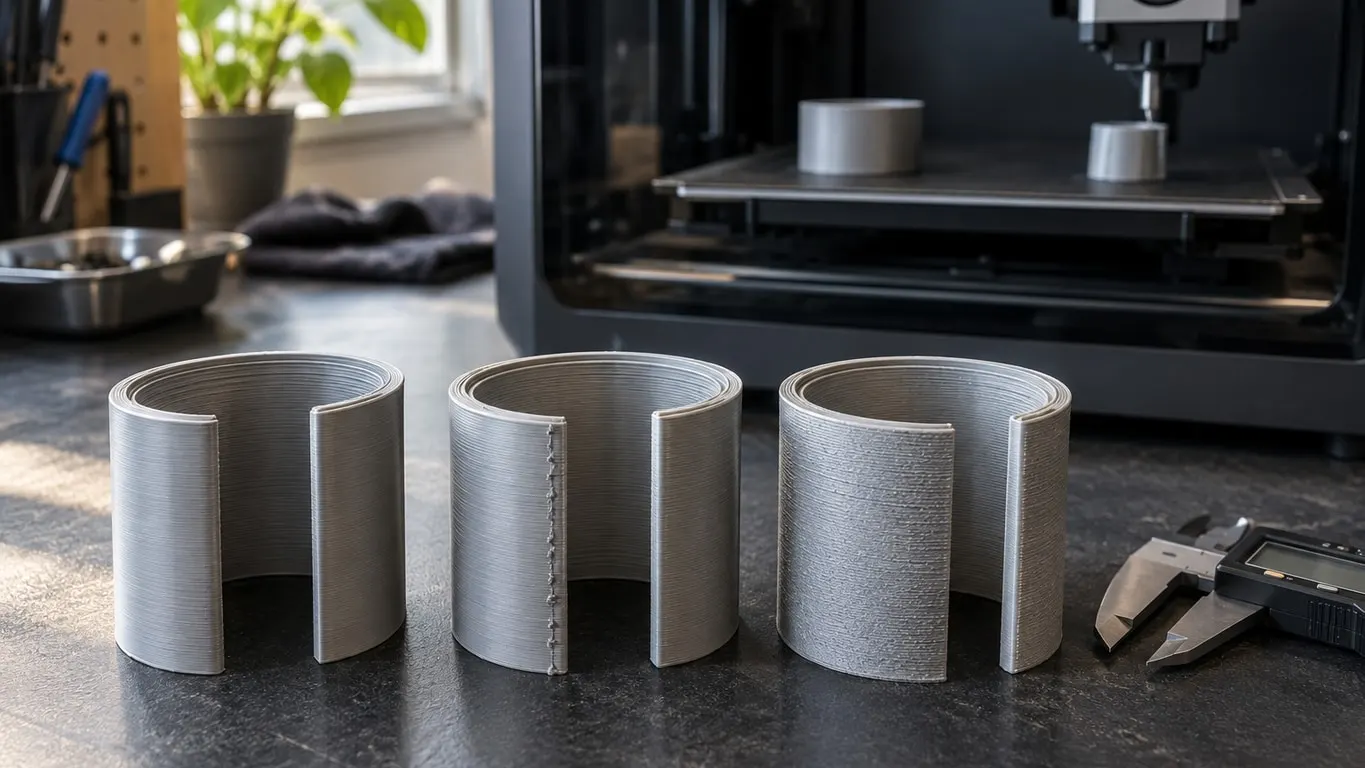
What inner/outer, outer/inner and inner-outer-inner do in Bambu Studio, what to check when outer wall first marks the seam, and how to change print order.
White gap infill bars across a Bambu Studio slice? What slice gap closing radius does, when Arachne helps, and why there is no single off switch.
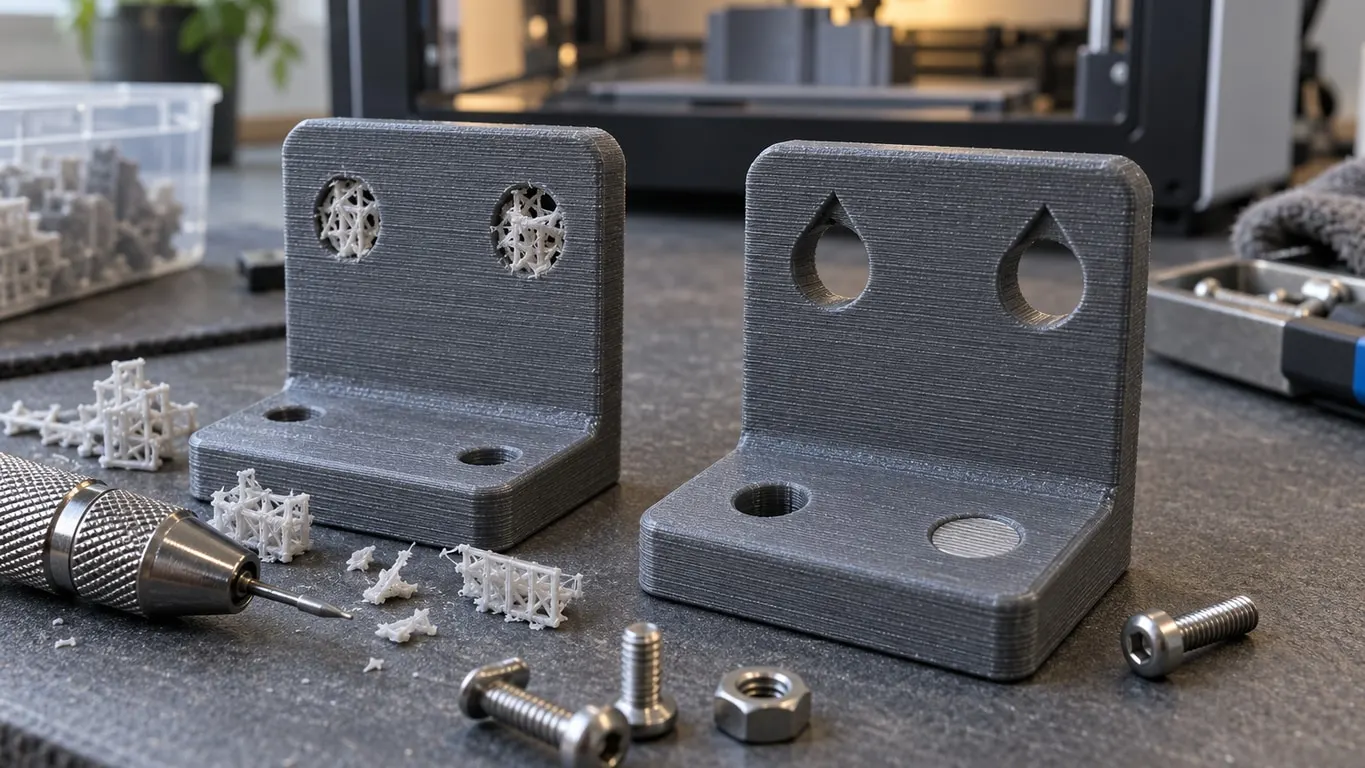
Why Bambu Studio fills small screw holes with support, and how to stop it: bridge settings, a one-layer plug, teardrop holes and seam fixes for hex holes.
What slow printing down for better layer cooling does, when to turn it off for PETG, and why a thin PETG HF part can slice slower on an H2D than an A1.
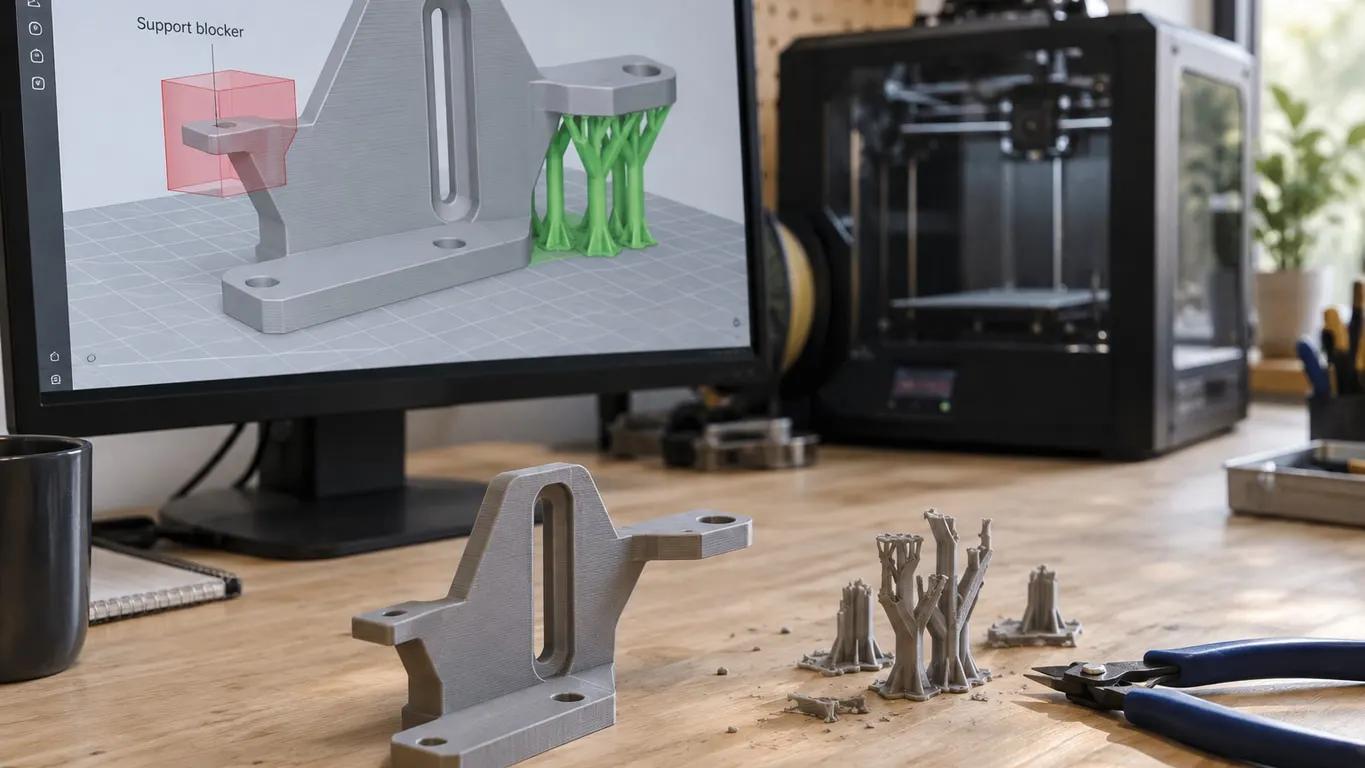
Why a support blocker can seem to do nothing, how manual types limit supports to painted areas, and the xy distance fix for towers in narrow grooves.
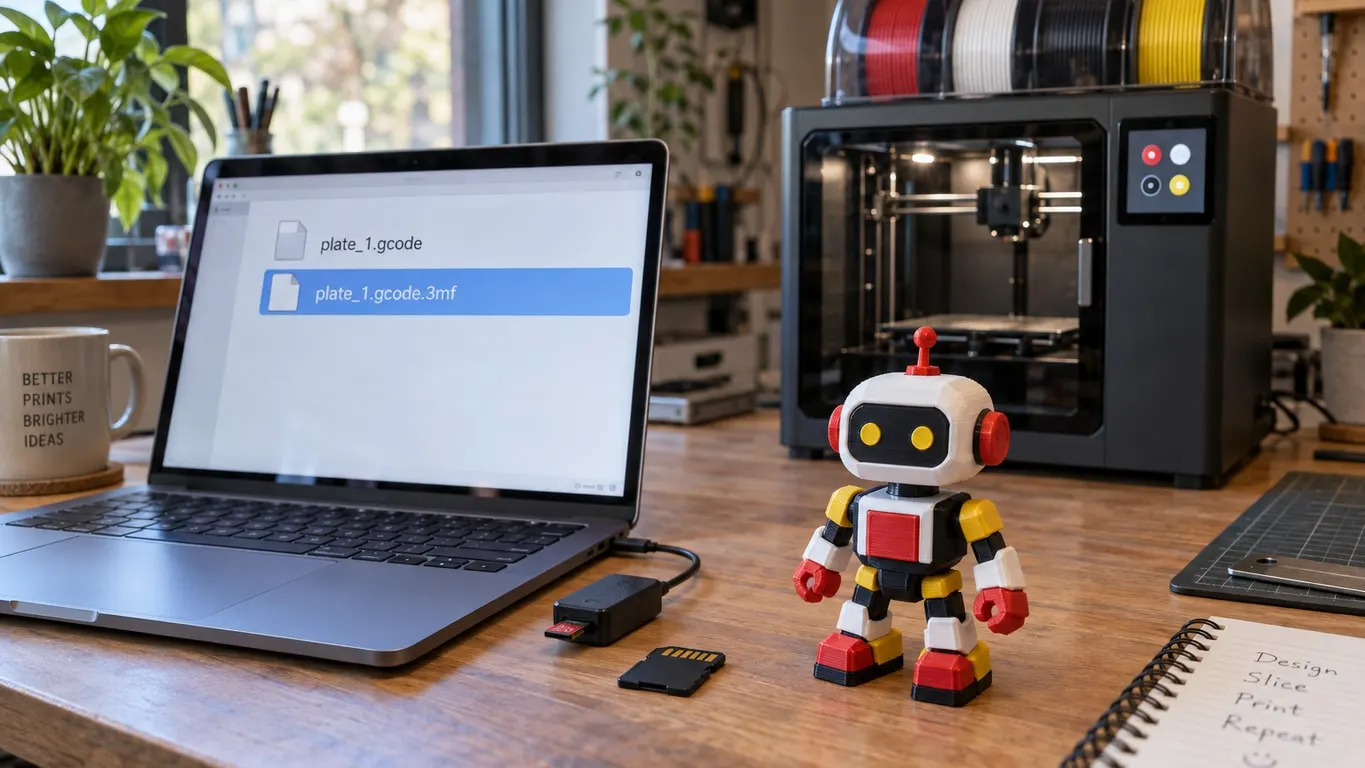
Plain .gcode on the SD card starts with no AMS prompt and loads nothing. Export plate sliced file keeps the AMS data: why, and how to repack it.
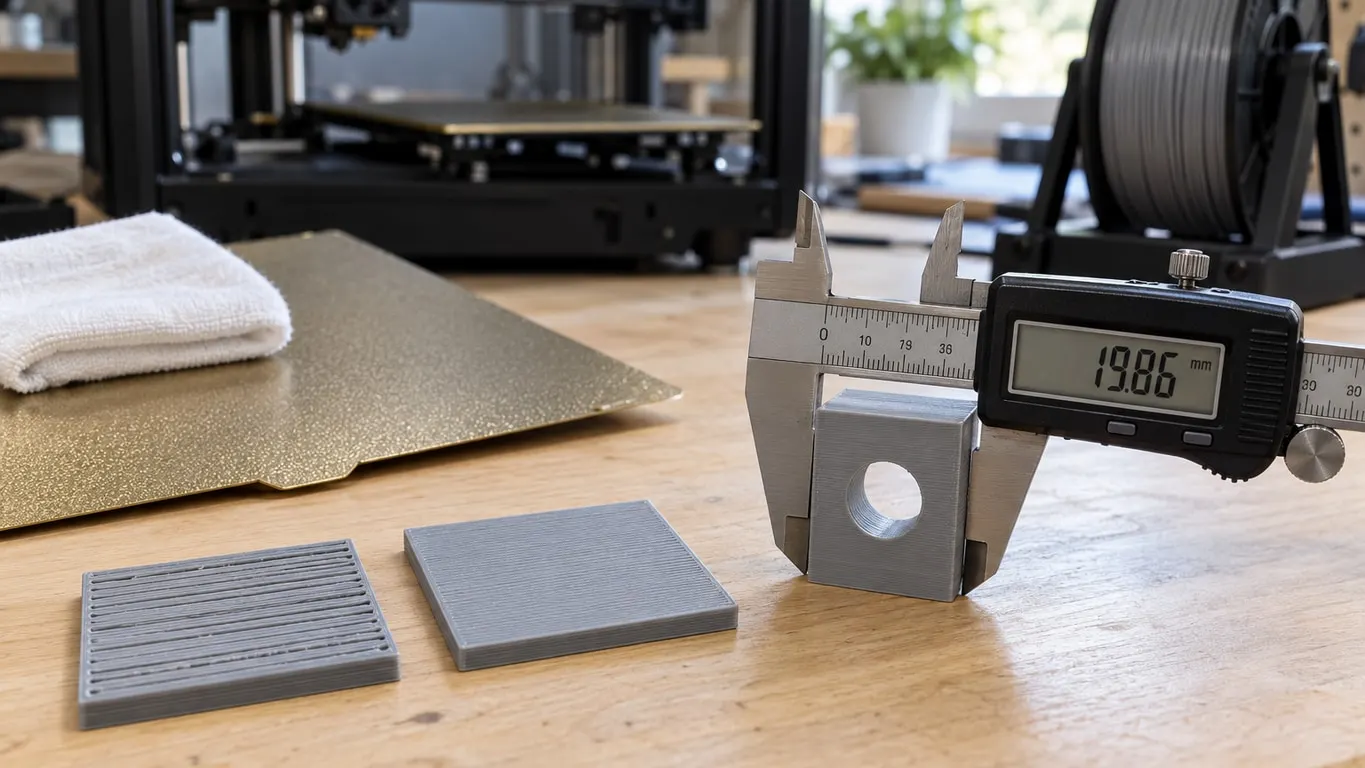
Flow ratio fixes gaps in top layers. An undersized part calls for scaling or XY compensation, and a first layer no flow value fixes may be a dirty plate.
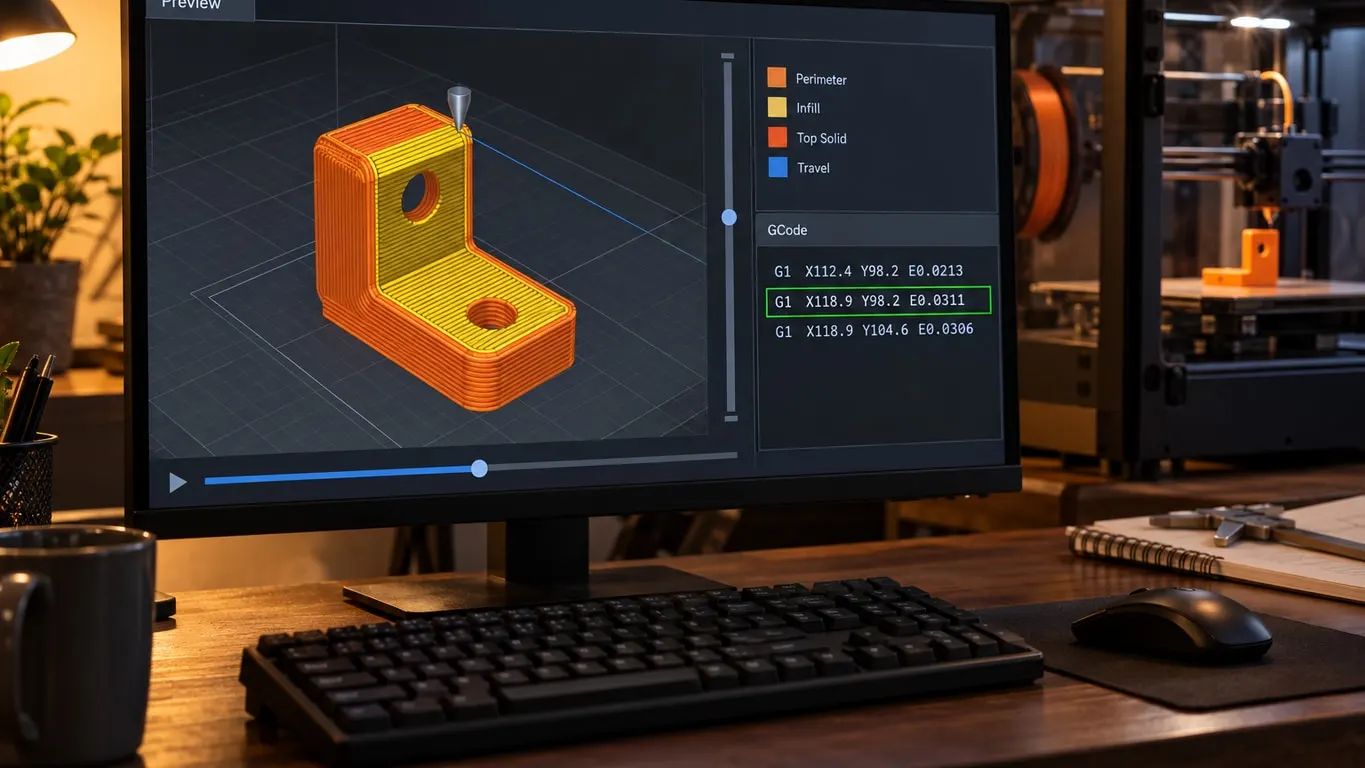
In Bambu Studio the G-code viewer is the Preview tab: the bottom slider walks a layer one move at a time and a side panel shows the line. Keys, travel.
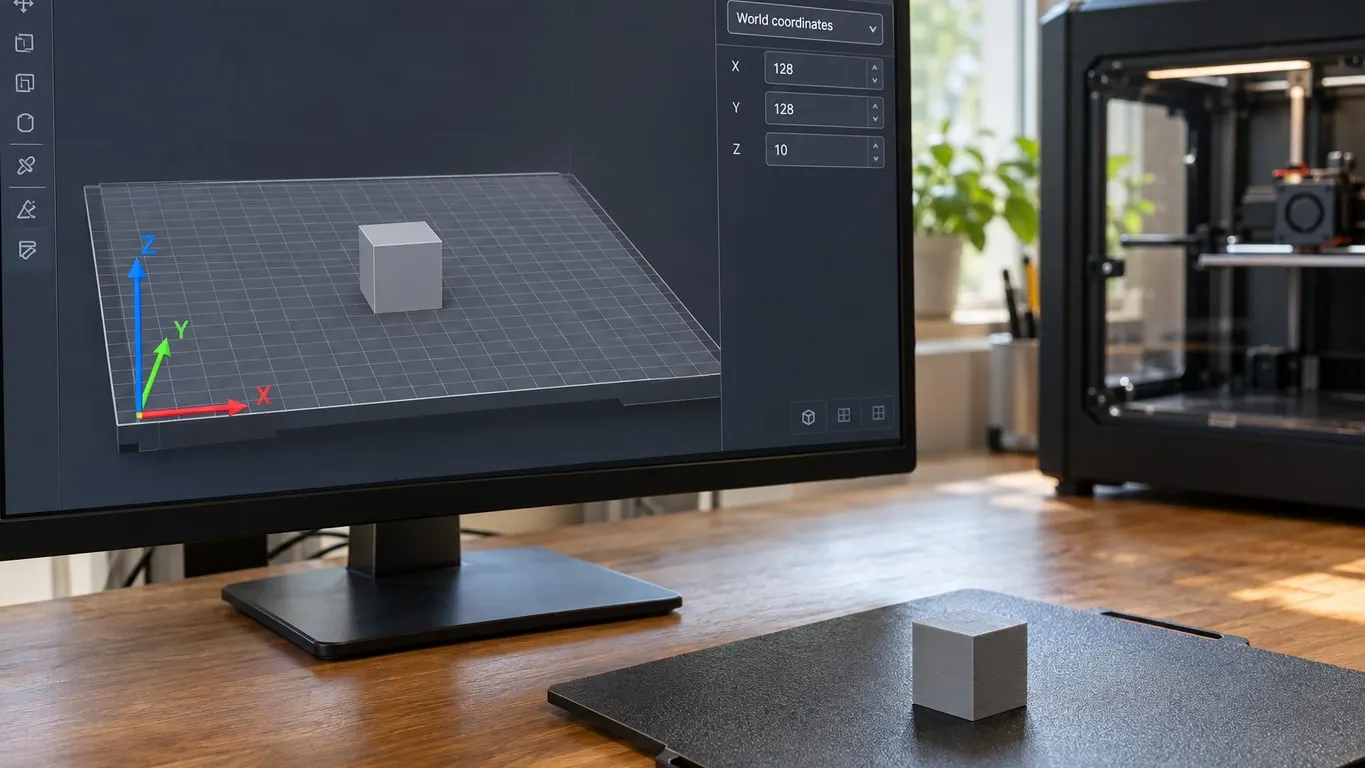
Red X runs right, green Y toward the back, blue Z up from the front-left corner. What World and Object coordinates change, and keys that show direction.
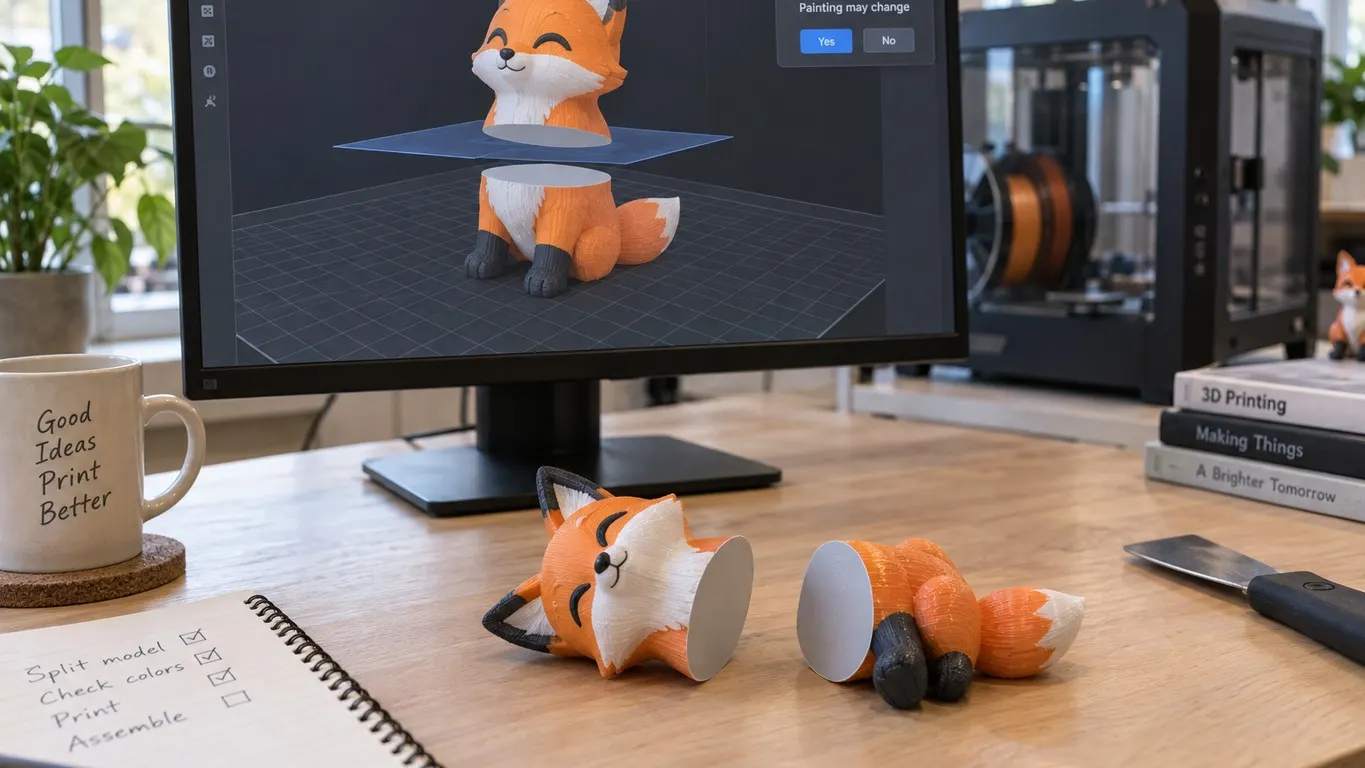
Every Bambu Studio release before 2.7.0 wiped paint on a cut. Planar cuts keep it from 2.7.1; dovetail and reassigned parts only from 2.8.2.
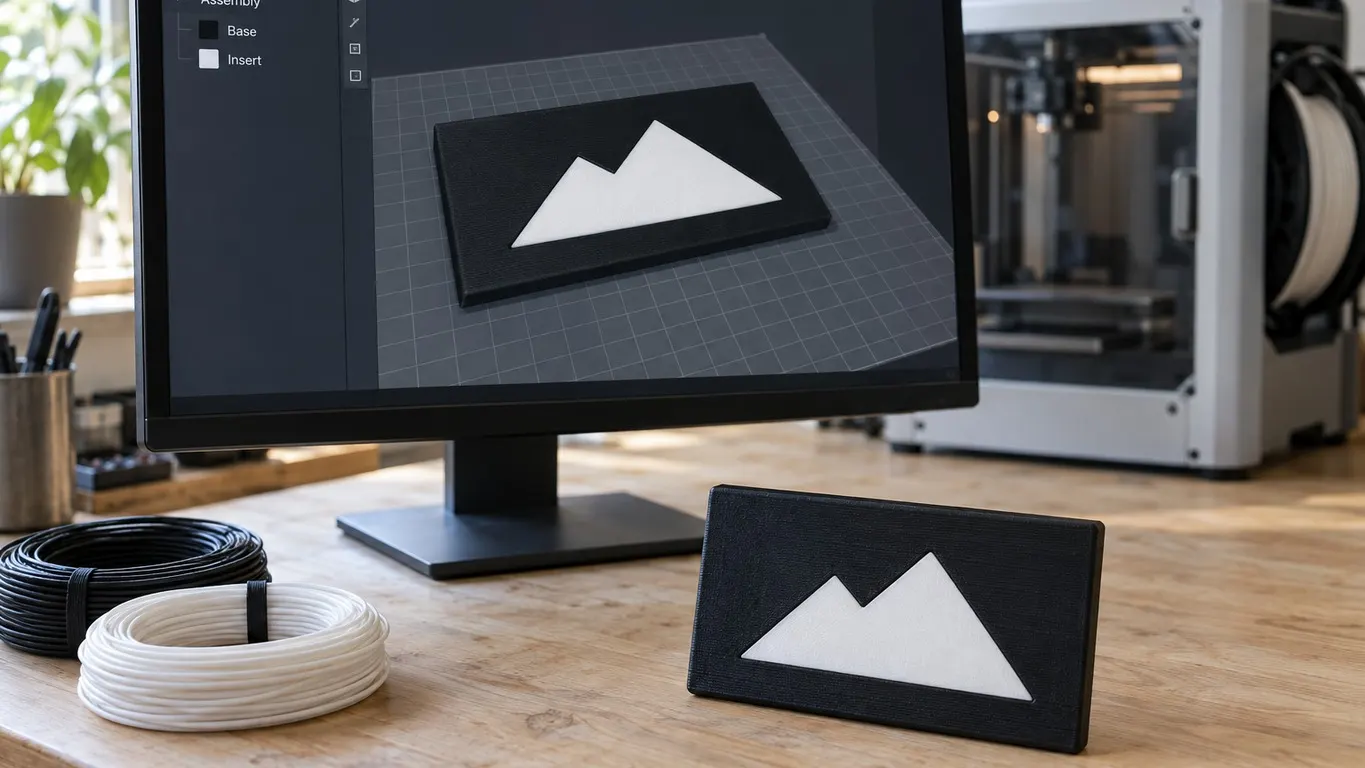
The right-click Assemble became Merge in 1.9.1 and the name moved to an alignment tool. How to select, why Merge hides, which overlapping part prints.
What the checkbox changes, how it differs from the top-surface option, and what the source shows about its default. Bambu names one cost, no reason.
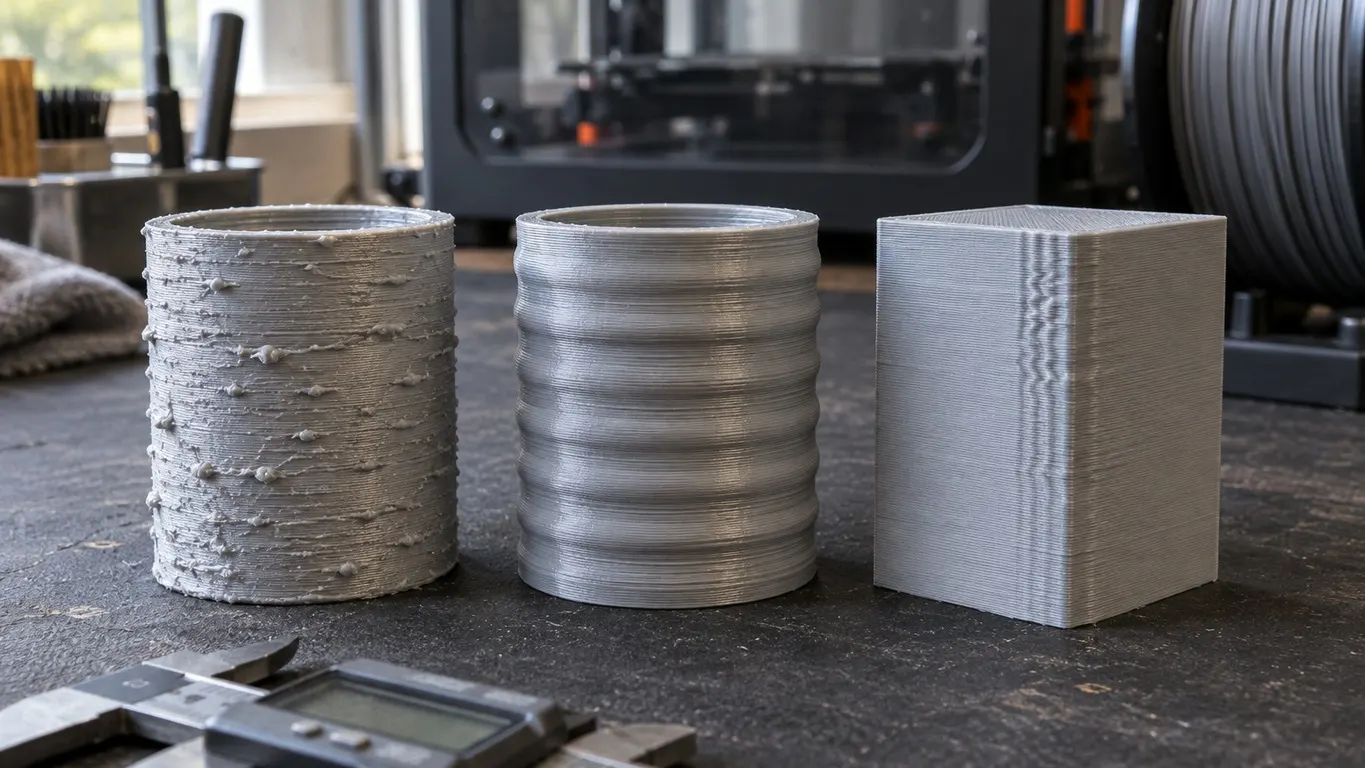
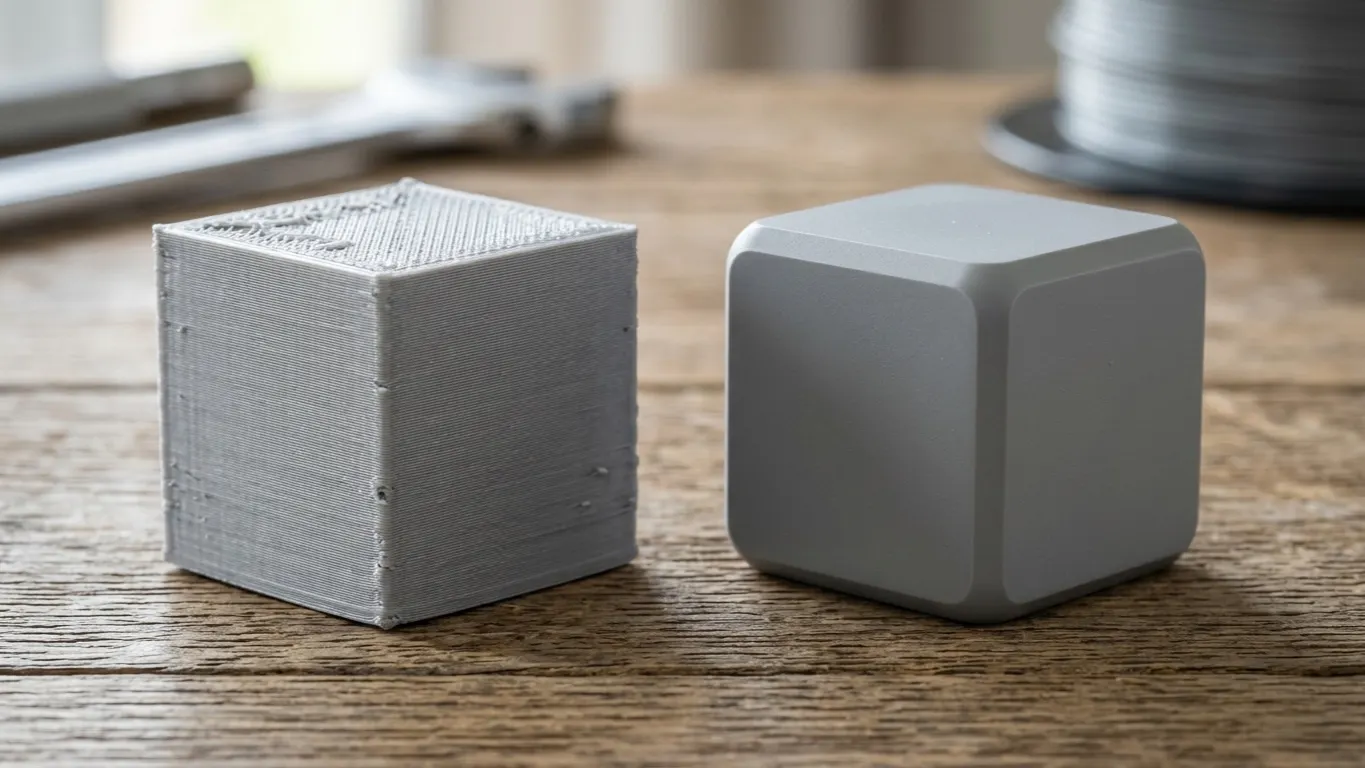
Z banding, ringing and rough walls are three different marks. How to tell them apart, what sits behind each one, and what is still unsolved.
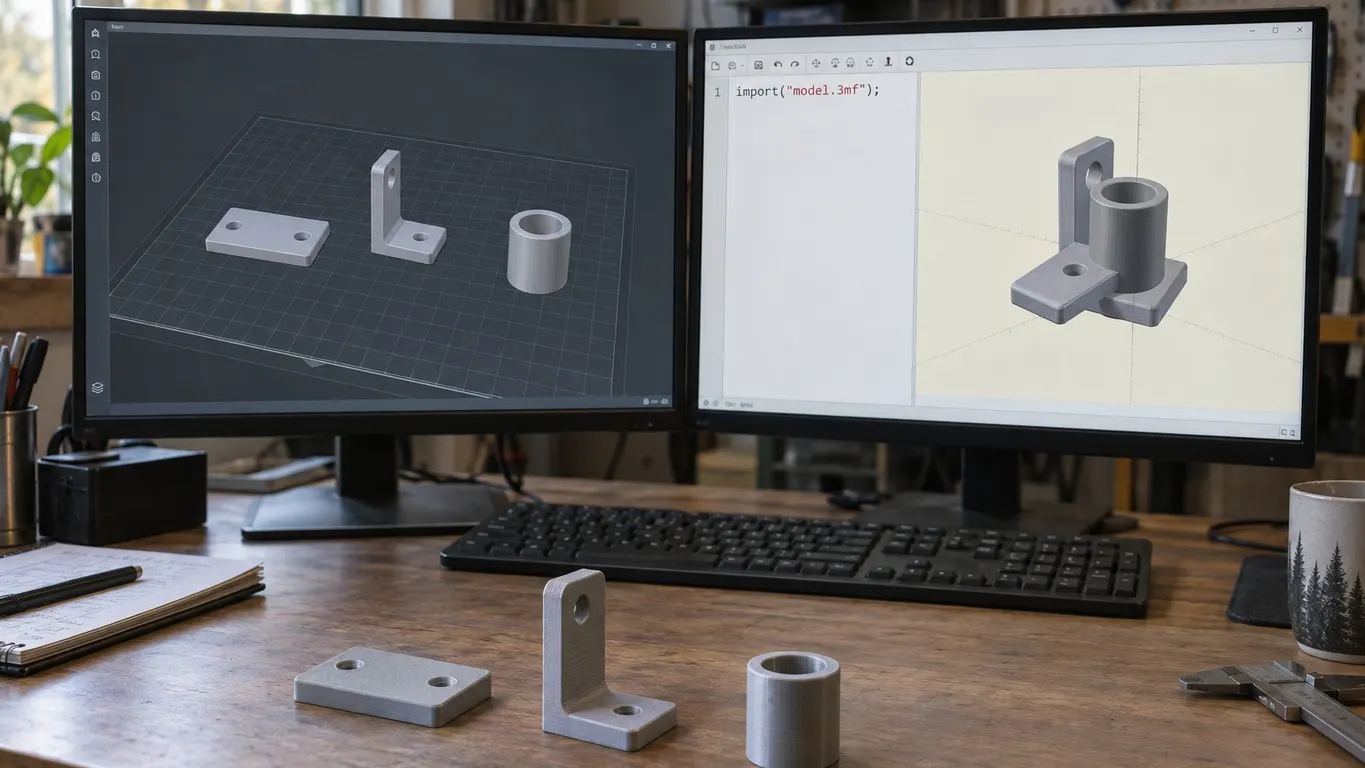
Point OpenSCAD at a Bambu project and the parts pile up on one spot. The placement is in the file; the importer throws it away. Why, and what to export.
The footprint does not come from the Width box. Two values on the Filament tab set it, and a separate checkbox is what grays Width out in the first place.
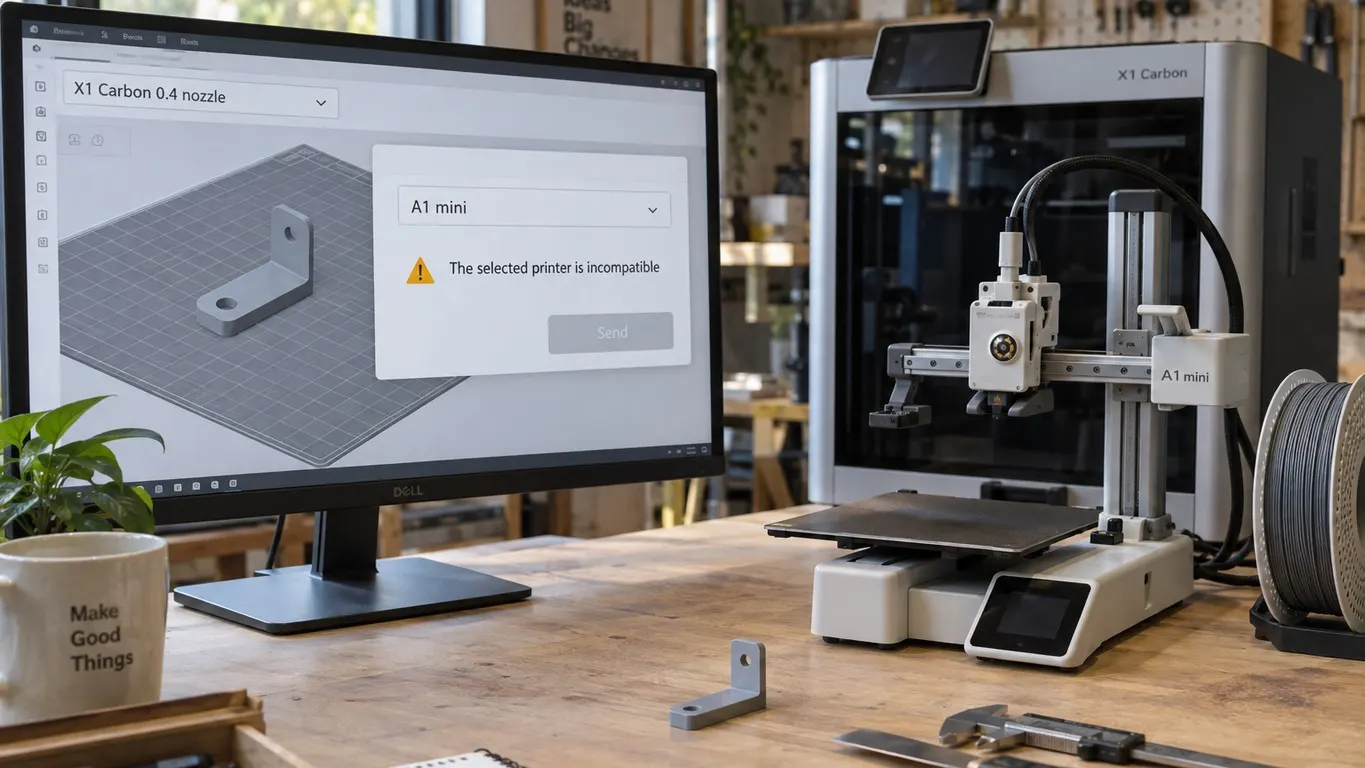
The message is not about your model. It compares the printer preset in the slicer with the machine you picked, and nothing else. Three texts, one check.
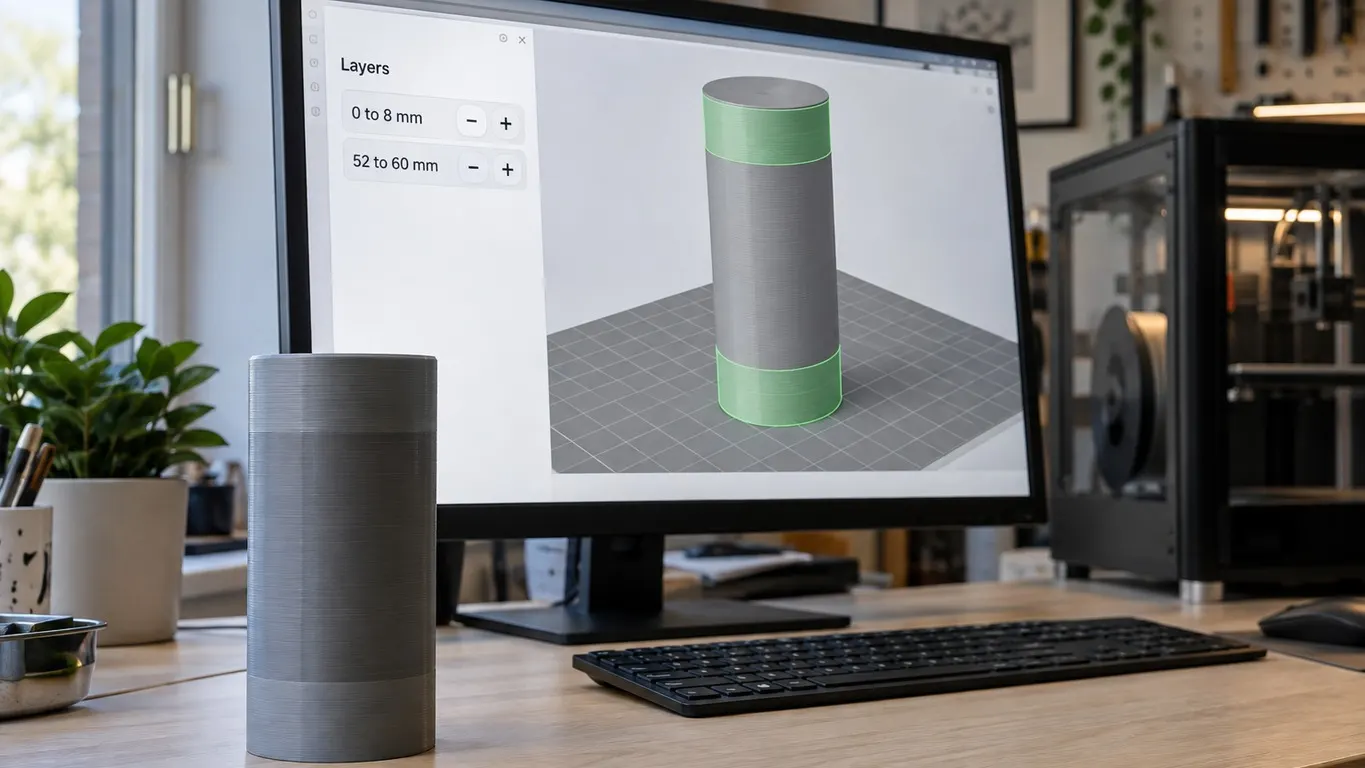
Add a second height range to one object in Bambu Studio: where the plus button hides, what it creates, and which range wins when two of them overlap.
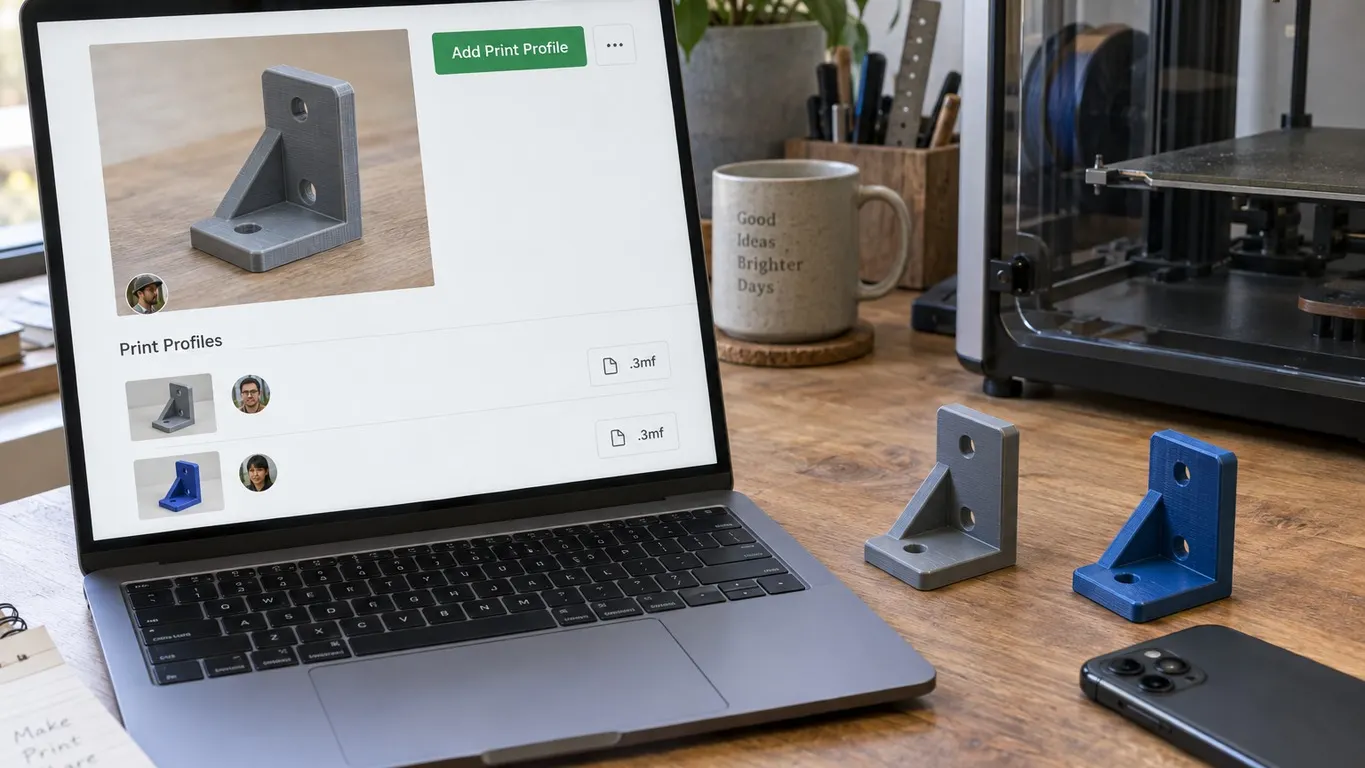
Bambu's own wiki points to Add Print Profile in the upper right corner of a model page. In 2024 the option sat behind three dots next to Copyright Claim.
The Windows zip is already a portable version. Install the stable release from the exe, unpack the beta zip elsewhere, and keep file types off it.
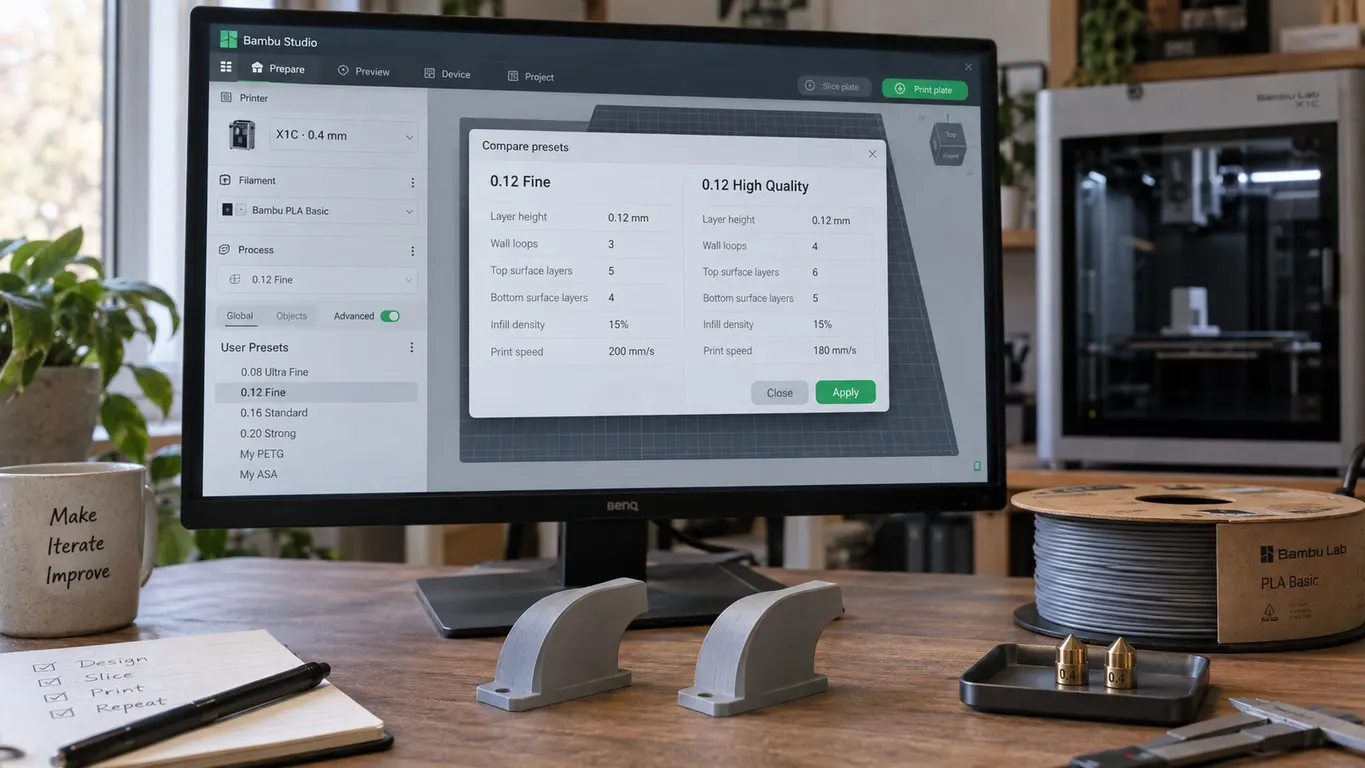
Both 0.12 profiles lay down the same layer height, so the names are no quality ranking. What a preset covers, and why your own stop showing up.
There is no known G-code for the Bambu main light. Leave it off before you print and the printer switches it on and back off by itself.
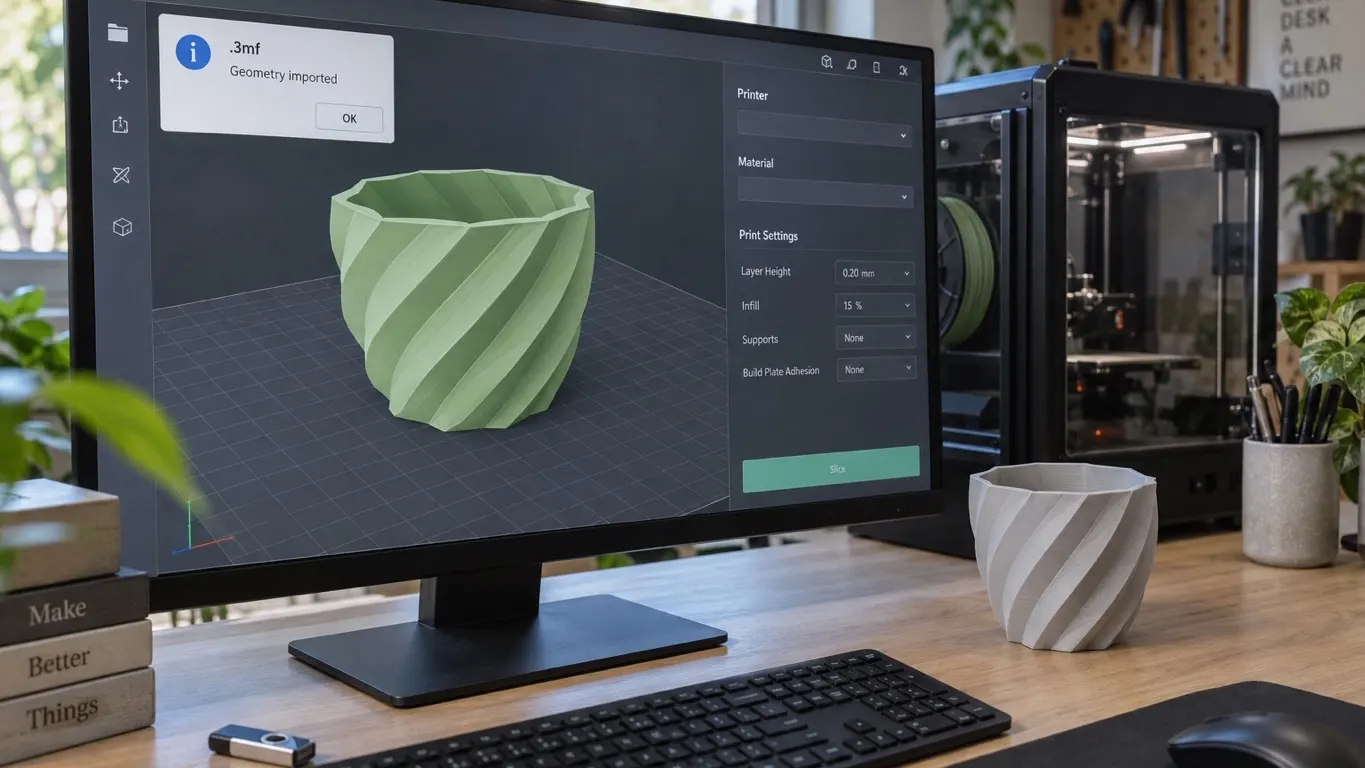
The warning when you open a 3mf downloaded from Thingiverse or Printables is not an error: only geometry is read. What is lost, and what to do.
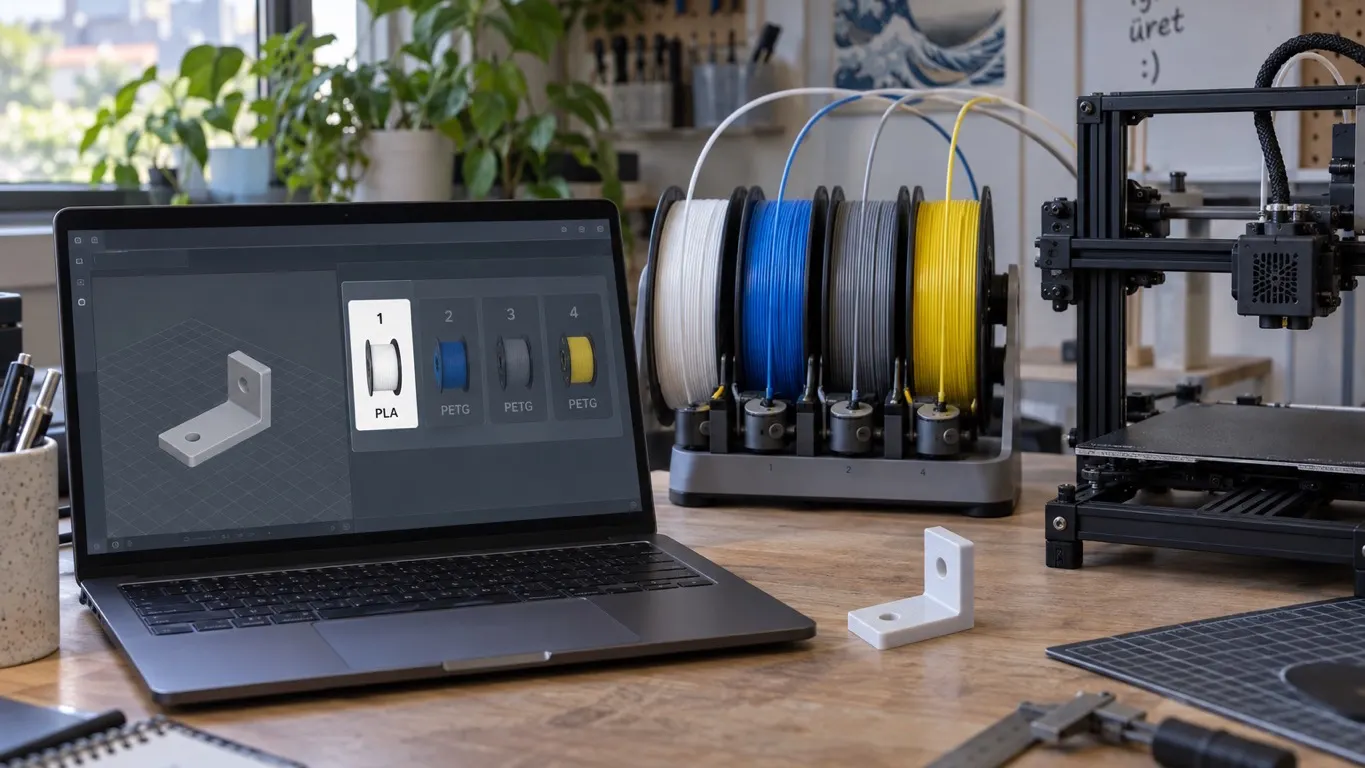
In Bambu Studio three of the four AMS slots come up gray in the print window. The cause is a slice tied to one material: Change Filament, then re-slice.
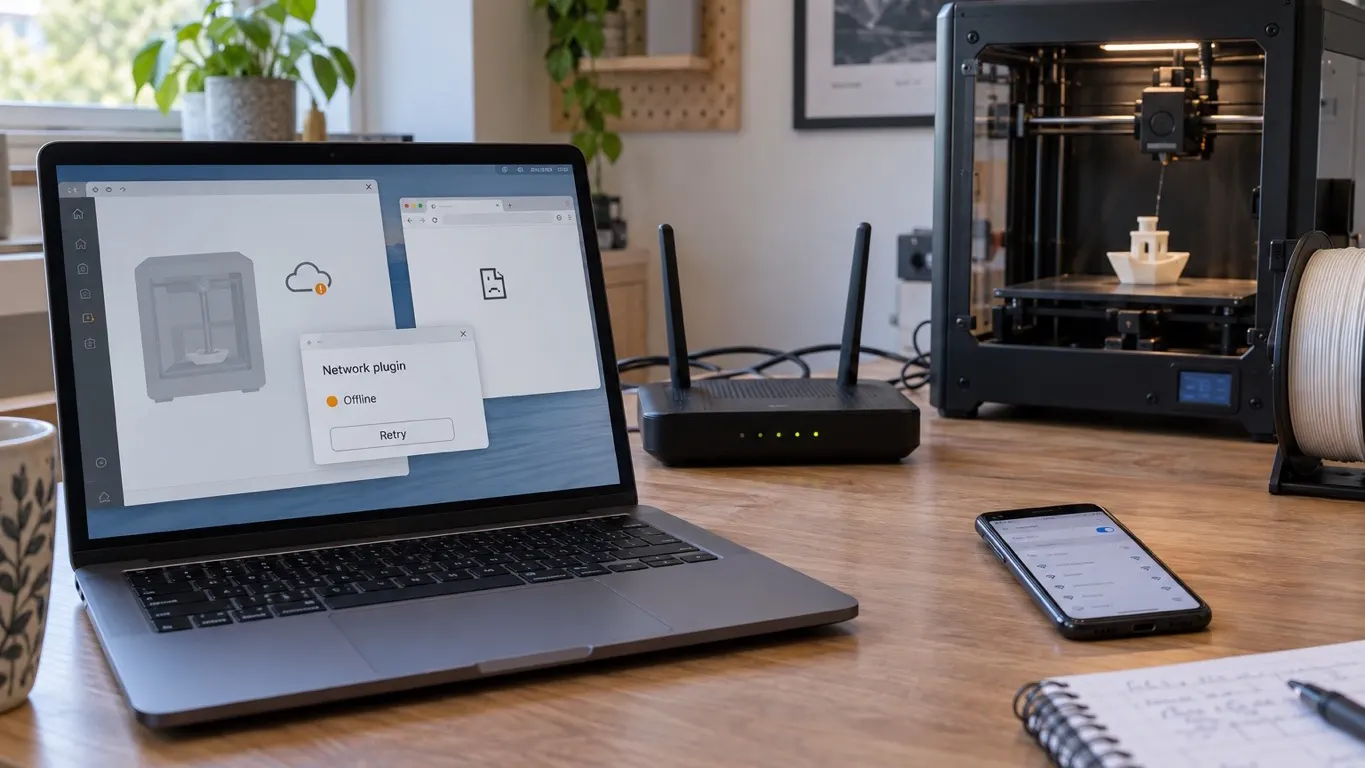
If the printer is missing and MakerWorld will not load either, the printer is not the problem. What the network plugin does, and what to try in order.
There is no single Bambu name. The account nickname, the community username and the MakerWorld name change in three places. Which shows where, and how.
The floating regions warning after slicing has two separate causes: a genuine island, or an element in the model that never touches the base. How to tell.
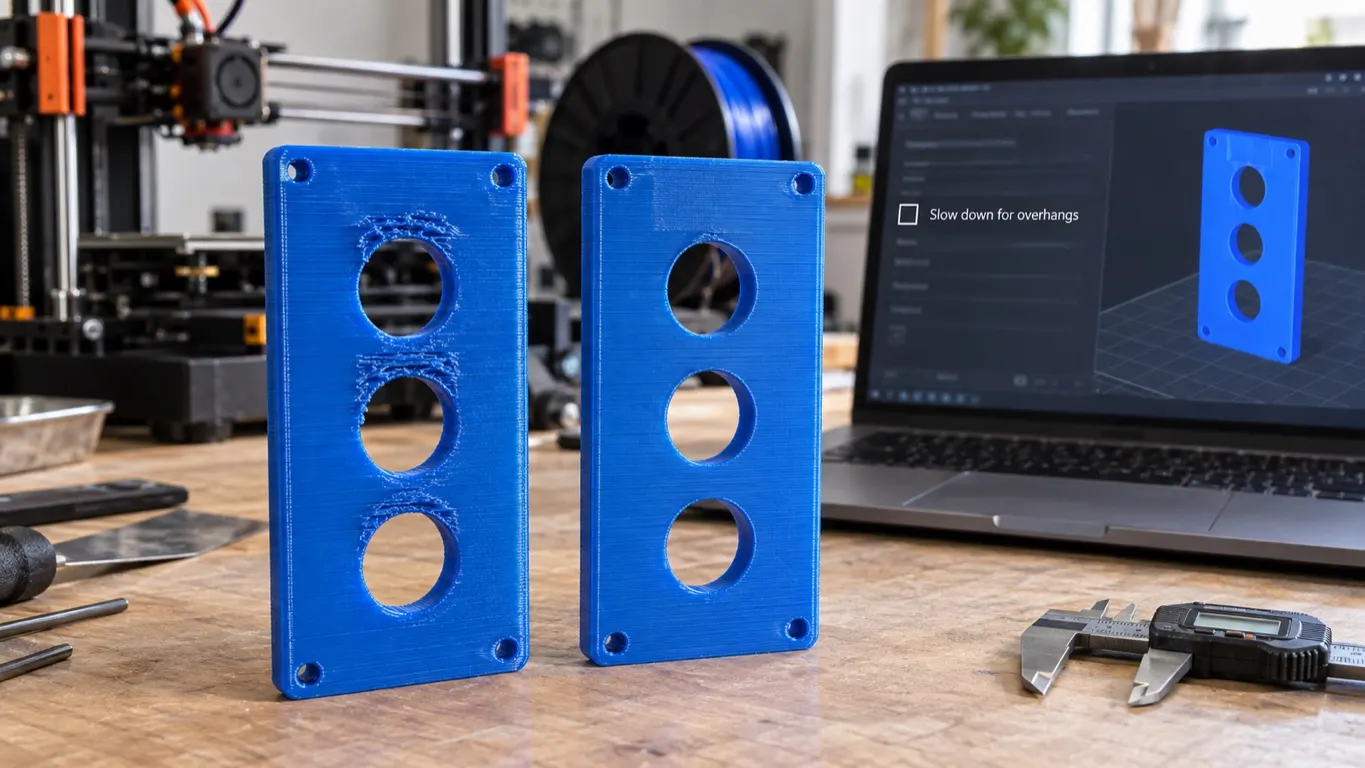
Dried PETG, a generic profile and a defect that will not clear. If temperature and flow do not fix it, try clearing the slow down for overhangs box.
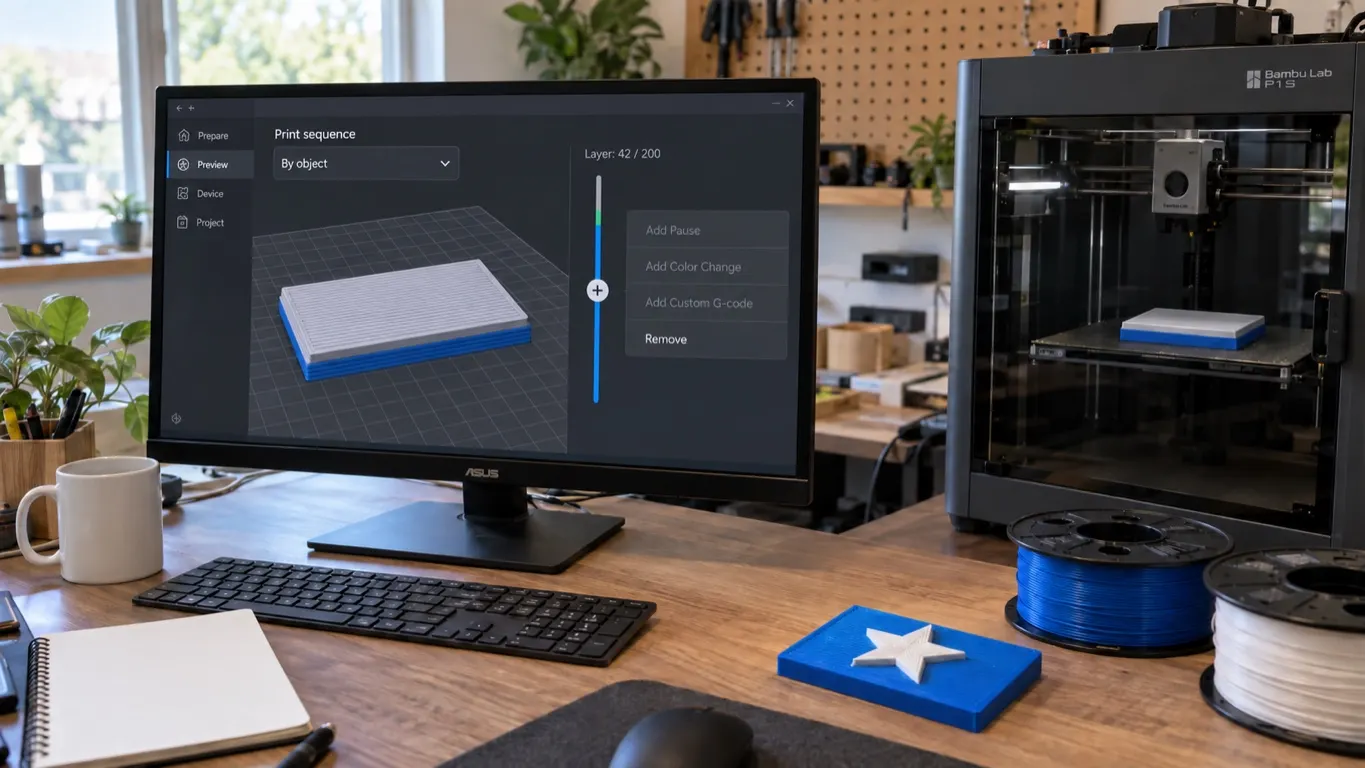
When Add Pause is greyed out on the layer slider, the cause is usually Print sequence set to By object. The fix, and what to check if it stays grey.
The model is complete in Prepare, but a thin wall vanishes in Preview. Line width is the cause: the 0.38 mm fix, Detect thin wall and the rest.
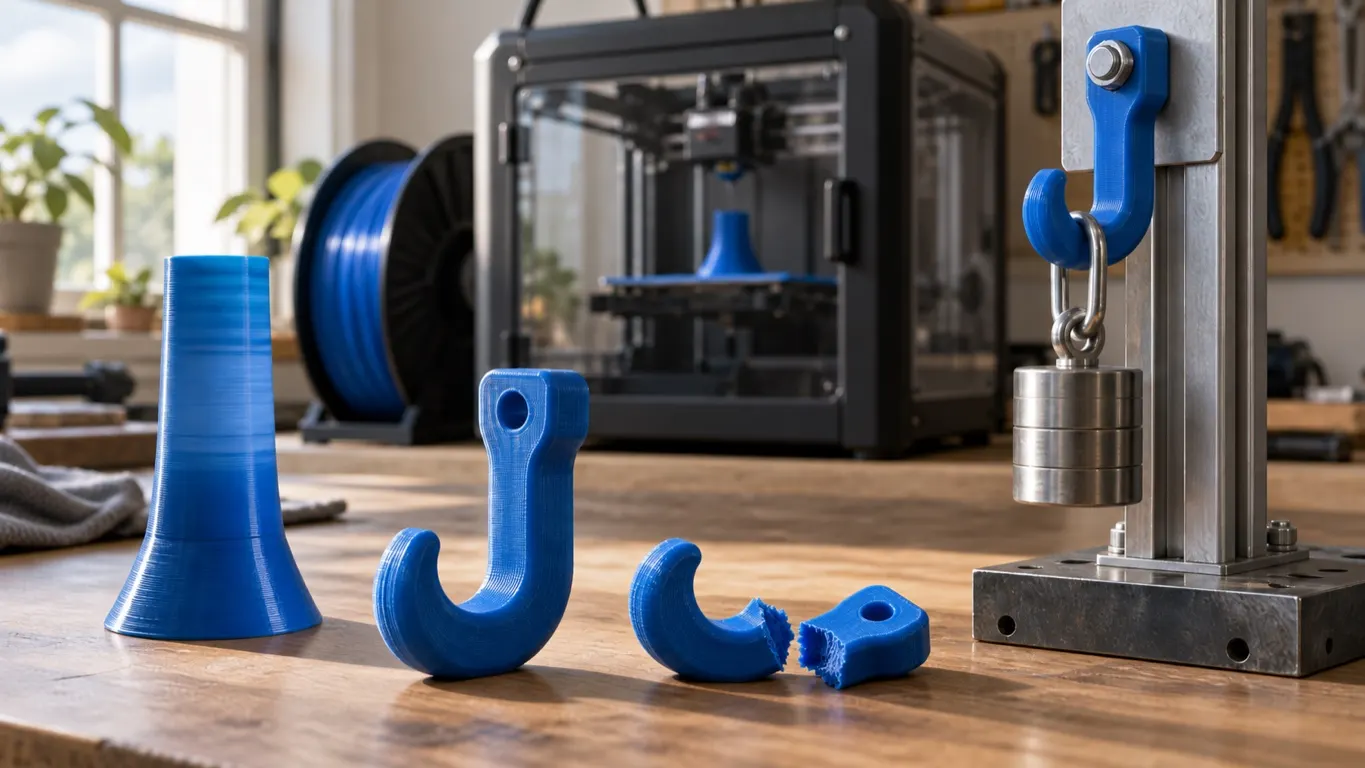
Orca's MVS test gives 23 mm³/s for one PLA, yet layer adhesion peaks near 12. Why the two differ, and a strength test that needs no rig.
You imported the profile and it is nowhere in the list. It may sit under an unexpected name, another material type or another printer. Where to look.
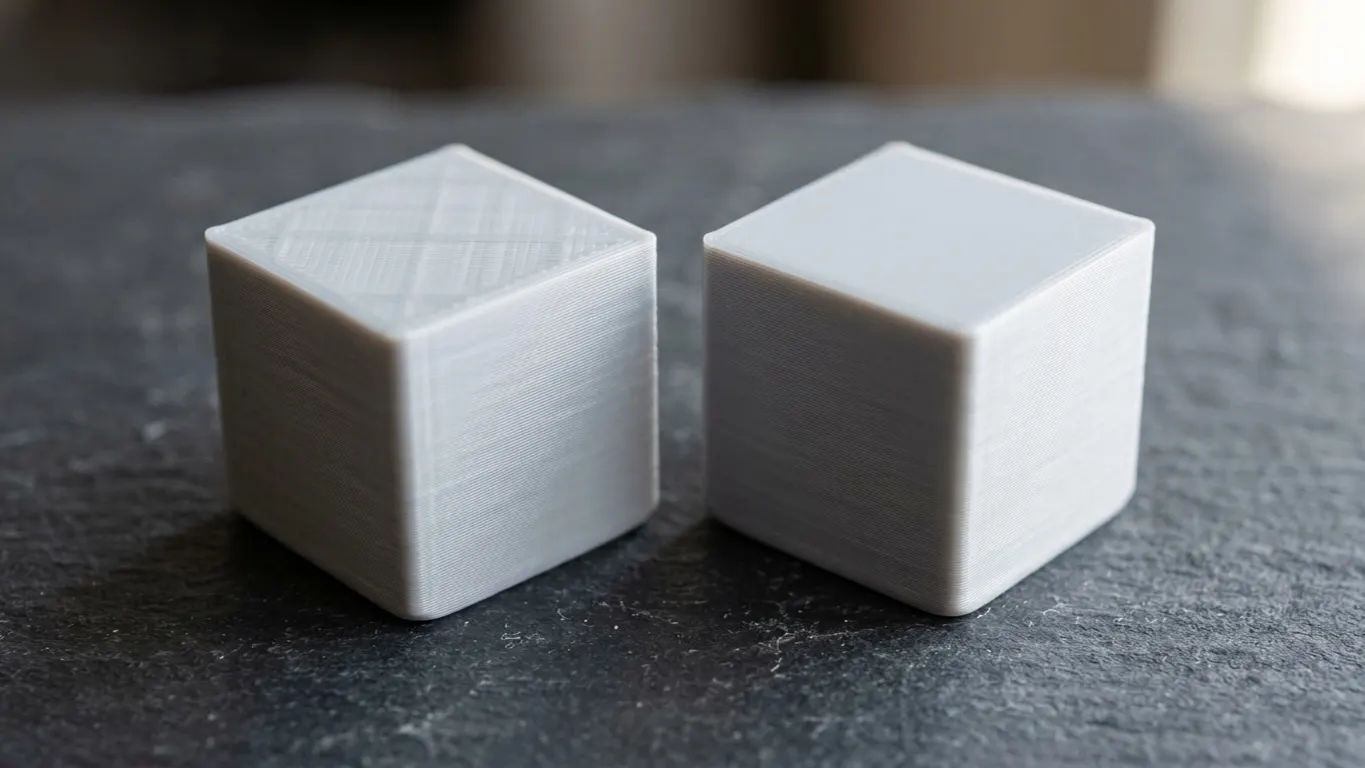
If the infill pattern shows through the top surface, infill density is not the problem. Wall overlap, wall count, top layers and pattern, in that order.
Set the printer up, load filament, slice a model and pull off your first part. The order to work in, what to watch for, and where beginners get stuck.
3D printing takes two kinds of program: CAD to draw the model, a slicer to turn it into printer commands. Which one you need, and which free ones are good.
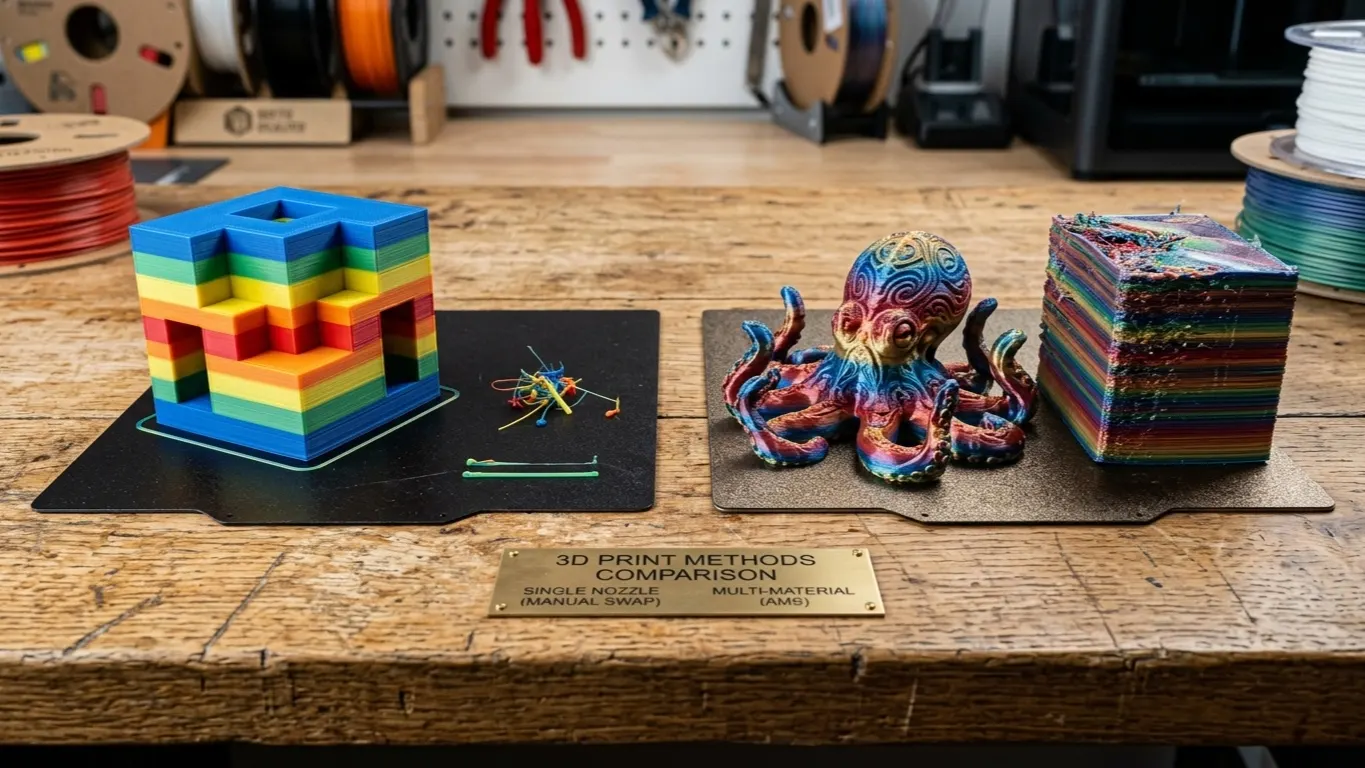
Change color layer by layer on a single-extruder printer. How to set the swaps up in Bambu Studio, and how much filament it saves over an AMS.
Bambu Studio does not officially support non-Bambu printers. Forcing a near-enough profile, what stops working, and why Orca Slicer is the real answer.
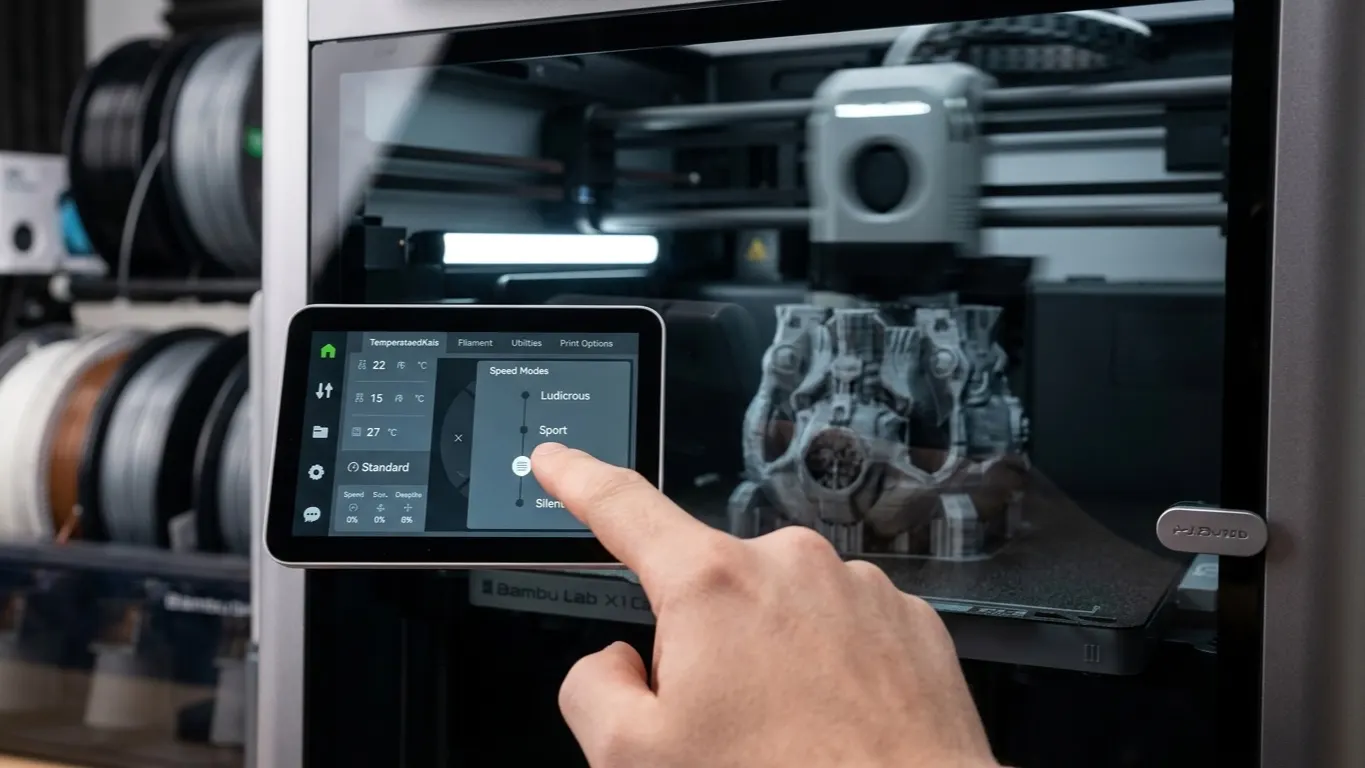
The process profile before slicing, the speed mode on the printer screen mid-print, and the detailed Speed settings. Which one to reach for, and when.
Your Bambu can run three calibrations before a print and spend minutes on them. Which one to skip, which two to leave alone, and where the switch is.
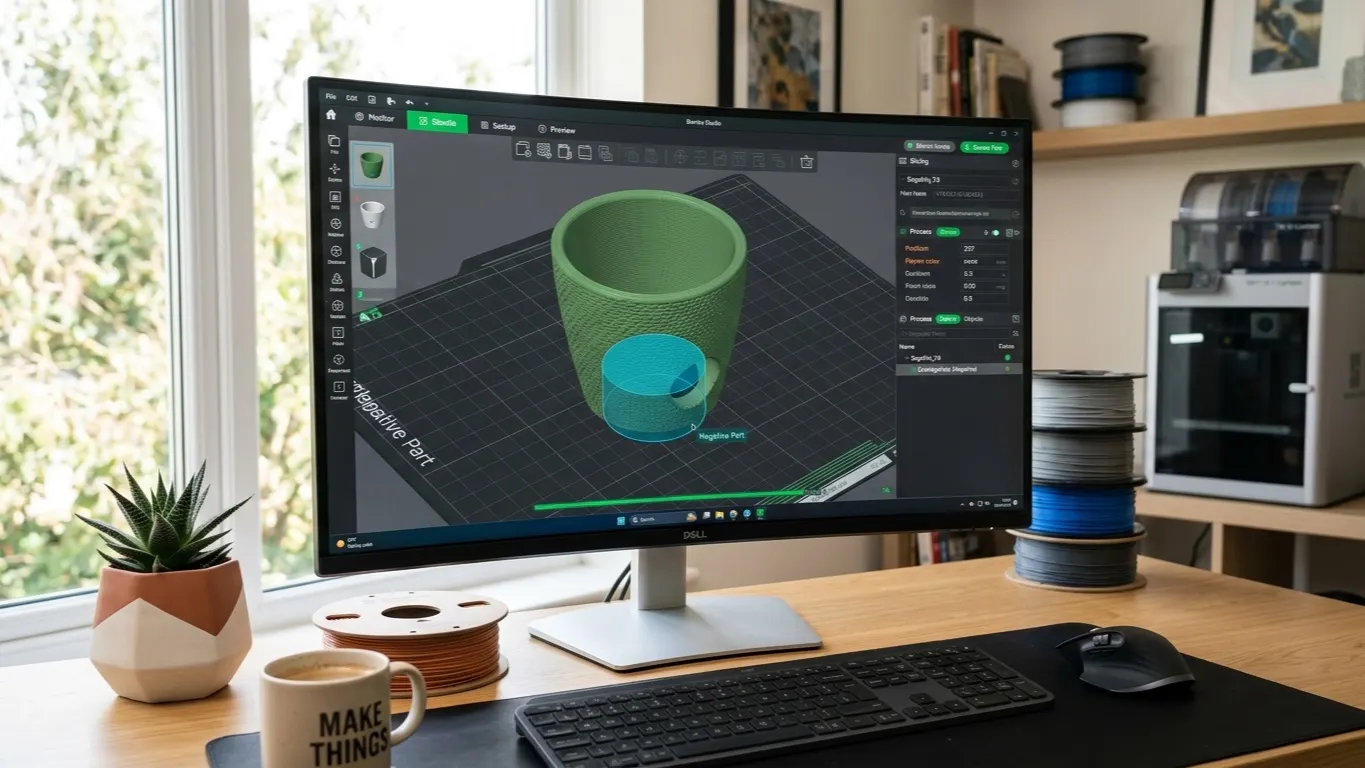
Add a drainage hole or a cable pass-through to a model you downloaded. The negative part method, getting the size right, and why side holes come out oval.
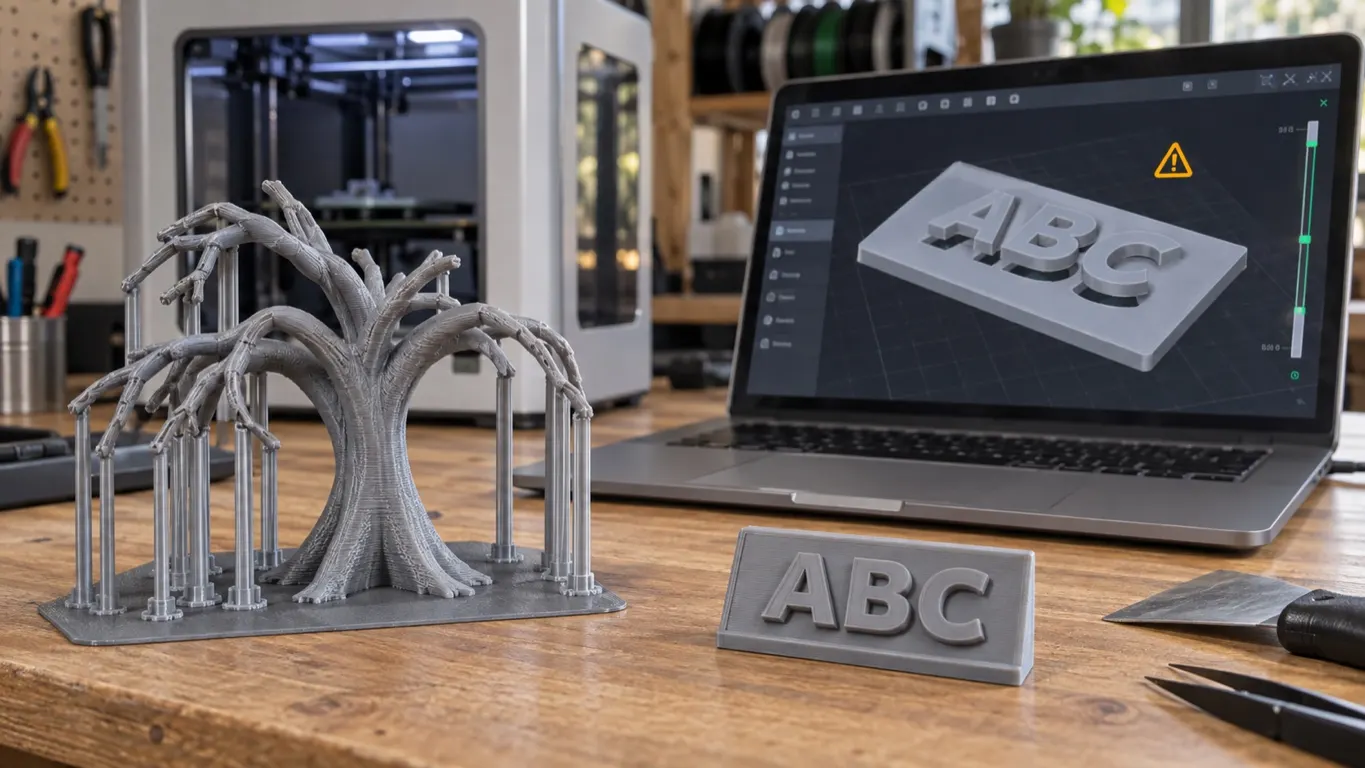
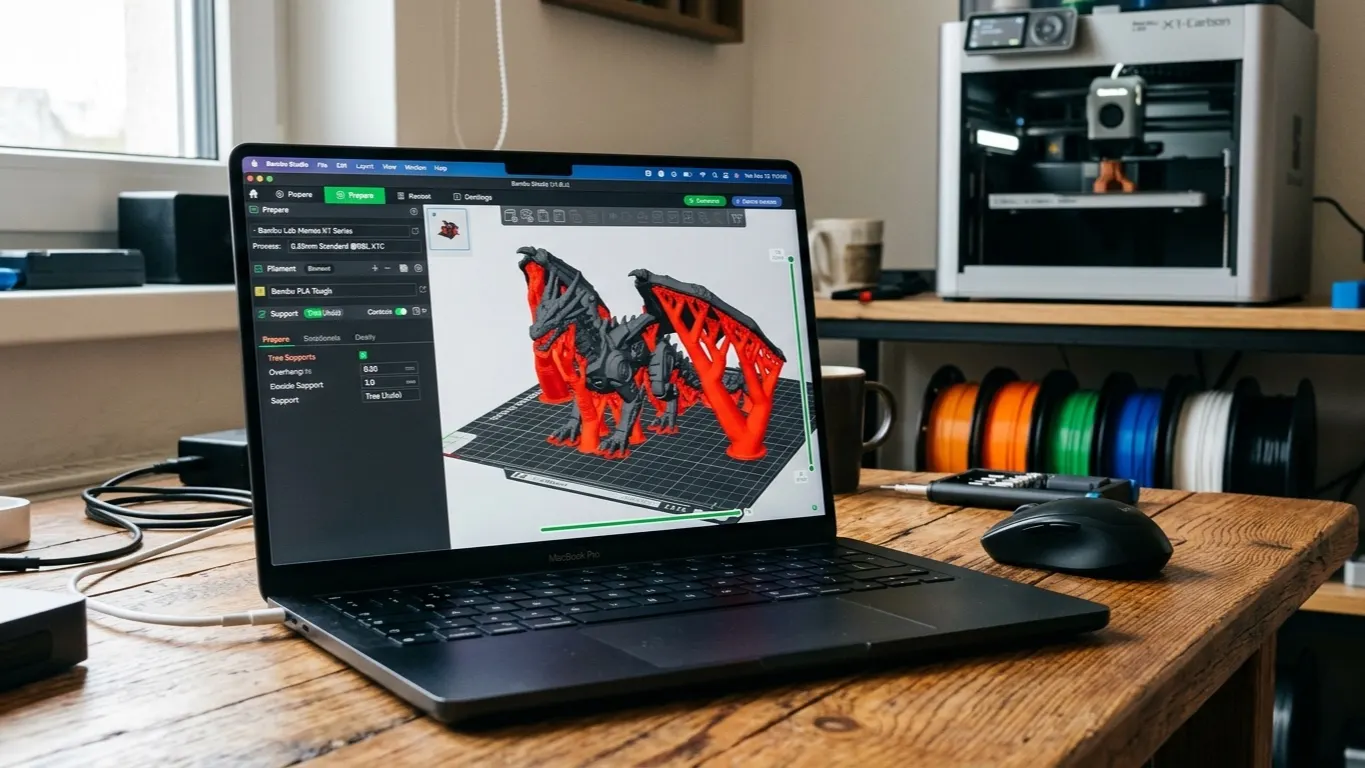
What to do when support painting does nothing. The three support methods, how the enforcer cube works, and how to avoid needing support at all.
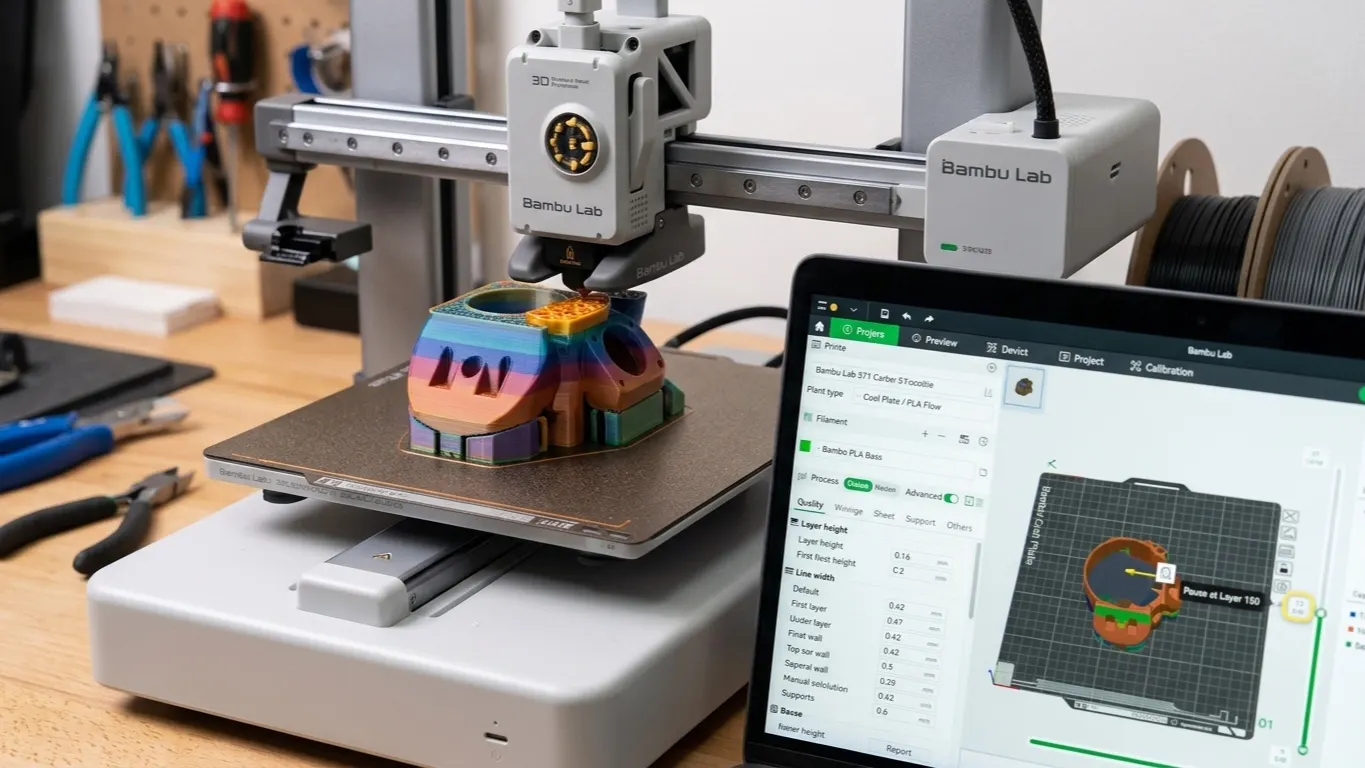
Add a pause at a chosen layer to drop in a nut, swap color by hand or embed a part. How to set it up, and how it differs from a filament change.
Mirror hides in the right-click menu, not the toolbar. Rotating, scaling, laying a chosen face on the plate, and how orientation decides print quality.
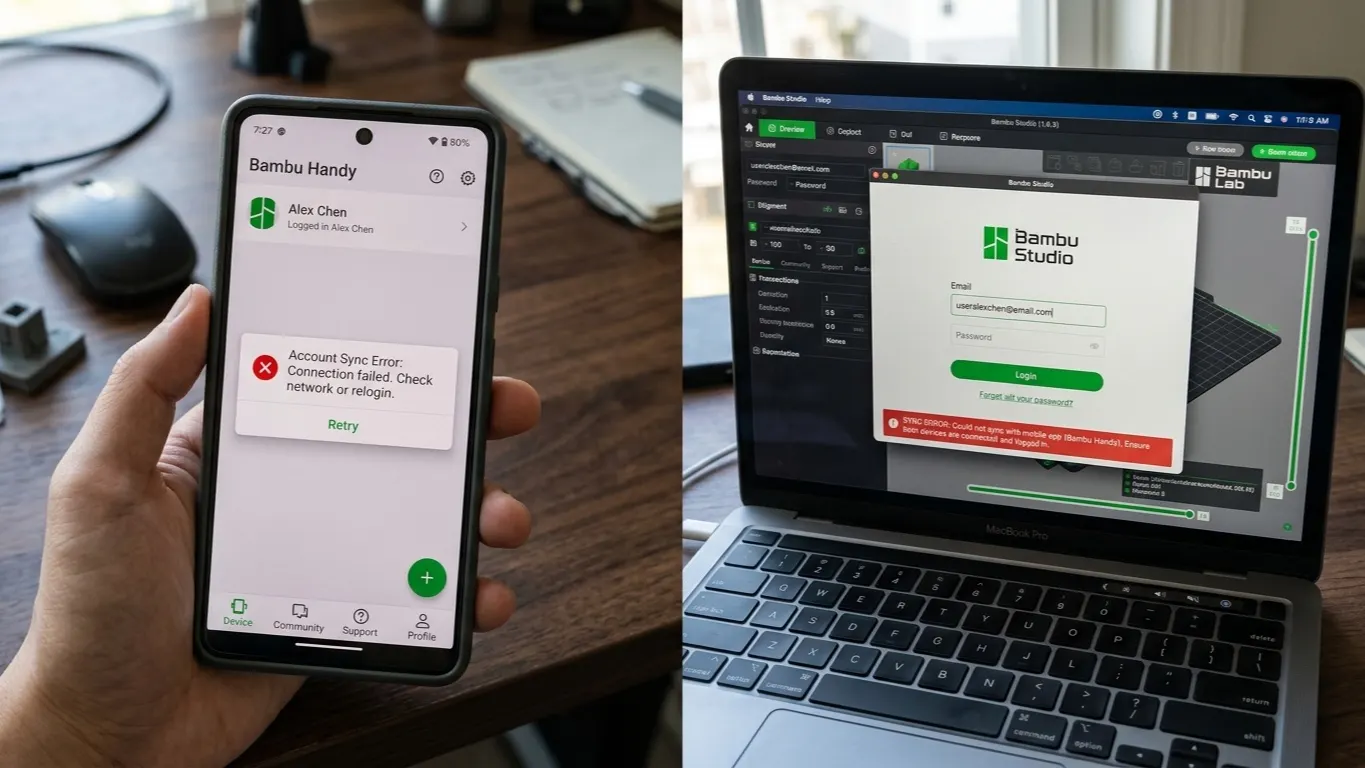
Login fails, the printer is missing from the list, or Studio sits on a different account from the phone. Crossed accounts, regions and dropped sessions.
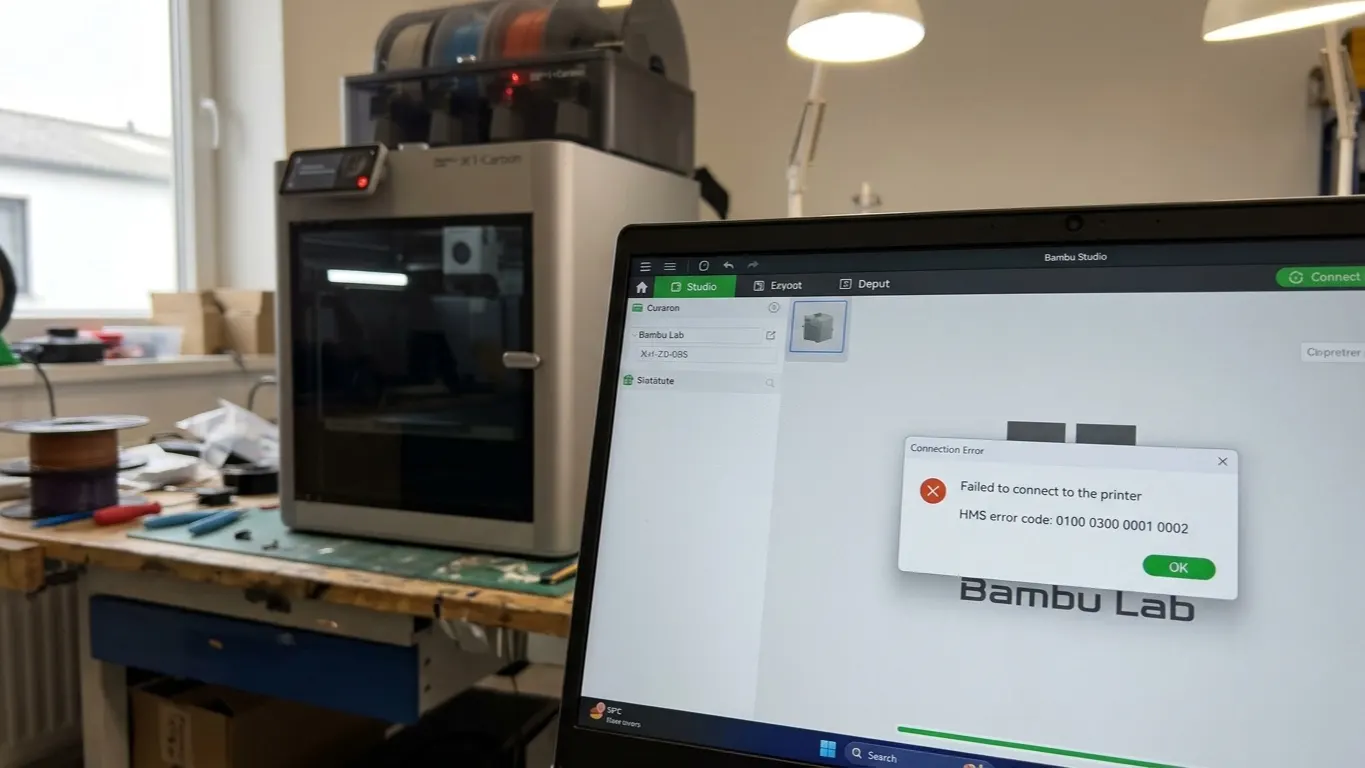
Connection errors usually come from a version mismatch or a network setting rather than the printer. LAN Only Mode, downgrading, and file-lock problems.
300 mm/s in the slicer does not make the print faster. The real limit is how much plastic the hotend can melt. The flow calculation and the nozzle's role.
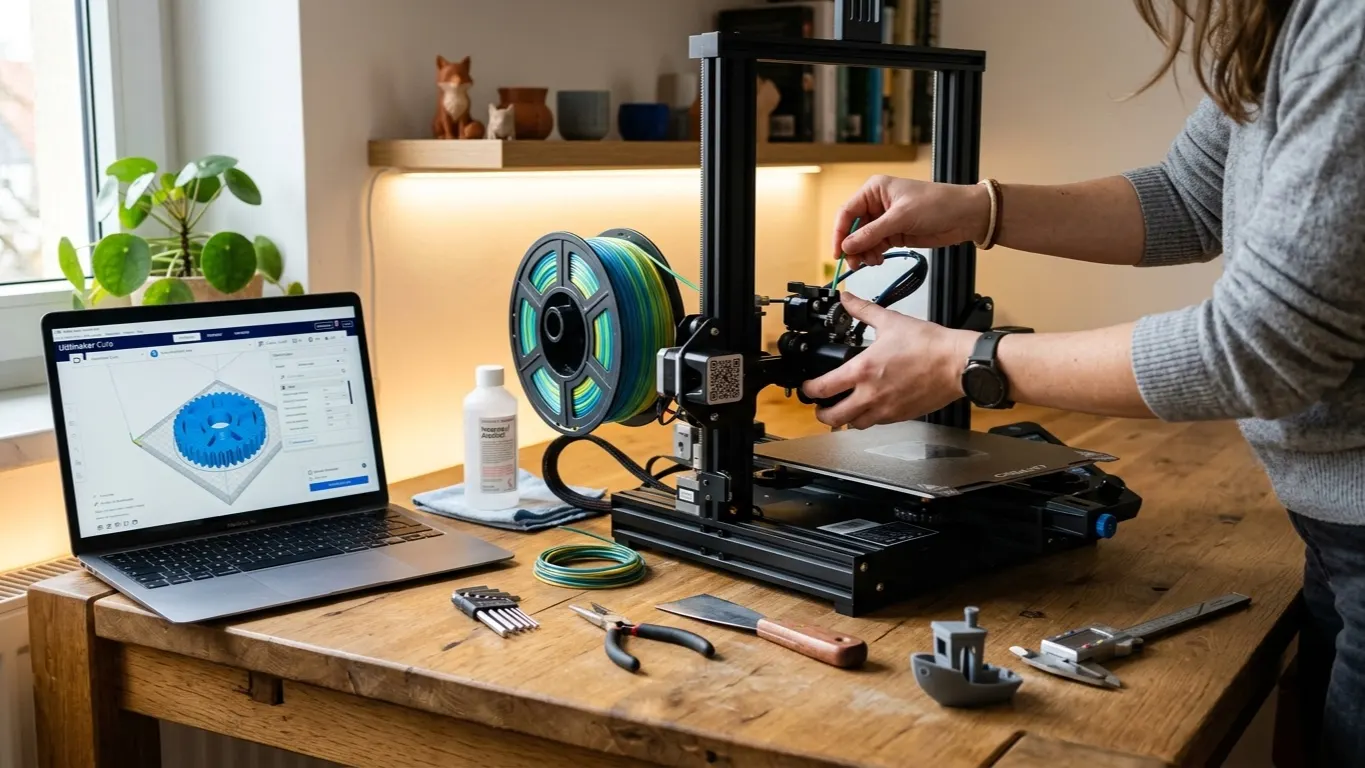
Cura is the free slicer that turns a 3D model into commands your printer reads. Installing it, adding your printer, the settings that matter, first print.
Bambu Studio is not a modeling program, but a negative part can cut a fillet or a chamfer. The method, its limits, and when to move to CAD instead.
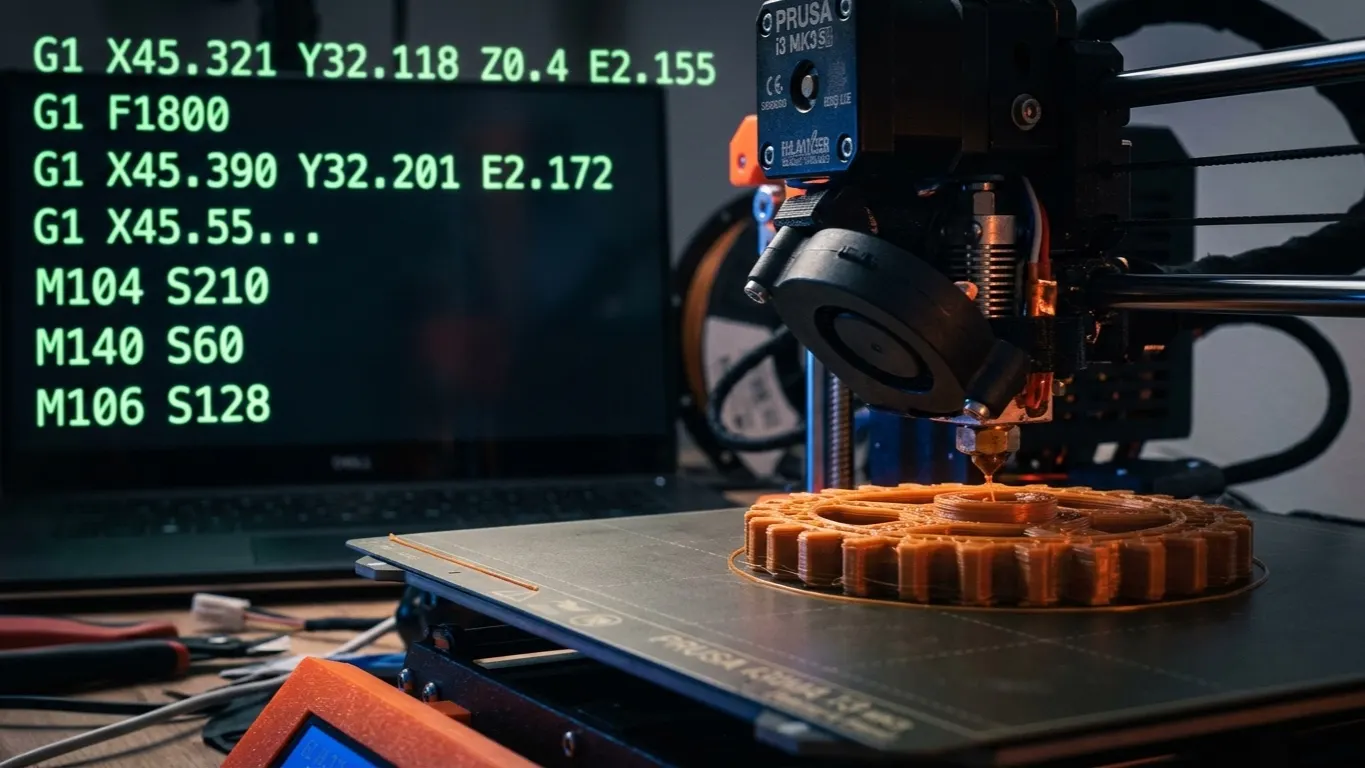
G-code is the command list the slicer produces and the printer reads. Core commands, editing the file inside a sliced 3MF, and where it earns its keep.
Run one print at two temperatures. Where to add custom G-code in Bambu Studio, why M104 beats M109 for this, and what the trick is actually good for.
A model and a print profile are two different things on MakerWorld, and they get rated separately. Where you rate, and how to pick a good profile.
Orca Slicer is a free fork of Bambu Studio: same interface, built-in calibration tools, far wider printer support. What differs and when to use which.
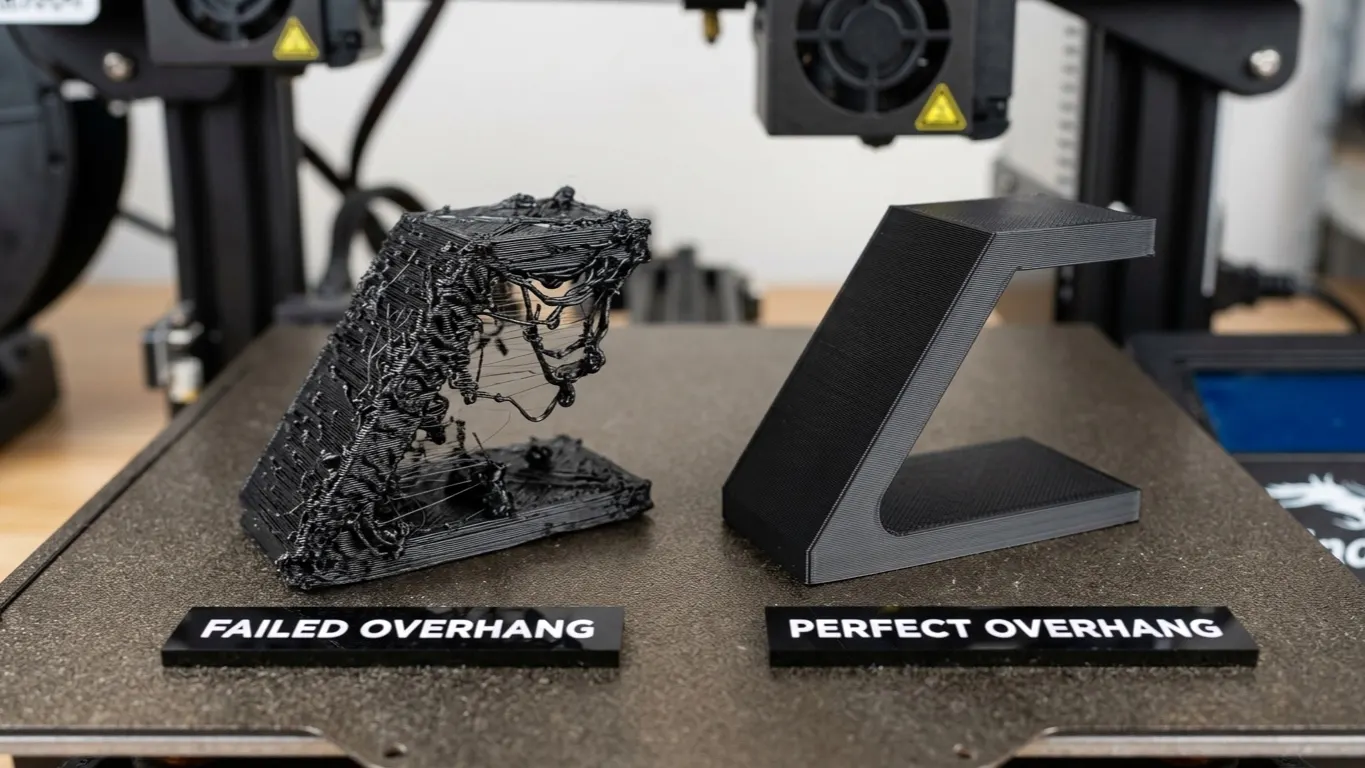
Droop, blobs and rough undersides where the print runs over air. Cooling, the 45-degree rule, bridges versus overhangs, and fixes that beat adding support.
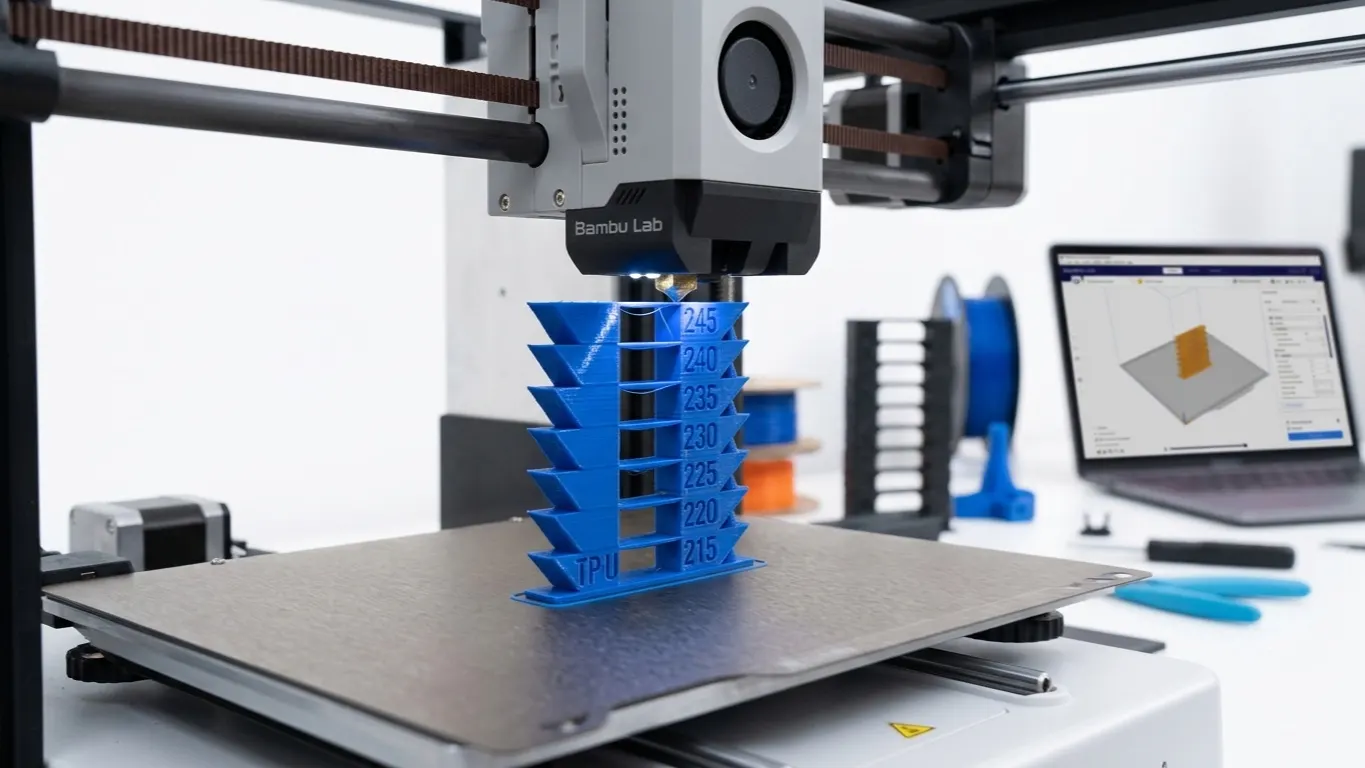
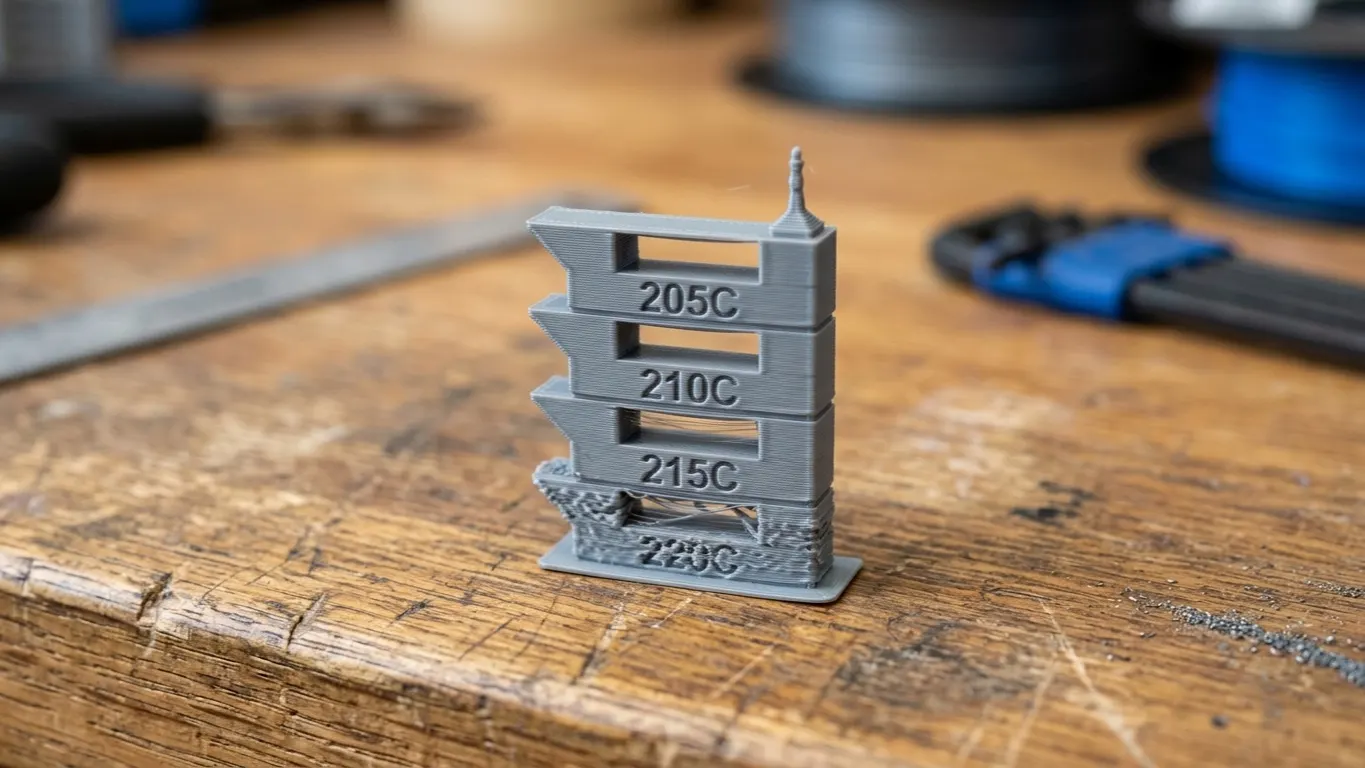
The way to find a filament's nozzle temperature is to try several in one print. Orca Slicer has the test built in; Bambu Studio needs a hand.