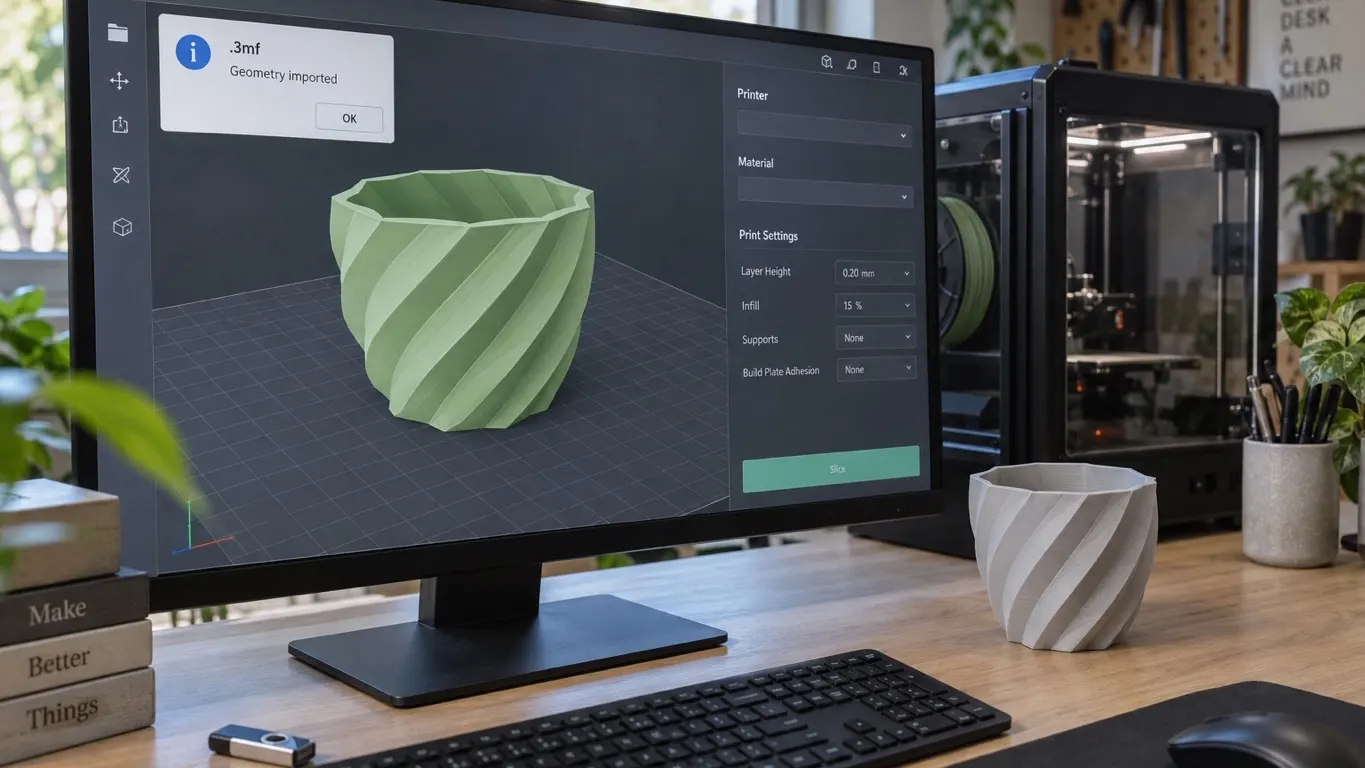
You drag a 3mf downloaded from Thingiverse or Printables into Bambu Studio and this comes up: The 3mf is not from Bambu Lab, load geometry data only. It is not an error. The file is not rejected and nothing is canceled. The model lands on the plate, and you can pick your settings and slice it.
Bambu Studio does not block 3mf files from places like Thingiverse, Thangs or Printables. And there is a way to make the message go away: save the file once as a Bambu project, and it stops appearing.
What to do, in order
- Close the warning. The model is on the plate, nothing is missing.
- Pick your own settings. Printer, nozzle, filament and profile are yours to choose.
- Slice and look in Preview. If something is wrong on the geometry side, it shows there.
- Save it as a 3MF with Save Project as. From this point the file is a Bambu project. Open it again and there is no warning, and the settings you gave it are still there.
What the message says
Treat the message as information, not an error. A 3mf is a kind of archive, and when it was not prepared or saved by Bambu Studio it may contain information Bambu Studio cannot process. That is all the warning is pointing at. The program is not telling you something is broken; it is telling you what it took out of the file. What it took is geometry, and loading the model, setting it up for slicing and saving it again as a 3mf all work fine.
The message has not gone away in newer versions; 2.00.02.57 shows the same text. The reason has not changed either: the 3mf standard holds no Bambu Lab specific information, so on the first load only geometry comes in.
A 3mf really is an archive
Calling a 3mf an archive file format is not a metaphor. The 3MF Consortium's core specification requires a ZIP archive for the file's physical form and extends the packaging rules of the Open Packaging Conventions (OPC). The only mandatory part in the archive is the 3D model part: objects and material definitions. Everything else is optional, and the specification explicitly allows a producing program to add its own custom parts to the package.
That is the situation behind the warning: the file can hold data that another program put there and that Bambu does not read. The specification asks a consumer to ignore nodes from a namespace it does not explicitly support; the decision to show the warning is Bambu's own.
What Bambu Studio's own 3mf carries
The 3MF you save in Bambu Studio with Save Project as is a project file: alongside the geometry it holds your per-object slicing settings. Bambu uses the 3MF Production Extension when saving a project. Export Generic 3MF in the menu writes the same content without that extension; the menu item's own description says exactly this: export a 3mf file without using some 3mf extensions. It does not strip the project data; it just leaves the extension out. Opening that file in a CAD program is a different story, and why the parts stack up there is in the OpenSCAD article.
Because a project and a downloaded model carry the same .3mf extension, the two are easy to mix up, and it is easy to save a project over the model you downloaded.
One more distinction while we are on file formats: a 3MF carries the model and project data, while gcode is the list of movement commands that goes to the printer. I set out the difference, and why a sliced file is itself an archive, in the gcode article.
What comes in and what does not
What comes in is clear: the model's shape, the separate parts in the file, and how they sit relative to each other.
For what does not come in, go by the rule: the producing program's own project data and slicing settings are not read.
The one item known concretely is color. On older versions, loading geometry only dropped the color changes in the file and stripped the colors; that is what "Load only geometry" meant. The picture has changed since. According to the Bambu Studio 2.5.0 release note (January 2026), color information in standard 3MF files can now be imported: on import you pick which color data to map. The wording of the warning also varies with the version and with where the file came from, and on current versions you can see the variant reading "load geometry data and color data only". So color is no longer a certain loss; if you downloaded a multicolor model, check your version and the exact wording first.
Why a file from MakerWorld behaves differently
Download a model's print profile from MakerWorld, open it in Bambu Studio and you do not see this warning, and the settings arrive ready. The reason is simple: that profile was prepared and uploaded with Bambu Studio, so the file comes out of Bambu's own ecosystem. Download the raw model file from the same page and it may have come from another program, in which case the warning is back. What a profile is, why it is rated separately from the model, and what to look at when picking one are in the print profile article.
Problems that get confused with this warning
The warning does not say the geometry is sound; it says only the geometry was taken. Those are two different things, and they are easy to confuse.
- The model is complete in Prepare and a piece is gone in Preview. This has nothing to do with the warning; the cause is usually line width and the fix is in the thin-wall article.
- The model is broken or not closed (manifold). The warning does not check for that. Whichever site the file came from, a geometry problem is a separate job.
- The file opens in another program but looks odd here. Which program is for what, and which file formats each works with, is in the software article.
In short, the warning is not a gate, it is a label. It tells you where the file came from and what the program read out of it; the rest is the settings you choose.