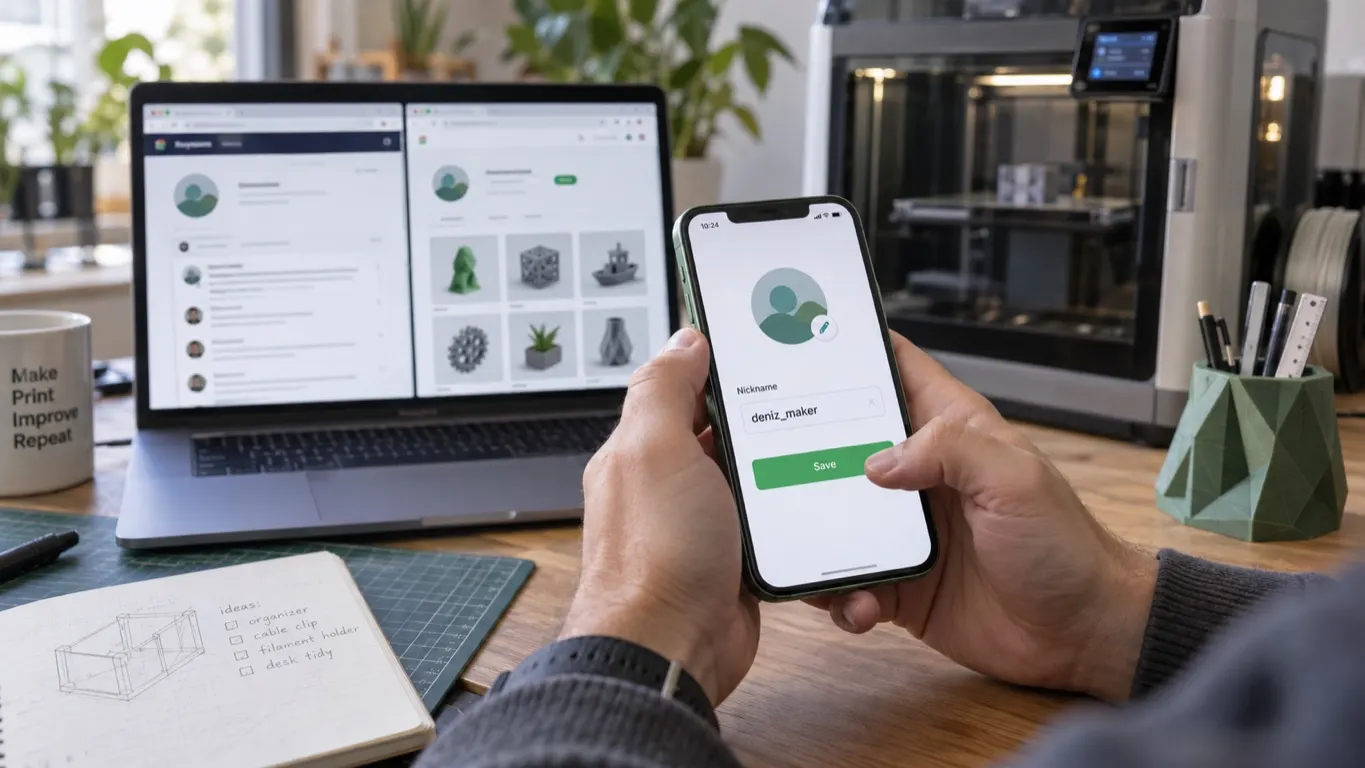
If you did not enter a name when you created your Bambu account, the system hands you a numbered name starting with user_, and it turns up on your printer, in Bambu Studio and everywhere else. To change it, open the Bambu Handy app, tap the Me tab in the lower right, then tap the little pencil icon next to your name at the top.
That changes one name, though. Here is the real source of the confusion: there is no single name on the Bambu side. There are at least three separate names, each changed somewhere else, and changing one does not change the others. Even on Bambu's community site, the display name and the username are two different fields.
Which name shows where
| Name | Where it shows | Where it changes |
|---|---|---|
| Bambu account nickname | Printer screen, Bambu Studio, Handy, Bambu store | Profile in the Handy app |
| Bambu Lab Community username | On the community site only | Community profile, time limited |
| MakerWorld display name | On the models and profiles you share | MakerWorld account: check the path yourself |
The Handy and MakerWorld interfaces change over time, so check the steps against your own version.
Account nickname: through Handy
The name on the printer screen, in Studio and in the store is your Bambu account nickname, and Bambu Handy is where it changes. Before you start, make sure you are signed into the right account, because Studio and Handy sitting on different accounts is common.
In Handy, tap the Me tab in the lower right. Next to your user name at the top is a little pencil icon. Tap it, type the new name and save. The field is called Nickname.
There is no known field inside desktop Bambu Studio for changing this name. If what bothers you is the name shown in Studio, the answer is still Handy.
The community username is separate, and timed
The username on Bambu Lab Community, Bambu's discussion site, is a separate thing entirely, and there is a hard rule on it: the site software limits username changes to the first three days after signup. Inside that window you change it yourself. The path, as described in 2023: click your profile picture → User → Preferences → Account → the pencil icon next to Username. The Discourse interface may have changed since.
Once three days have passed you cannot change it yourself. The moderators opened a dedicated request page for this in 2024: you post the name you want there and get a one-time change. The rules are stated there too. The name must not be taken, must contain no spaces (use underscores), must end in a letter or a number, and must be family-friendly.
That three-day limit is not Bambu's decision. It is the default in Discourse, the software the site runs on, and as of 2026 the process looks the same.
The site also has two separate fields, "name" and "username". Filling in the display name does not change the username, and that is where people get stuck most often.
The MakerWorld side
Bambu has not explained where the MakerWorld name comes from. If you did not pick a name at signup and stayed on a user_ number, the same number may show on both MakerWorld and the community site; names being carried over from MakerWorld is a possibility, not something confirmed. Check them separately either way, in the profile section of your account settings.
This name matters because it sits next to every model and print profile you upload to MakerWorld. On a public account, a number starting with user_ is the identity everyone else sees in their profile list.
Check after changing it
Do not expect the name to update everywhere at once. A change made in Handy shows up in the store and on other Bambu sites, but it does not reach the community username. It does not land in every place at the same speed.
What to check afterwards:
- Handy: where you made the change, it shows there first.
- Printer screen: it displays the name of the bound account.
- Bambu Studio: if it still shows the
user_number, sign out of Studio and back in; that can be enough to refresh it. - Community site and MakerWorld: separate settings, do not expect them to follow.
If the printer or Studio still shows the old name, consider a second possibility: that device may be bound to a different account than the one you think. Studio and Handy staying on separate accounts is common, and lining the two up is covered in the sign-in problems article.
If the printer is not showing the wrong name but is missing from Studio altogether, this is not a name problem. Look at connection errors instead.
Why the name matters
There are two concrete reasons. The first is sharing: this name sits next to every model and profile you upload to MakerWorld, and a number tells nobody anything about you.
The second is shared use. When several people use one printer, you tell who sent a print from the account name on the screen. Put two user_ accounts side by side and that information is useless. Fix the names and anyone looking at the queue can see who printed what.