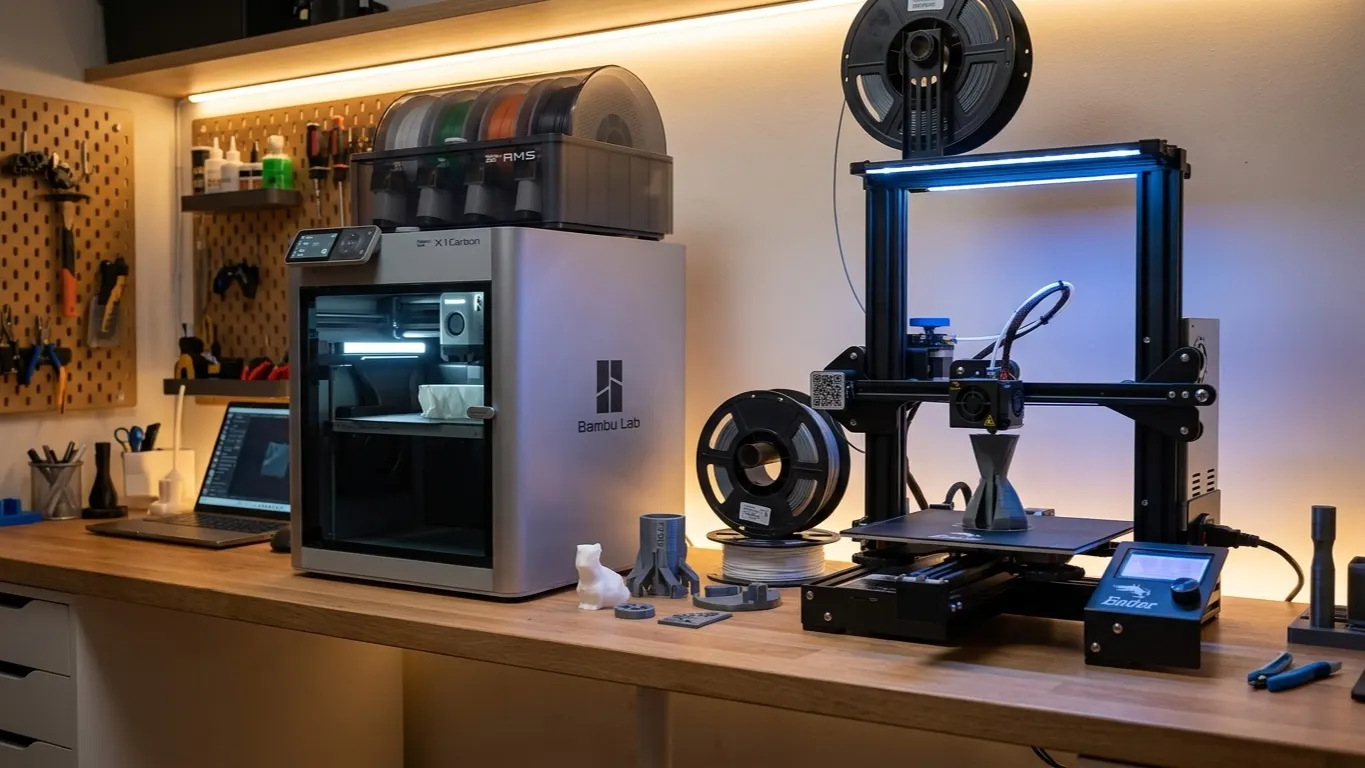
Adding a Creality, Anycubic or Elegoo printer to Bambu Studio is not officially supported. The printer list holds Bambu Lab models and a small number of others.
Short answer: use Orca Slicer. Orca is forked from Bambu Studio, so the interface is nearly identical and hundreds of printer profiles come built in. Everything you already know from Bambu Studio carries over. The detail is in the Orca Slicer article. Cura supports every brand too.
Why Bambu Studio fights you on this
Bambu Studio is not only a slicer. It manages the printer, sends prints over the cloud, drives the AMS and shows the camera feed, and all of that is tied to Bambu hardware.
None of it works on another brand. All you are left with is slicing, and Orca does that better.
Forcing a near-enough profile
If you want to stay in Bambu Studio anyway, pick a close model from the same family when yours is not on the list. The Ender-3 V2 profile for an Ender-3 V3 SE is a typical case: bed size and basic geometry are close enough to work.
The order of work:
- Look for your exact model in the printer list.
- If it is missing, take the nearest model from the same family.
- Correct the fields in the table below for your machine.
- Replace the start and end G-code with your printer's own.
- Slice, write the G-code to an SD card and start the print on the printer.
What to check after selecting:
| Field | Why |
|---|---|
| Bed size (X/Y/Z) | Wrong and the part lands off the plate |
| Nozzle diameter | Wrong and flow calculation is off |
| Start G-code | Heating and homing order is machine-specific |
| End G-code | End-of-print behavior |
| Maximum acceleration | Too high and you get layer shifts |
Start and end G-code are the two critical fields. Code inherited from a Bambu profile contains Bambu-specific commands that either fail or behave strangely on another machine. Get the correct code from the manufacturer or from a community profile and paste it in.
What will not work
No matter how right you get the profile, these do not work:
- Sending prints directly: you will write G-code to an SD card
- Camera and remote monitoring
- AMS and multi-color automation
- Bambu cloud and MakerWorld integration
- Error reporting from the printer
In other words, Bambu Studio turns into a plain slicer.
Why Orca Slicer is the better answer
Orca gives you the same interface but genuinely supports non-Bambu machines:
- Ready profiles for Creality, Prusa, Anycubic, Elegoo, Voron and more
- Direct connection to printers running Klipper
- Built-in calibration tests (temperature tower, flow, retraction)
- File compatibility with Bambu Studio: 3MF opens in both
It installs into its own folder, so there is no need to remove Bambu Studio. Use Studio for your Bambu printer and Orca for the other one. Moving over takes three steps: install Orca, pick your brand's ready profile from its printer list, and open the 3MF projects you made in Bambu Studio.
If you are not running a Bambu printer, Studio has no advantage over Orca.
When to stay in Bambu Studio
There is one reason only: you own both a Bambu and another brand and want to work in a single program. Even then the right move is to put both in Orca, which supports Bambu printers as well.