Bambu printers can run three separate routines before a print, and on a short part the preparation can outlast the print itself. Skipping all of them at once is a bad idea.
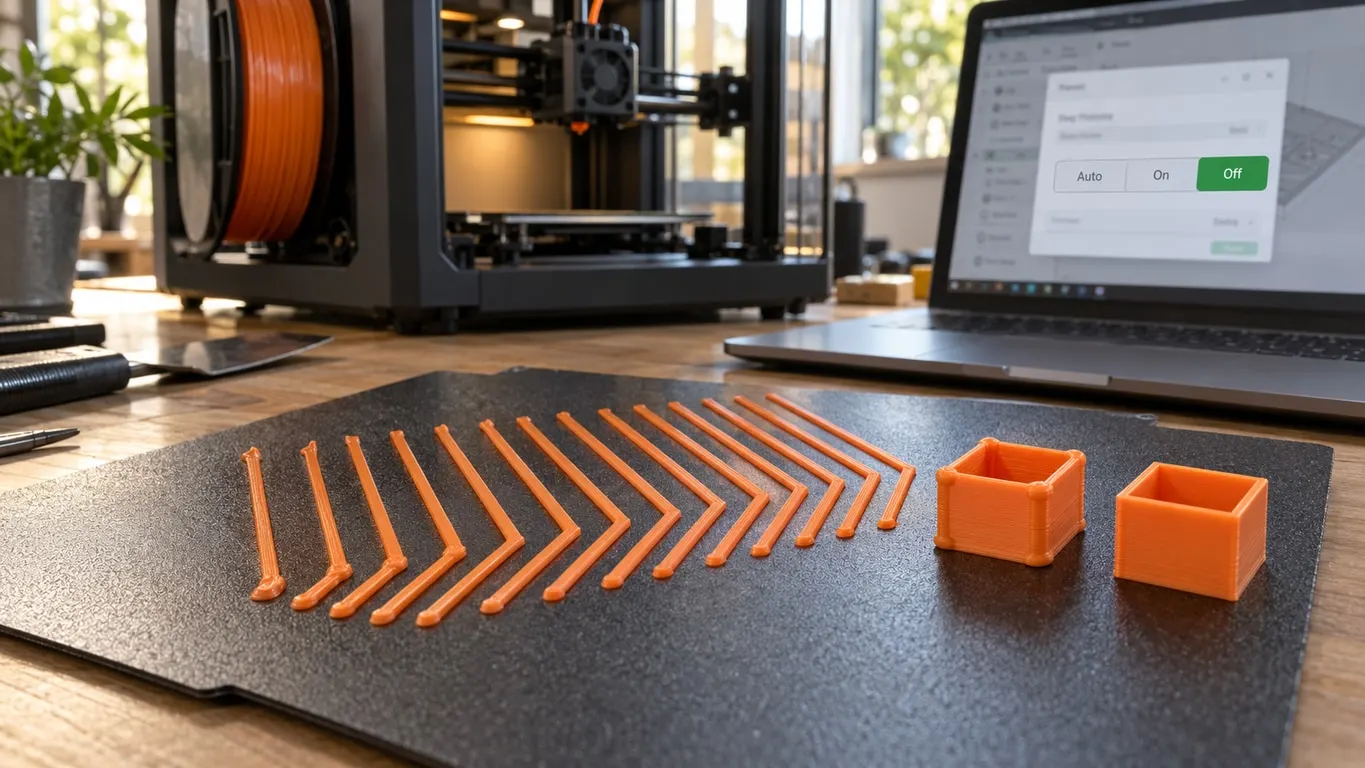
The one people turn off most often is Flow Dynamics Calibration, a dropdown on the send-print dialog that you set to Off. Despite the name it does not measure flow ratio. It measures the filament's pressure advance (K) value.
The three routines
| Routine | What it does | Skippable |
|---|---|---|
| Bed leveling | Maps bed height | Conditionally |
| Vibration sweep | Measures resonance, reduces ringing | Not from the dialog, only by editing G-code |
| Flow Dynamics Calibration | Measures the filament's pressure advance (K) value, not its flow ratio | Usually yes |
Turning off Flow Dynamics Calibration
This is the easiest one to skip and the most harmless. The dialog that opens when you send a print has a Flow Dynamics Calibration row with a dropdown: Auto, On and Off on printers that support the automatic mode, just On and Off on the rest. Pick Off and the print skips that step. On Auto, the printer skips it by itself if the filament was calibrated recently. P1 series printers do not show the row at all.
The reasoning is simple. If you keep running the same spool, its K value does not change, and the printer spends time arriving at the same answer every time. The setting never touches the Flow ratio in your filament preset; with it off, the printer uses the K value you set manually or the default one. Which problems a flow ratio change actually fixes, and which ones only look like it, is in the flow ratio article.
When not to skip it: a new spool, a different brand, or even a different color of the same brand. Pigments and additives can change how the melt responds to pressure, and the K value shifts with them.
A practical routine: measure K once for a new spool, save it as a PA profile and assign it to the slot, then pick Off, or leave it on Auto, for the prints after that. Off uses the slot's PA profile or the default, so a number On found is lost unless you save it. To measure K yourself, the Flow Dynamics page in Bambu Studio's Calibration tab prints a manual test, and Orca Slicer has both a pressure advance and a flow rate test in its calibration menu.
Bed leveling
Skipping this one is riskier. The printer measures how high each area of the bed sits and adjusts the first layer to match.
You can skip it when the printer has not moved, the plate has not been swapped, and recent first layers have come out clean. The printer then reuses the previous map.
Do not skip it if the printer has been moved, the plate has been taken off and put back, a different plate is in use, or recent prints have had first-layer problems.
First-layer problems are expensive. Whatever time you save by skipping leveling is not worth one failed print.
Vibration compensation
The printer measures the vibration it produces while accelerating and smooths its moves to compensate. Skip it and ringing can show up at corners.
The send dialog has no switch for it: in the stock start G-code the sweep has no flag around it and runs before every print. Editing the start G-code is the only way to skip it, and if you do, put it back after you move the printer or change what it stands on.
Turning it off permanently
If you would rather not change the dropdown every time, or want to skip the vibration sweep, you can make it permanent in the slicer profile. In Bambu Studio the calibration commands live in printer settings, on the Machine gcode page, in the Machine start G-code field; the page only shows up with the advanced mode switch at the top of the settings window turned on. Edit the relevant lines and the printer skips them. Where those lines land on the plate, and how to keep a part off them, is in calibration lines under your print.
This one needs care. Break the start G-code and the printer can begin extruding before it is hot. Copy the existing code somewhere safe before you change it. How the slicer estimates prepare time, and which lines of the vibration sweep can go and which must stay, is in the prepare time article.
Summary
The dull but correct answer: skip Flow Dynamics Calibration and leave bed leveling on. Of the two steps the dialog can turn off, it carries the least risk; the vibration sweep is not one of them.
Turning everything off to save a few minutes does not pay if it costs you one failed print a month.