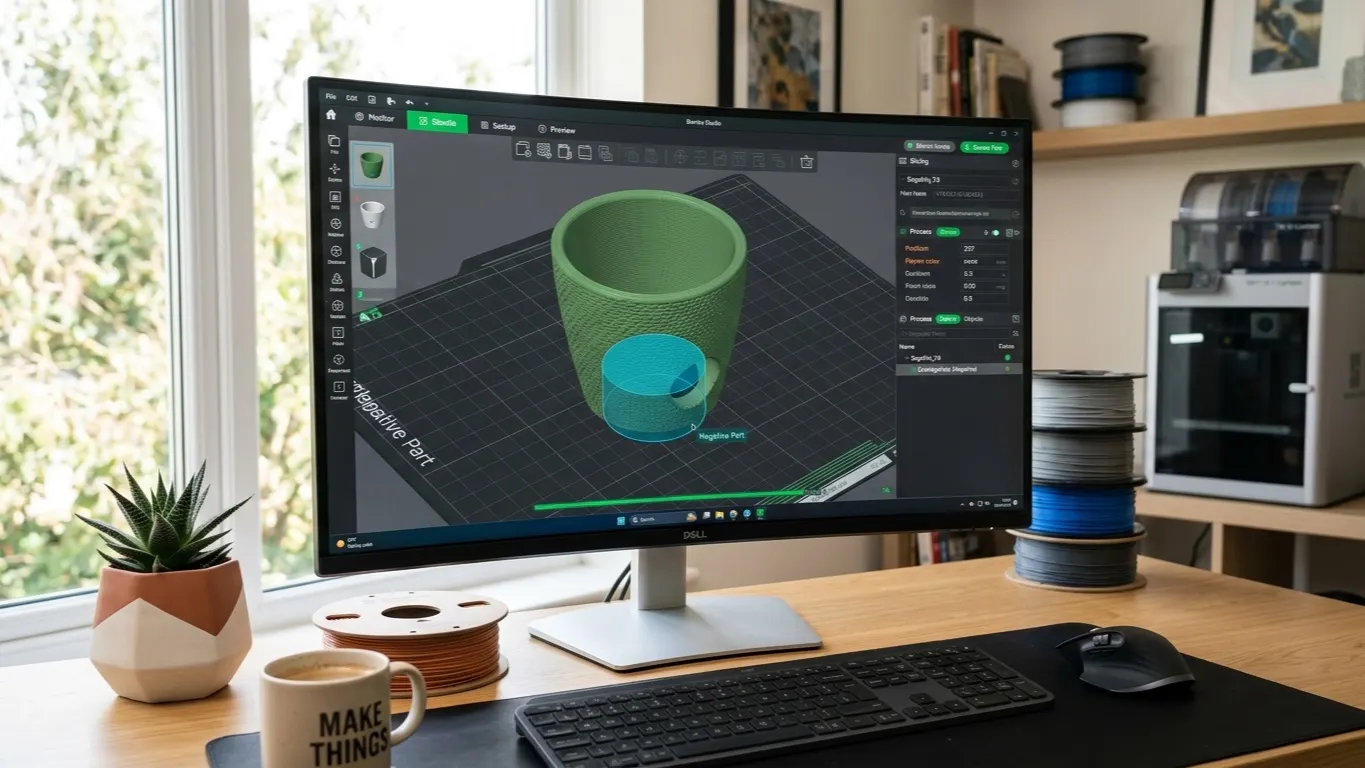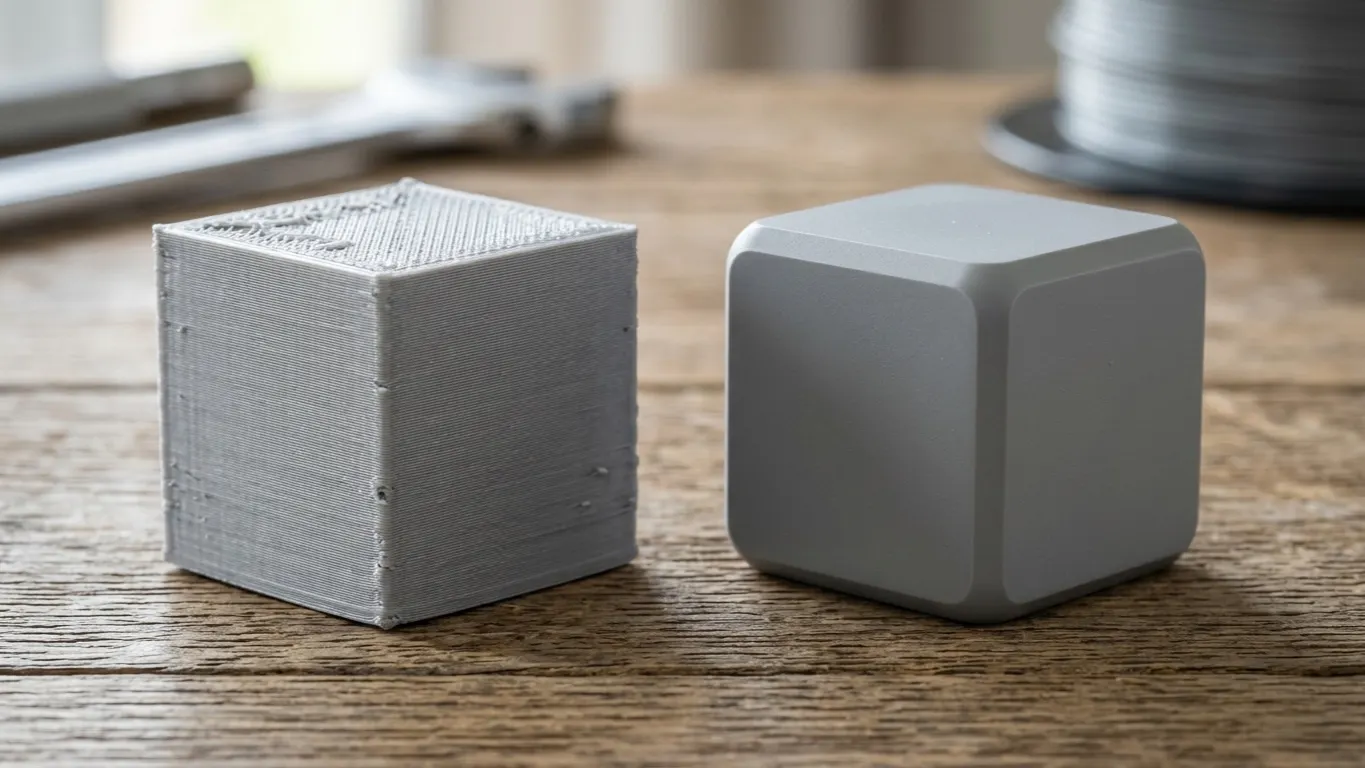
Bambu Studio is not a modeling program. It has no tool for filleting an edge or cutting a chamfer. The negative part feature gets you part of the way there: you build a cutting shape, place it against the edge of the model, and the slicer removes that volume.
It works, but it is fiddly. Past a couple of edges, doing the job in CAD is usually quicker.
What a negative part is
Add a shape to a model in Bambu Studio, mark it negative, and the slicer drops the volume that shape occupies. This is not a real subtraction, just a mask applied at slice time, and the model file is left untouched.
To add one: right-click the model → Add negative part → Cube / Cylinder / Sphere. The same tool cuts holes too.
Chamfer (a straight cut)
This is the easy one. To cut a straight edge back at 45 degrees:
- Right-click the model, Add negative part → Cube.
- Move the cube over the edge.
- Rotate it 45 degrees.
- Scale it to run along the edge.
- Set the cut depth by pushing the cube in.
The corner of the cube slices into the edge and leaves a flat chamfer.
Fillet (a rounded edge)
This one is harder, because the cutter itself has to be curved. The workaround is to build a cutter STL elsewhere and bring it in as a negative part.
To make the cutter:
- In any CAD program (Tinkercad is enough) create a cube and a cylinder.
- Sit the cylinder against one edge of the cube and stretch it a little in Z.
- Subtract the cylinder from the cube (boolean).
- What is left is a concave corner, and that is your cutter.
- Export it as STL.
Back in Bambu Studio, add that STL as a negative part and position it on the edge. Once you have made a cutter, you can scale it for other radii.
If the same cutter has to serve several edges, each edge needs its own copy, placed separately.
The limits
Dimensional control is weak. You cannot type in a fillet radius; you place the cutter by eye. If the dimension matters, this will not do.
It does not work on complex edges. Rounding a curved edge means the cutter has to follow the curve. Straight edges are fine, curves are not.
The model file does not change. Your work lives in the slicer project. Open the model in another program and the fillet is gone. To share it, you have to share the 3MF.
It does not scale. Three or four edges is manageable. At ten, the scene fills up with cutters and you lose track of which one goes where.
When to move to CAD
Rough rule: more than two edges and CAD is faster.
In Fusion 360 a fillet is one command: pick the edge, enter a radius, done. Onshape and FreeCAD are the same. Even if you did not draw the model yourself, you can pull a downloaded STL into CAD and work on it there. Mesh editing is coarser, but it does the job.
The negative-part method in the slicer is the right tool in a few cases: knocking off a single edge quickly, making a change too small to justify opening CAD, or not knowing CAD at all.