MakerWorld will not load in the browser, Bambu Studio cannot see the printer, and with a VPN on the phone both work. Or you updated Studio and the install ended with Failed to install the plugin. Please check whether it was blocked.... The two symptoms look nothing alike, but they share something: the problem is neither the printer nor the account. It is the path between your computer and Bambu's servers.
What the network plugin does
Bambu Studio is not finished when the installer is. The slicer downloads the part that talks to the printer and to the Bambu cloud as a separate component: the network plugin. The Bambu wiki page devoted to troubleshooting this plugin gives the location for Windows: the plugins folder inside AppData\Roaming\BambuStudio in your user directory.
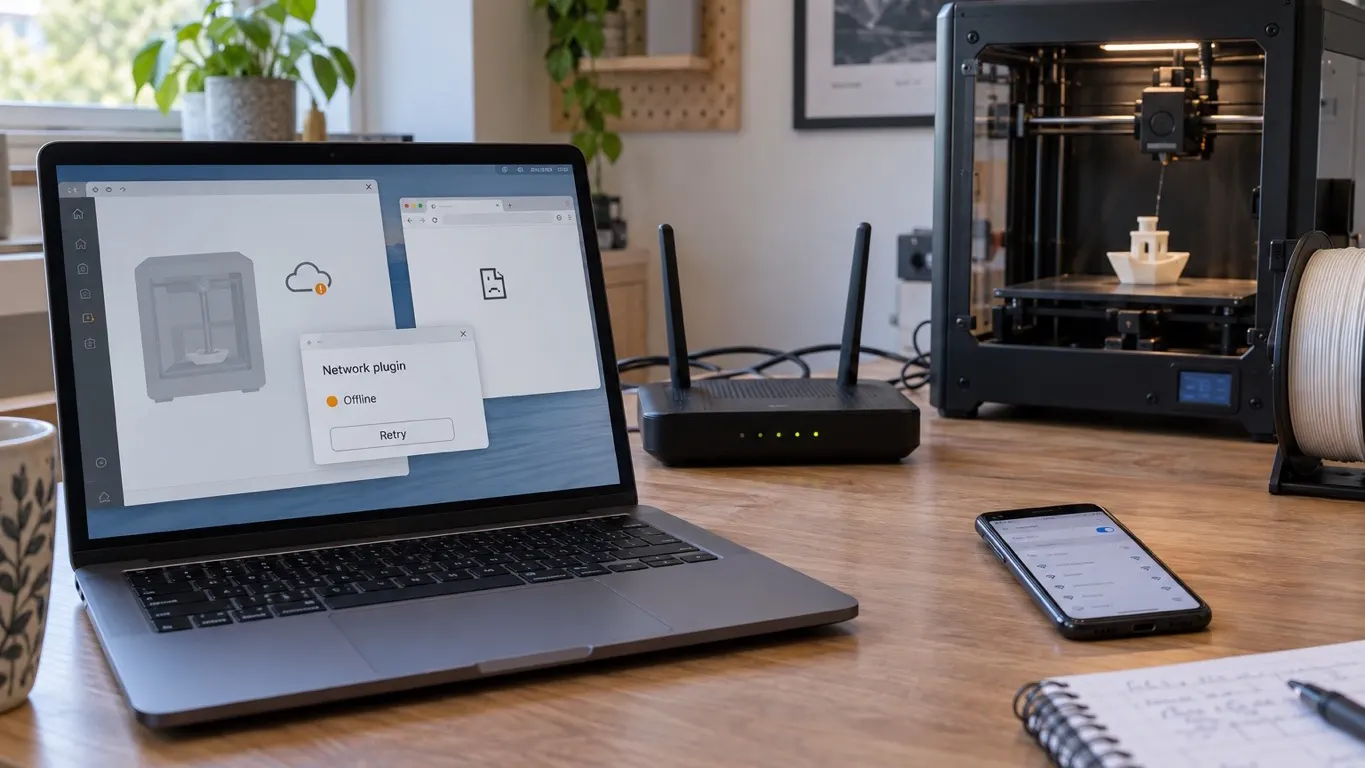
The practical consequence: if the plugin never downloaded or cannot load, slicing and saving G-code keep working, but the printer side does not. The Bambu wiki's remote control page states it plainly: without the plugin installed you cannot send a print job over the network and the Device tab is unavailable. So part of what gets described as "it will not find the printer" is really a plugin problem.
The test that separates them: MakerWorld in a browser
You can narrow down which side to look at in one move: open makerworld.com in a browser.
If it loads, your computer is reaching Bambu's servers, so look at Studio, at the account or at the local network. If it does not load, the slicer is not the problem: your computer cannot reach those servers at all, and Studio not seeing the printer is a consequence of that.
What it looks like: one day makerworld.com stops loading, and at the same moment Bambu Studio stops seeing the printer.
Do not miss the distinction here: the printer also goes missing from the list when you are signed into the wrong account, but in that case the site loads and the error comes from the account side. The account's region and two accounts getting crossed are covered separately in sign-in problems.
When it only works through a different route
If the sites only load with a VPN on, the diagnosis is mostly done. A workaround that can get you printing: turn the VPN on on your phone, then share wifi from the phone to both the computer and the printer. With that setup Bambu Studio can find the printer.
Treat that as a diagnostic, not a recommendation. What it tells you: if the connection only comes up through a different route, the problem is not the printer and not the account. Sharing the connection with the printer as well matters, because the printer reaches the cloud over its own connection, so changing only the computer's route does not cover it.
A related symptom: the job uploads to the cloud and the printer sees it, but cannot download the file. The route worth trying there takes the cloud out of the picture entirely: putting the printer in LAN Only Mode. The steps and the cost are in connection errors.
When the plugin will not install
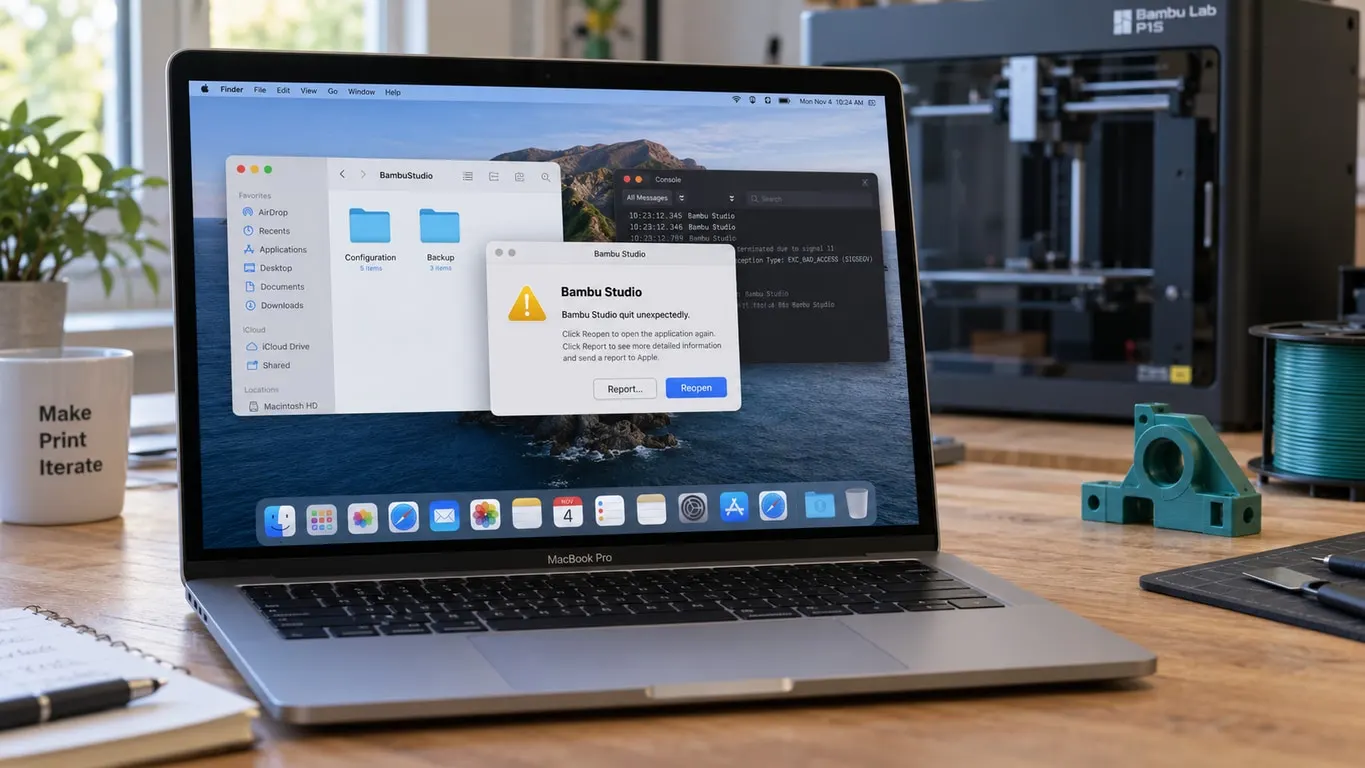
This is a completely different symptom. You update Studio and the install ends with this text:
Failed to install the plugin. Please check whether it was blocked...
It can happen with no VPN involved at all. On macOS Sequoia 15.3.2, for example, it can show up right after a bug fix release lands on a Studio that installed without trouble the day before. Nothing may look blocked in the system security settings, and reinstalling the previous build may not help either.
The first thing to try is a single step: restart the application after the install, and the plugin should be installed and running. It costs nothing to try, which is why it sits at the top of the list. One restart is not always enough; the plugin has been known to come up only on the third. In other cases restarting the Mac and the app does not help at all.
The problem was reported to have appeared after build v02.00.01.50, and Bambu stated that it had been fixed in an internal build and that the fix would arrive with the next update. Do not assume that maps one to one onto the current build; the same error text can appear on later versions for other reasons. Even so, "restart it first" remains the first thing to try. Running an old and a new build at the same time can put the plugin in conflict too; how to keep the two apart is in the beta and stable article.
The checklist, in order
These are not claims, they are an order of attempts:
- Close the application and open it again. For a plugin error right after an install, this comes first, more than once if needed.
- Try MakerWorld in a browser. If it does not load you are on the cloud side; if it does, you are on the printer or account side.
- Check your security software. The Bambu wiki says antivirus software can block or delete the plugin, in which case it has to be whitelisted. On corporate and school networks the block can be on the network side. The Bambu wiki notes the reverse direction too: on macOS some VPN and security software blocks the plugin download, and on Windows leftover proxy or VPN settings from software installed earlier can produce the same failure.
- Make sure the plugin file is not held open by another application. The route the wiki suggests is to delete the plugins directory in the data folder with Studio fully closed, and let the plugin download again.
- Test the download path. The wiki gives the direct address of the plugin package; if pasting it into a browser starts a zip download, you can reach the plugin server and the problem is elsewhere.
- If you cannot reach the cloud at all, you can print without it using LAN Only Mode. The setup is in the connection errors article.
What you lose while the cloud is off
The short answer: with the cloud off you lose remote monitoring, the phone app and the MakerWorld side, including picking up a ready-made print profile. Slicing, saving G-code and sending prints from the same local network stay. The detail of that trade-off is in the connection errors article.
In short, the order is this: first, is the plugin installed; then, is the cloud reachable; last, the account and the local network. If the fault is the plugin or cloud access, going straight to the account settings only keeps you busy in the wrong place.