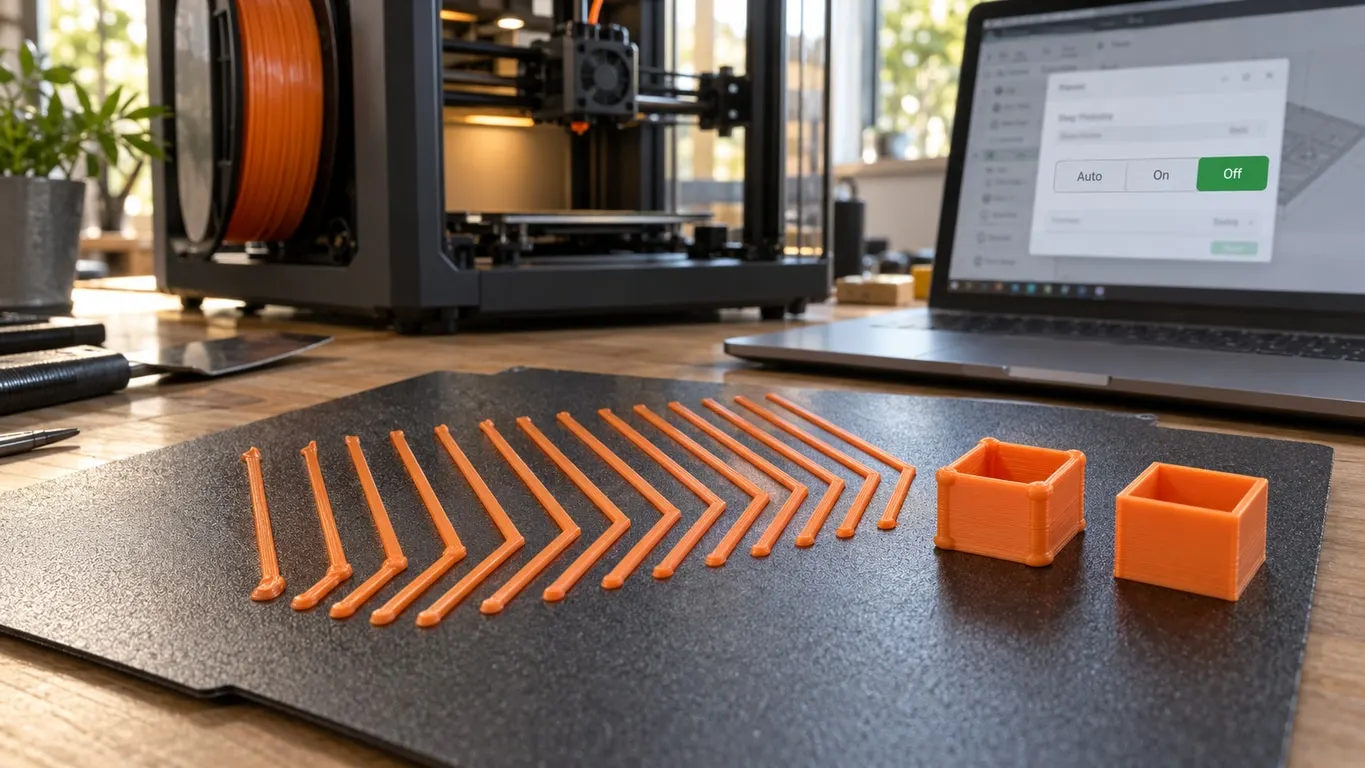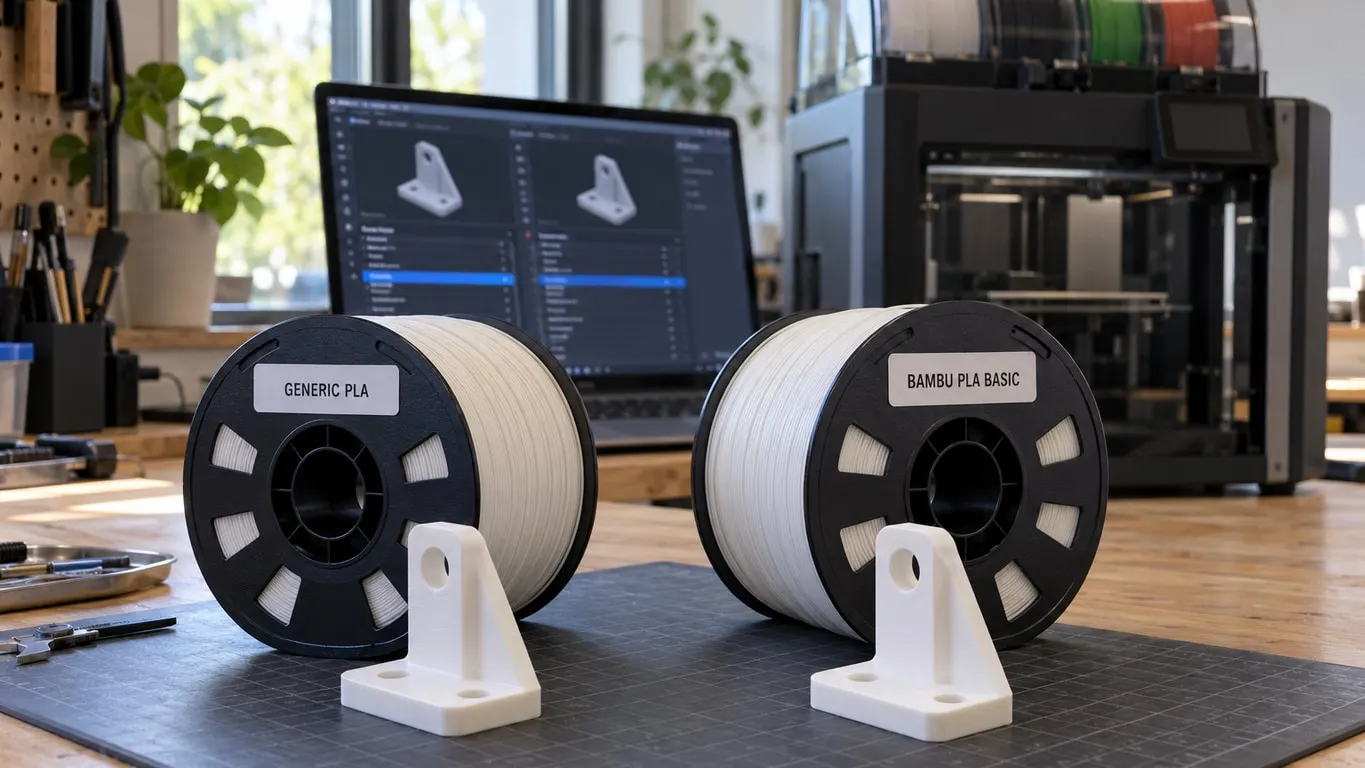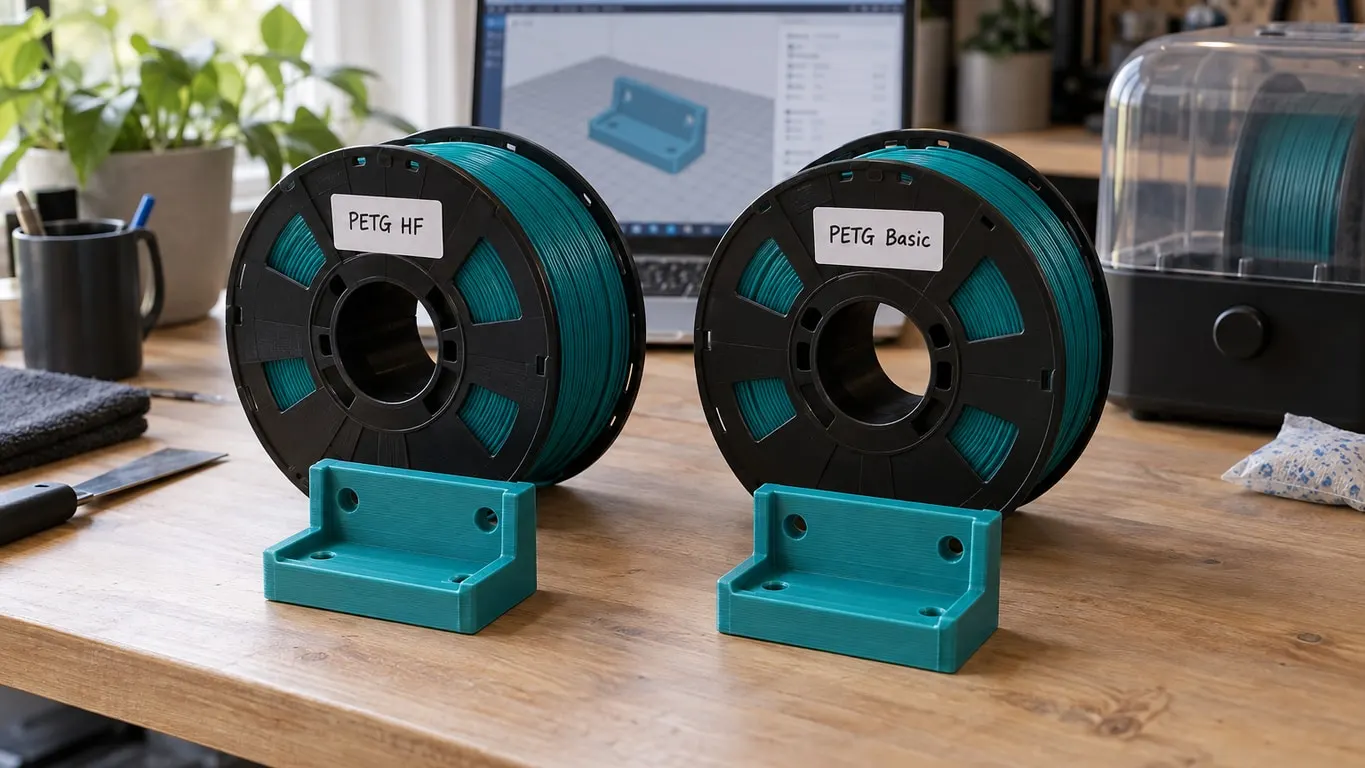
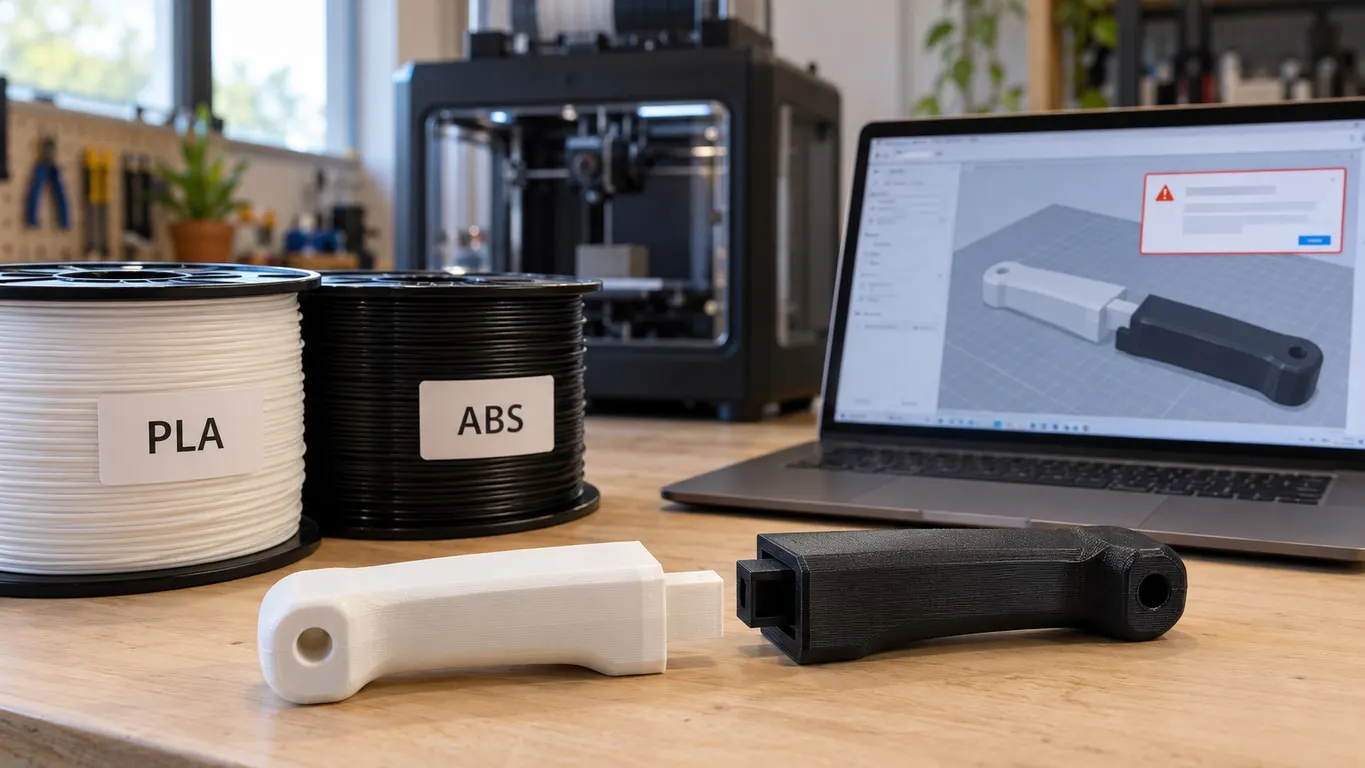
Can you print PLA and ABS together on a Bambu printer? Not by default: assign them to two parts of one print and Bambu Studio refuses to slice. Matching the two nozzle temperatures does nothing, because the check never looks at temperatures. It reads each filament's Type and sorts it into a temperature class, and ABS and PLA sit in classes that are not allowed on the same plate. Since version 2.0 there is a switch in Preferences that lifts the block, while Bambu's own wiki still says the two classes must not be printed together.
The short version
- Changing temperatures will not clear an error that names high-temp and low-temp filaments; that message is about the pair, not the numbers.
- Simplest fix: one material for the whole part. Otherwise print the two pieces apart and join them with a snap fit, screws or a mechanical lock.
- Need two materials anyway? Stay inside one class. Today that includes PLA with PETG, which Studio slices without a word.
- The Preferences override exists, but it moves the clog risk onto you; keep it for last.
- Do not count on PLA and ABS fusing where they touch. Bambu publishes no bond figure for that pair and users report it stays weak, so design a mechanical joint.
Why matching temperatures changes nothing
The classes live in a file that ships with the program. In the current stable release (2.8.2, August 2026) they are:
| Class | Types |
|---|---|
| High-temp | ABS, ABS-GF, ASA, ASA-CF, ASA-AERO, PC, PA, PA-CF, PA-GF, PA6-CF, PET-CF, PPS, PPS-CF, PPA-CF, PPA-GF |
| Low-temp | PLA, PLA-CF, PLA-AERO, PETG, PETG-CF, PCTG, TPU, TPU-AMS, PVA, BVOH |
| Mid-temp | HIPS, PE, PP, EVA, PE-CF, PP-CF, PP-GF, PHA |
Every filament used on the plate is checked, support filaments included. High plus low stops the slice with this error:
Printing high-temp and low-temp filaments together may cause nozzle clogging or printer damage. If you still want to print, you can enable the option in Preferences.
High plus mid, or mid plus low, only warns. One class, or a type on none of the lists, passes silently. The printer model plays no part, so an X1 Carbon gets the same verdict as an H2D. With Print sequence set to By object, each object is judged on its own and the error only appears when a single object uses both classes.
PETG moved. In the releases just before 2.0.2 (April 15, 2025) it was mid-temp; that release put it in the low-temp class. That is why PLA and PETG now slice with no warning at all, while PETG and ABS are blocked just like PLA and ABS. Back in 1.6, the current release in June 2023, the list was shorter and left out PETG, the error was worded differently, and nothing could override it.
What actually happens in the nozzle
Start with the bed. Bambu's ABS profile runs it at 90°C, while its PLA profiles list a Softening temperature of just 45°C, and the tooltip on that field tells you to open the front door or lift off the top glass once the bed reaches it. Bambu's wiki builds the whole class system on that number: above a 45°C chamber, low-temp filament can soften inside the extruder or hotend and clog it. For a third-party spool, look up its heat deflection temperature (ISO 75, 1.8 MPa load); under 80°C counts as low-temp.
Then there is the swap itself. Bambu's profiles give PLA a recommended range of 190-240°C and ABS 240-280°C, and on the X1 Carbon the change G-code flushes at the top of the incoming filament's range ("always use highest temperature to flush"). So when PLA comes next, the leftover ABS is pushed out at 240°C, right at the bottom of its own range, and PLA heading into an ABS layer sees 280°C, 40°C over its ceiling. That matches the explanation on offer: on the way to PLA the nozzle may be too cold to clear the leftover ABS, so it can clog, and on the way to ABS the overheated PLA drips out like goo during the change. No source names it as the only cause, though.
On the X1 Carbon, then, the profile's Flush temperature field is not what sets that number; the field and flush volumes are covered in the flush into object article.
The override switch, and the fake PLA trick
The switch arrived with 2.0 on March 25, 2025. Open Preferences from the top menu on Windows (Ctrl+P) or the Bambu Studio menu on a Mac (Cmd+,), go to the User tab, and under User Settings find Remove the restriction on mixed printing of high and low temperature filaments. It is off by default. Ticking it opens a Bed Temperature Difference Warning listing extruder clogging, nozzle damage and layer adhesion issues; anything but Yes unticks the box. With it on, the same pair produces a warning instead of an error and the slice goes through. The warning's Click Wiki for help. link opens Bambu's filament limits page for the H2D and H2C, which states plainly that high-temp and low-temp filaments must not be printed together.
Relabeling is the other route. Set up a profile whose type says PLA, give it ABS temperatures, and the check, which reads Type and nothing else, lets it through. Nothing in the nozzle changes, only what Studio believes is there: the class check, its warnings and the flush temperature all follow the fake profile. On genuine Bambu spools the AMS reads the type from the RFID tag; the Generic PLA article explains that matching.
People have tried it. In June 2023 one ABS spool set up as PLA printed fine; in September 2023 another sliced without complaint, but the filament would not pull back properly at the swap. A report from that same September involved PLA supporting PETG, a pair Studio no longer flags: the nozzle clogged after roughly five filament changes on every attempt, and the report does not say which settings were used. One clean print proves nothing about a job with many more swaps.
Using the weak bond instead of fighting it
PLA and PETG do not bond well to each other; Bambu's wiki says so in as many words. There is no such figure for PLA and ABS, and the weak bond there is what users report. Bambu's ABS profile does warn of warping and low layer adhesion strength, but that is ABS bonding to itself, not to PLA.
Either way, a joint between the two has to hold mechanically. Printed parts are weakest in shear, bending and tension along Z, so orient load-bearing joints in the XY plane, and if just one spot of an assembly needs ABS's durability, printing the whole part in ABS is the simpler answer. Two same-class filaments on parts of one object are set up as shown in merging objects in Bambu Studio.
Support is where the weak bond becomes useful, and Bambu's wiki recommends PLA and PETG as mutual supports for exactly that reason: they part cleanly and the surface underneath stays good. Only Bambu PLA Basic paired with PETG HF or PETG Basic is covered; matte, silk, carbon-filled and third-party versions are not. Keep the second material to the interface. On the Support page, in the Support filament group, point Support/raft interface at the PLA or PETG and keep Support/raft base on the model material, because a full base in the second material adds time and is more likely to detach mid-print. The wiki prints PLA support at 230°C on every layer over a 60°C bed and wants the door or top cover open on enclosed machines such as the X1, P1S and P2S. For the support setup itself, see the support guide.
The same classes run through Bambu's support filaments: the profile for Support For PLA/PETG says PLA, the one for Support for ABS says ABS. That means PLA-based support under an ABS part hits the very error this article started with.