Orca Slicer is a free, open-source slicer forked from Bambu Studio. The interface is near-identical, files open in either one, and the two sit side by side on the same machine. The differences come down to two things: Orca has built-in calibration tools, and it supports printers beyond Bambu Lab.
If you use Bambu Studio you do not need to learn Orca; you already know it.
Where it came from
Orca started as a fork of Bambu Studio's source. Bambu Studio itself came from PrusaSlicer, which came from Slic3r. All three share a root, which is why the interface logic feels familiar across them. Cura is not part of this family; it comes from a separate root.
Bambu Studio is built around Bambu Lab printers. It does list a limited set of other machines, Creality, Elegoo, Anycubic, Voron and Prusa among them, but the device tab, AMS and cloud sending only work with a Bambu printer. Orca widens the list to more than 60 vendors and supports printers running Klipper. I wrote about why trying to add a non-Bambu printer to Bambu Studio is a dead end in a separate article.
Installing
Download from the Releases section at github.com/SoftFever/OrcaSlicer. Windows, macOS and Linux builds are available.
You do not need to remove Bambu Studio. The two install to separate folders, keep separate settings and do not interfere with each other. The same 3MF opens in both.
The real difference: calibration tools
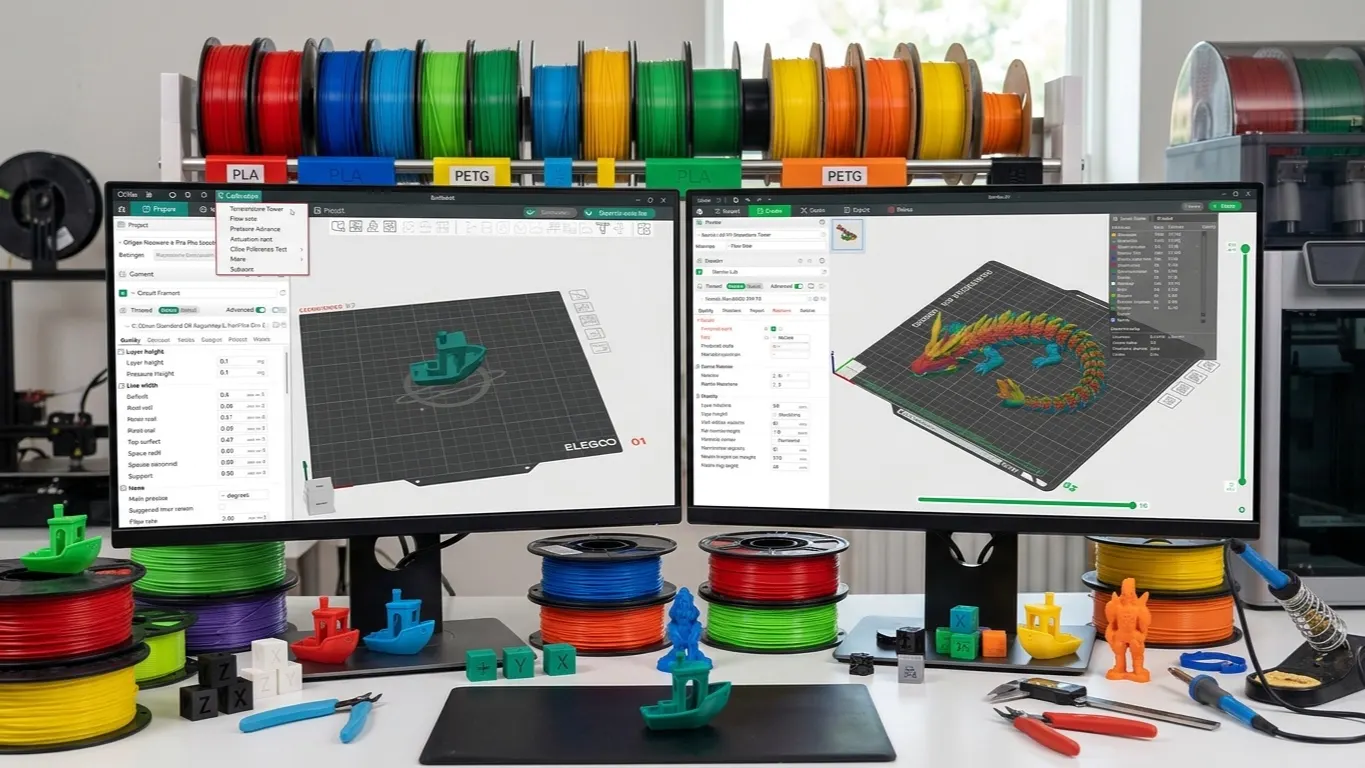
Bambu Studio has a Calibration menu with a temperature test too, but it stays hidden while a Bambu printer is selected; it only shows up for a third-party printer or with Develop mode on. In Orca the menu is always there, and longer.
Ready-made tests under Calibration:
| Test | What it finds |
|---|---|
| Temperature | The right nozzle temperature for the material |
| Max flowrate | The highest flow the material takes |
| Pressure advance | Bulging and gaps at corners |
| Flow ratio | Flow multiplier: whether wall thickness is right |
| Retraction | The right retraction for stringing |
| Cornering | Jerk or junction deviation at corners |
| Input Shaping | Frequency and damping for ringing |
| VFA | Speed-dependent vibration marks |
The tolerance test left the menu in 2.3.1; right-click an empty plate and it is under Add Handy models as Orca Tolerance Test.
Each one generates and slices a model in a single click. You measure the result and enter the value into the profile. These tools are the most concrete reason to pick Orca, especially on a non-Bambu printer with no ready-made profile.
The one people run most is the temperature tower; the temperature tower article covers how to print and read one.
Other differences
More settings exposed. Bambu Studio hides or locks some settings; Orca shows them all. For a beginner that is a drawback; for an experienced user it is the whole point.
Klipper support. If your printer runs Klipper, Orca connects directly.
Faster updates. Because it is a community project, new features land sooner. The flip side is that bugs land sooner too, on interim releases.
No Bambu cloud features. Pairing with Bambu Handy, sending prints over the cloud, MakerWorld integration: all of that stays on the Bambu Studio side. You can reach a Bambu printer from Orca over LAN, but the cloud side is limited.
I have a Bambu printer, which should I use
Use both. The common pattern looks like this:
- Day-to-day printing in Bambu Studio. Cloud, phone app and AMS handling are less trouble there.
- Dialing in a new filament can mostly stay in Bambu Studio too: the core tests are in its menu with Develop mode on, and K and flow ratio are on the Calibration tab. For cornering, input shaping or the YOLO flow test, print them in Orca and enter the values into your Bambu Studio profile by hand.
Profiles move between the two, so you are not locked into picking one. Importing a profile and then not finding it in the list happens a lot; that article covers why.
Newly released printers
When a new Bambu model ships, Orca support does not arrive right away. Orca is community-developed, and a new machine's profile has to wait for someone to write it; that usually takes a few weeks.
In the meantime you keep running the printer from Bambu Studio. You can build a profile by hand in Orca, but on a brand-new machine that means setting everything yourself, from bed dimensions to flow values. Waiting is usually less work.
You can track whether support has landed in the release notes on GitHub.
Who does not need it
If you have a single Bambu printer, print with stock profiles and are happy with your results, switching to Orca gains you nothing concrete. It just means more settings and more decisions. All four are compared side by side in 3D printing software.
What Orca gives you is control. If you do not need control, Bambu Studio is enough.