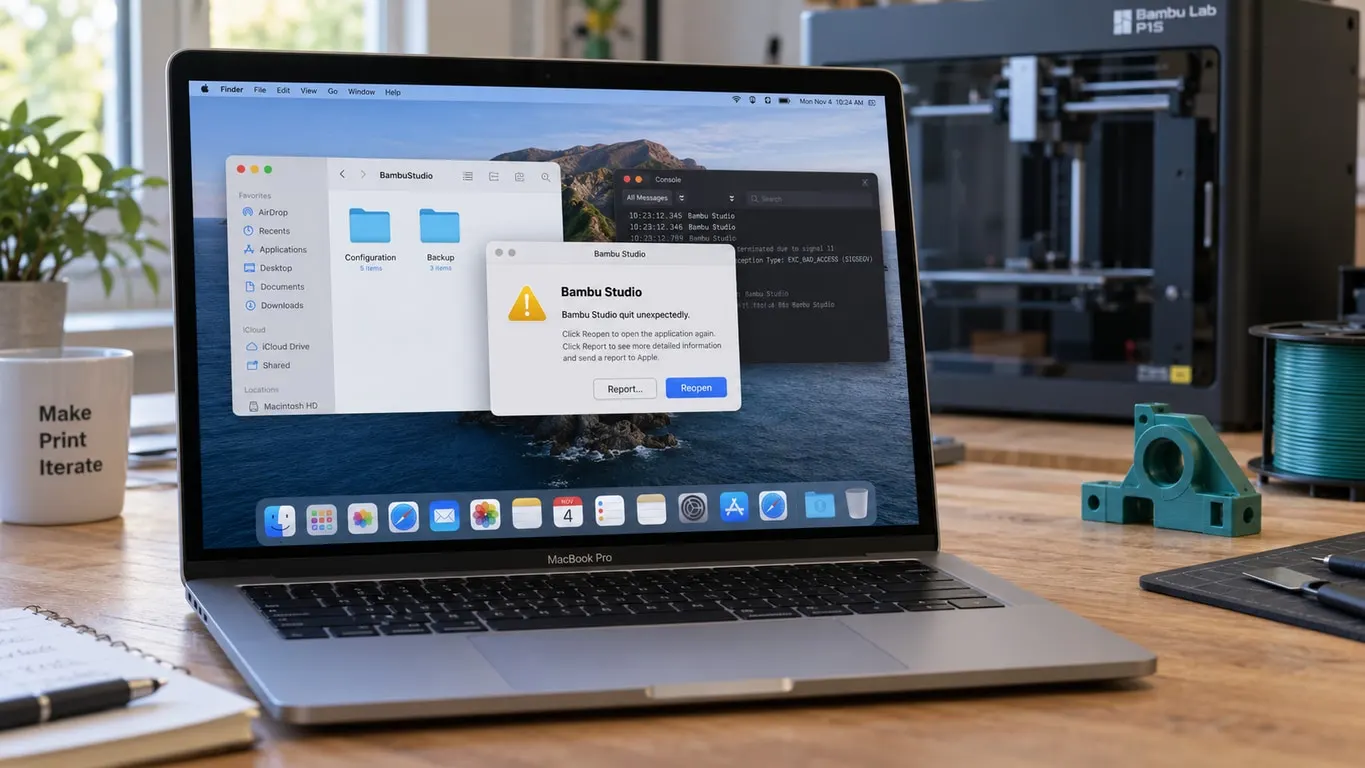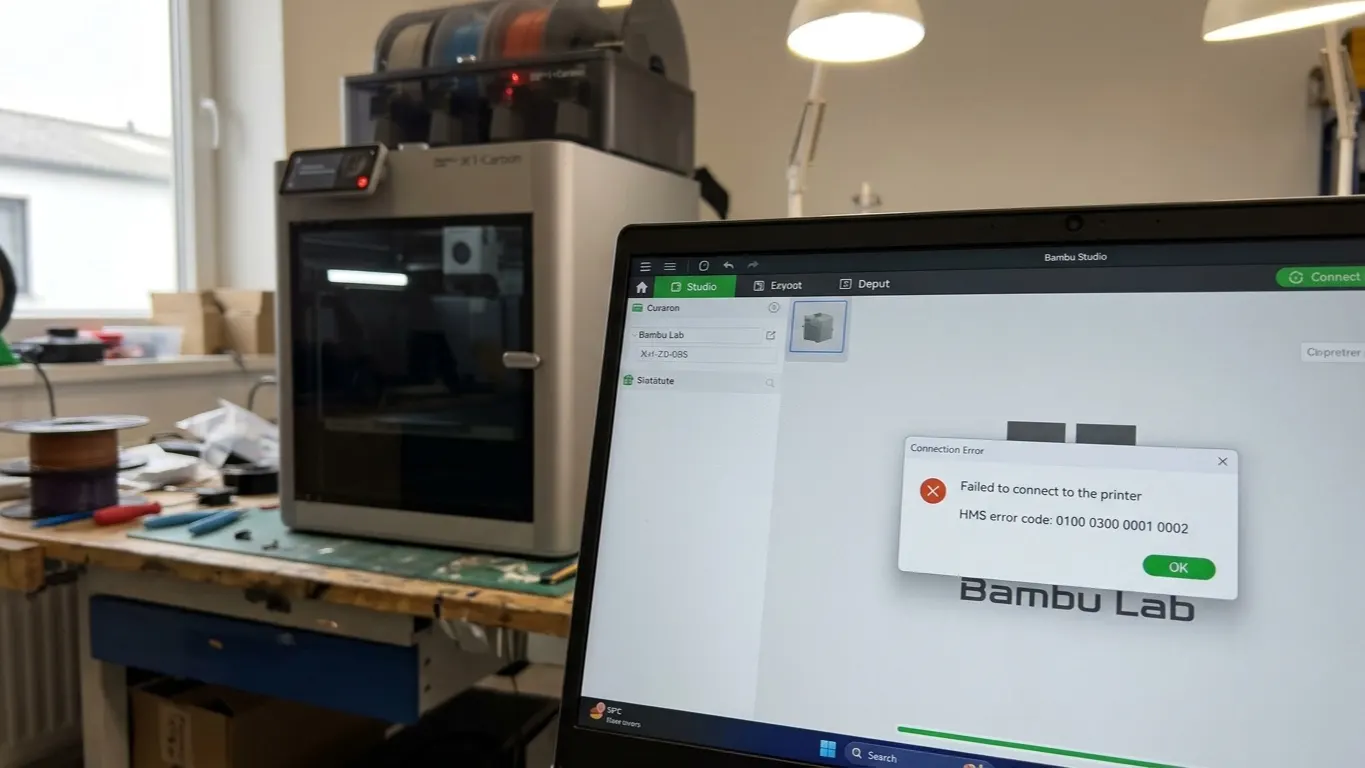
If Bambu Studio will not connect to the printer and shows a code such as HMS-0500-0500-0001-0007, leave the printer alone for now. This family of codes points at communication: the printer works, the slicer works, but the two cannot talk, so the fix is usually at one end of the link.
A frequent cause is a mismatch between slicer version and printer firmware. Bambu added a command-verification layer in the 01.08 releases, and on some setups that broke the connection.
The short version: confirm the printer prints from its own screen, put both devices on the same network with any VPN off, switch to LAN Only Mode if the cloud link is the problem, and roll Bambu Studio back if the trouble started with a new release. The details follow.
Which side first
Rule the sides out in order:
- Start a print from the printer's screen. If that works the printer is fine and the problem is the link.
- Connect with the Bambu Handy app. If the app sees it and Studio does not, the problem is Studio. The two being logged into different accounts is common; see login problems.
- Check you are on the same network. If the computer is on 5 GHz and the printer on 2.4 GHz, and the router separates them, they cannot find each other.
LAN Only Mode
When cloud connection is the problem, moving to the local network usually fixes it.
On the printer's screen: Settings → Network → LAN Only Mode. An access code appears.
In Bambu Studio you add the printer by hand, entering its IP address and that access code.
There is a cost: cloud features stop. Remote monitoring, connecting from outside with the phone app and MakerWorld integration all stop working. On the same network everything else behaves normally.
Developer Mode is also needed on some setups; it is in the same menu.
Downgrading
If the problem started with a particular Bambu Studio version, going back one usually helps. Older builds are on the Releases page of Bambu's GitHub repository.
This is temporary. Bambu usually ships a fix within a few weeks. If you downgrade, make a note and do not forget to update later: staying on an old version brings its own problems.
Downgrading printer firmware is possible but not recommended; staying on the slicer side is safer.
Errors during installation
A different failure happens before any connection: Bambu Studio errors while installing or updating.
The usual cause is that a DLL the installer needs to replace is locked by another program. The program holding it can be something entirely unrelated, such as Skype or Firefox.
The fix: close open programs and try again. If it persists, restart the computer and run the installer as the first thing you do.
Other common causes
Firewall. Windows Defender or a third-party firewall may be blocking Bambu Studio. Add it to the allow list.
VPN on. A VPN cuts the computer off from the local network. Turn it off when connecting to the printer.
AP isolation on the router. Some routers stop devices on the same network seeing each other. The setting may be called "AP Isolation", "Client Isolation" or "Guest network".
Printer asleep. A printer unused for a long time sometimes drops off the network. Wake it from the screen.
The network plugin is not installed. Studio downloads the component that talks to the printer and the cloud separately, and when that fails to install the printer never appears in the list. The detail is in the network plugin article.
If none of it works
You can search the code in Bambu's own error database; every HMS code has a published explanation. The code tells you exactly what it points at, which narrows down where to look.