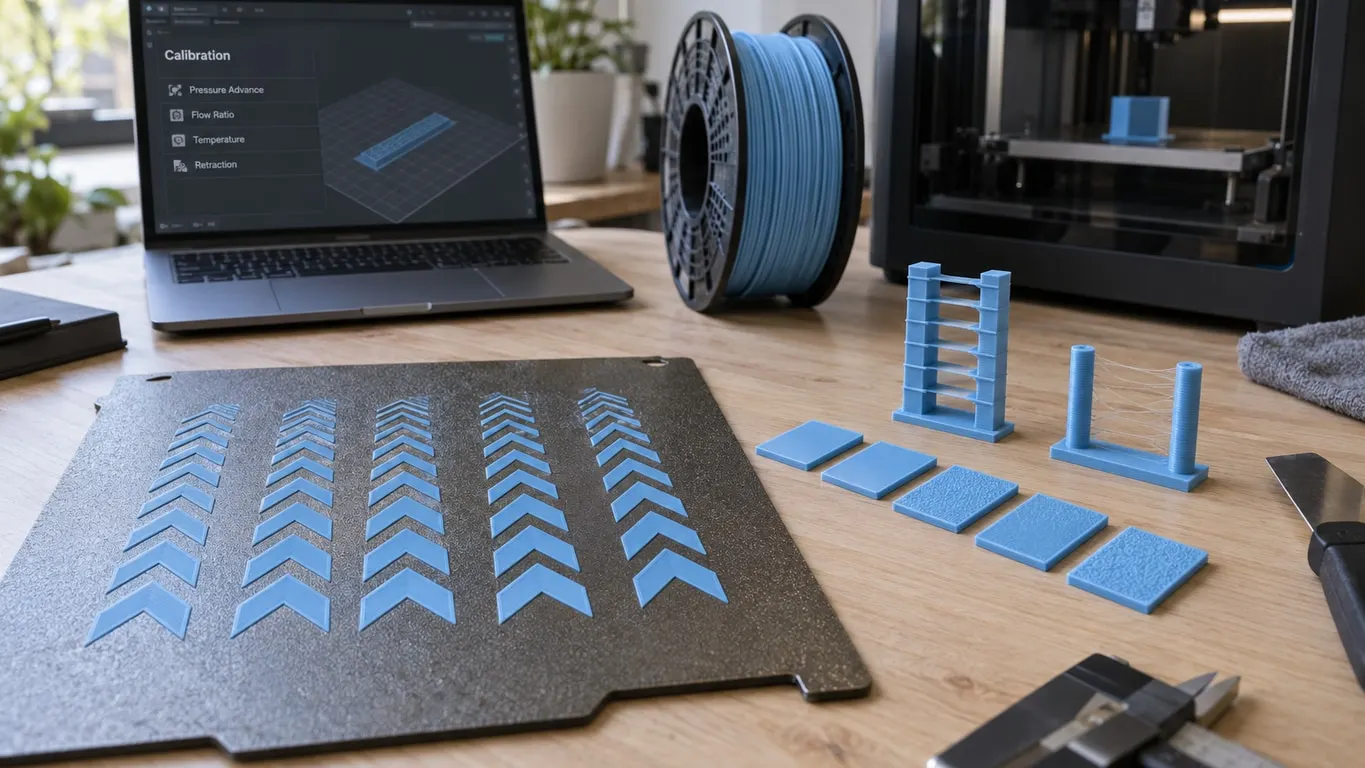
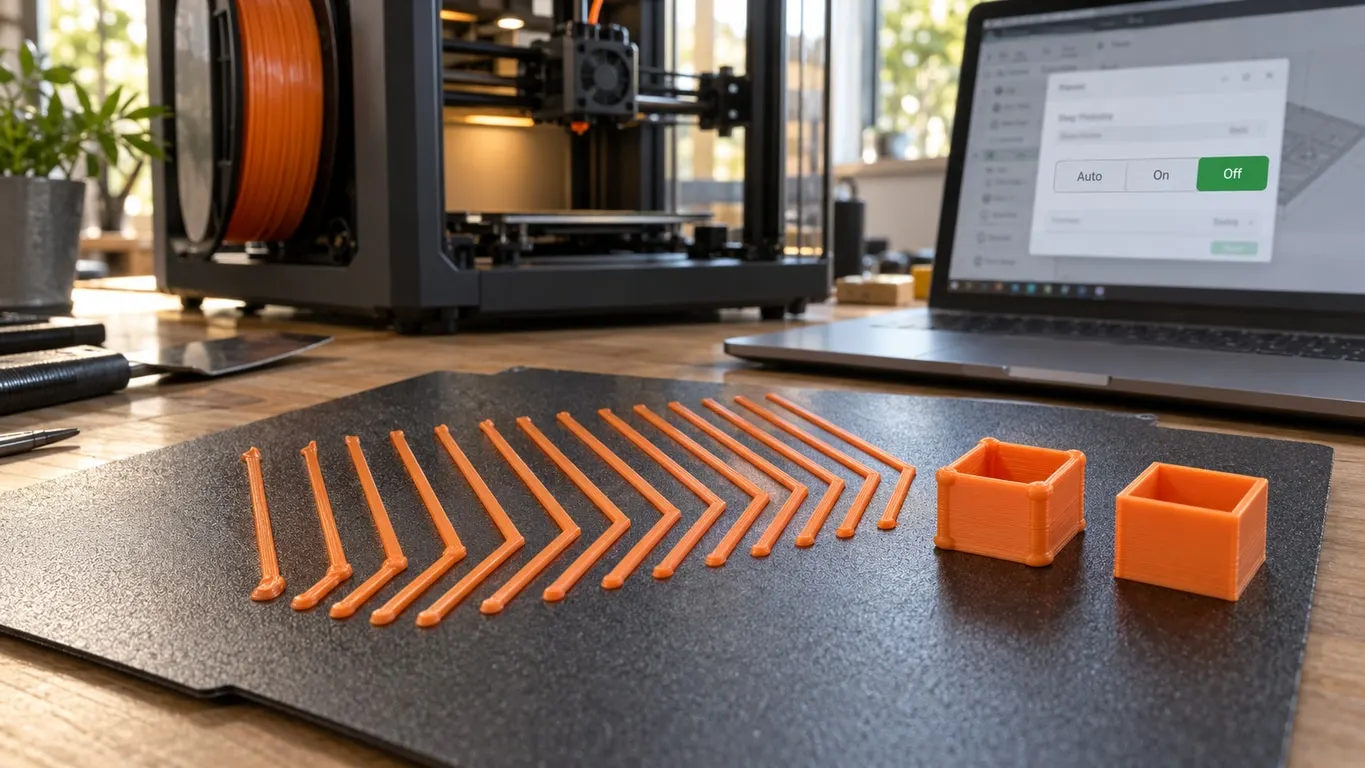
Should Flow Dynamics Calibration be on or off? That depends on which K value you want the print to use. Per Bambu's wiki, Off is the position that prints every filament with your saved PA profile, or the default if the slot has none. On measures K during print prep and prints the measured filament with that number; Auto, where offered, reuses the last calibration or runs a new one if the filament or nozzle changed.
That rule explains why a saved K value can look like it does nothing, and why Bambu Studio warns you when Auto is selected while a custom profile is assigned. One real firmware bug did make manual K values useless on the A1, in June 2024, and it is covered at the end.
Make a print use your own K value
- Measure K on the Flow Dynamics page of the Calibration tab and save it (the filament calibration guide covers the test), or type one in: Manage Result, then New.
- On the Device tab, select the AMS slot, click the edit icon that appears on it, pick your entry from PA Profile and click Confirm.
- In the Send print job dialog, set Flow Dynamics Calibration to Off.
- Not sure it took? Print the same small part twice on Off with two K values far apart. If the corners come out identical, the value is not being applied.
Auto, On and Off: which K each one uses
Bambu's wiki page on Flow Dynamics Calibration, last updated in June 2026, defines the three positions like this:
| Setting | K value used for the print | Printers |
|---|---|---|
| Auto | The last calibration value if the filament and nozzle are unchanged and the hotend has not been swapped; otherwise a fresh calibration before printing | H2D, H2D Pro, H2S, H2C, P2S, X2D, A2L |
| On | The value measured during print prep, not your saved one | Every printer that shows the row, X1 and A1 series included |
| Off | The PA profile assigned to the slot, or the system default if there is none | Every printer that shows the row |
Older lines get a shorter menu. X1 and A1 series printers offer On and Off only, and P1 series printers skip the row entirely because they cannot calibrate automatically. What On does differs too. An X1 draws calibration lines on the plate during prep and checks only the job's first filament, so a second or third filament falls back to the K you assigned, or to the default. A-series printers, per the wiki, measure each filament the first time it comes into use. The wiki dates that to firmware 01.03.00.00, while the A1 release history lists automatic Flow Dynamics Calibration for multiple filaments as new in 01.04.00.00.
A value On finds does not carry over to Off. The wiki defines Off as the slot's PA profile or the default, so save the number as a profile and assign it if you want it again. When Off or Auto is the safer choice for a given print is covered in the pre-print calibration guide.
One case is decided for you. If every filament mapped to the print is TPU or Aero, Bambu Studio 2.5.3 and later switch the dialog to Off before you touch it (2.5.2 and earlier did not). TPU's own flow trouble is in TPU not extruding.
"Set dynamic flow calibration to 'OFF'": what the warning means
With Auto selected, the send dialog can show this line:
Set dynamic flow calibration to 'OFF' to enable custom dynamic flow value.
Bambu Studio raises it under one fixed condition: Flow Dynamics Calibration is on Auto, and at least one slot used by the print has a PA profile other than Default selected. It does not block the Send button. Since only Auto triggers it, X1 and A1 owners never see it.
In plain terms, a saved profile sits on one of the slots and Auto is going to bypass it. Pick Off to print with it; keep Auto and send anyway if the printer's own number is what you want.
The warning has a history on the H2D. In April 2025, on Bambu Studio 2.0.x, it appeared on an H2D with one high-flow nozzle whose owner had never entered a custom value, and Bambu support called it informational and said the next update would fix it. If a fix shipped, it left no trace: the 2.0.3 and 2.1.0 release notes are silent, and the current source uses the same text and the same trigger. So when you see it, go through the PA profile of every slot in the job. It only fires when at least one of them is set to something other than Default.
PA profiles, AMS slots and the H2D's two nozzles
On a Bambu printer the filament settings hide the Pressure advance field; Bambu Studio only shows it for third-party printers. K lives on the printer as a PA profile, and the slot dialog is where you tie it to a spool.
Profile missing from the slot dialog? The PA Profile list under Factors of Flow Dynamics Calibration is filtered. After Default at the top, it only offers profiles that match the slot's filament and the installed nozzle's diameter and flow type, Standard or High Flow. A profile saved against another filament or nozzle simply does not appear.
On the H2D the list narrows further, to the nozzle the slot feeds. A profile measured on the standard left nozzle will not show up for a slot routed to a high-flow right nozzle, so that nozzle needs its own calibration or its own profile. On these printers the New dialog under Manage Result asks for Extruder and Nozzle Flow alongside Name, Filament, Nozzle Diameter and Factor K.
Auto on the H2D checks the nozzle too: if the filament and the nozzle it will print through are unchanged since the last calibration, it skips the measurement. Auto and On results are stored on the printer for that check. With Default selected, the H2D shows no K number at all, because the printer adjusts compensation by model, nozzle and filament type; pick a saved profile and the number appears, but per the wiki it only takes effect on Off.
On the nozzle-swapping H2C, selecting Off can add a switch, "Nozzles and filaments of the same type share the same PA profile". On (the default, per the wiki), a profile applies whenever filament type and nozzle type match the record; off, only for the exact filament and nozzle recorded.
The A1 K value bug from June 2024
If two test prints with very different K values come out identical on an A1, the printer is not applying your profile. Brand-new A1 units showed exactly that in June 2024: corners stayed poor, the top surface had excess material at its edge, and compensation only appeared with Flow Dynamics Calibration turned on. An A1 mini given the same profiles showed the difference plainly. A factory reset, a reformatted SD card and deleting and re-adding the PA profile did not help, and a second new A1 behaved the same way. Bambu reproduced the fault and pointed to the next firmware.
The A1 firmware log fills in the dates. PA profile creation and assignment only reached the A1 in 01.03.00.00 (June 12, 2024). Its successor, 01.03.01.00 (July 22, 2024), says: "Fixed the issue where there was a small chance the K factor from flow dynamics calibration was not effective." Bambu does not tie that line to manually set values or call it the same bug. Much later, 01.08.00.00 (April 14, 2026) fixed a power outage overwriting the PA parameters of AMS filaments.
Still seeing it on current firmware? Update, then repeat the two-value test from step 4. Recalibrate anyway whenever the wiki says to: a new filament brand or model, a worn nozzle, a nozzle swap, or a change to max volumetric speed or print temperature in the filament settings.