Does PrusaSlicer work with Bambu Lab printers? Not as a drop-in replacement for Bambu Studio. PrusaSlicer ships no Bambu Lab printer profile, and it has no way to send a job to a Bambu printer over the network. What it does well, for a Bambu owner, is act as a second opinion: its stability check flags problems that Bambu Studio's support check is not built to look for.
The workable setup
- Slice the model in PrusaSlicer with supports off, and read the Detected print stability issues alert if one appears.
- Open the same model in Bambu Studio and fix what PrusaSlicer pointed at, either by turning on supports for that area or by reorienting the part.
- If the alert listed low bed adhesion, add a brim as well.
- Print from Bambu Studio, where AMS mapping, calibration and printer monitoring live.
Why the two slicers disagree about supports
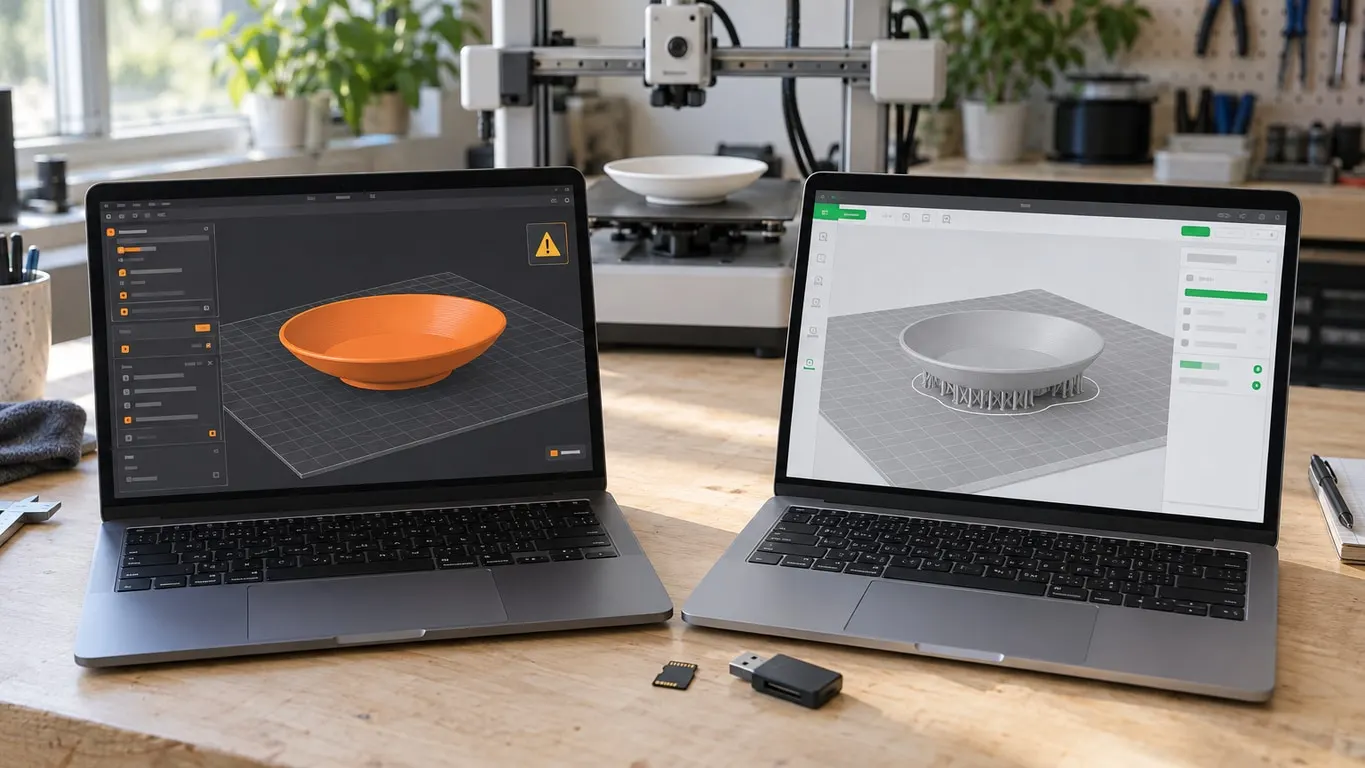
A part can get a warning in PrusaSlicer and slice without a word in Bambu Studio. Take this case: a saucer sliced on an A1 mini with PLA, a 0.4 mm nozzle and default settings, no warning, and the nozzle printing into thin air around layers 16-19. With supports and a brim added, the same saucer printed fine. The underside of its base is a bridge, the likely culprit, and bridges are exactly where the two checks part ways.
Bambu Studio checks for two things when supports are off: regions that start with nothing underneath (floating regions) and overhangs that reach more than 6 mm out into the air (floating cantilever). Either one produces the "re-orient the object or enable support generation" message, covered in detail in the floating regions article. Bridge length and bed adhesion are not part of that check.
PrusaSlicer has run a broader stability check during slicing since version 2.6.0, released June 2023. According to the 2.6.0-alpha2 release notes, the algorithm walks the print extrusion by extrusion and weighs the center of mass, the weight of the part being supported, bed movement, possible collisions with the extruder, bed adhesion, material and bridging. The same notes call the resulting warnings conservative and say experts may find them obtrusive. On an object with supports off, any problem it finds is listed under Detected print stability issues:
| Item in the alert | What it flags |
|---|---|
| Long bridging extrusions | Bridges long enough to print badly |
| Floating bridge anchors | Bridge ends or turns with nothing to land on |
| Collapsing overhang | A large overhang likely to fail outright |
| Loose extrusions | Lines without enough support that may curl |
| Low bed adhesion | A footprint that may come loose from the bed |
| Floating object part | A section not connected to the bed at all |
| Thin fragile part | A slender section that may snap mid-print |
The alert ends with Consider enabling supports., plus Also consider enabling brim. when adhesion is the problem and the object has no brim. The check is controlled by Alert when supports needed in Preferences, which is on by default.
So a bridged base can pass Bambu Studio silently and still trip PrusaSlicer's bridge items. Without the file, nobody can say that is what happened. Treat PrusaSlicer's verdict as a pointer rather than a ruling, too: the check takes the filament type, perimeter acceleration, raft and brim settings into account, and without a Bambu printer definition it runs on whatever PrusaSlicer profile is selected, not on Bambu's numbers.
No Bambu profile, no send button
Start with the A1, since that is the profile people go looking for. Bambu Studio defines the A1's print volume as 256 x 256 x 256 mm and the A1 mini's as 180 x 180 x 180 mm. Those numbers are the only part of a Bambu printer that copies cleanly into PrusaSlicer.
PrusaSlicer will not hand you either printer. The 2.9.6 stable release (June 2026) bundles profiles from more than thirty vendors, Anker, Anycubic, Creality, Elegoo, Snapmaker, Sovol, Voron and Ultimaker among them, and Bambu Lab is missing. So is a Bambu Lab folder in PrusaSlicer-settings-non-prusa-fff, the repository Prusa uses for third-party profiles. Bambu Studio, for its part, ships Prusa MK3S and Prusa MINI profiles.
Building one yourself goes through the Custom Printer page of the Configuration Wizard: check Define a custom printer profile, then fill in firmware type, bed shape, Build Volume, nozzle diameter and temperatures. The start sequence is where it stops being a form. Bambu Studio's A1 mini Start G-code is 472 lines long and the A1's runs past 600, with bed leveling, nozzle wiping, a mechanical check, an extrusion calibration, and light and sound cues. Bambu-only commands such as M1002 and M620 run all through it, along with curr_bed_type and other Bambu Studio variables PrusaSlicer does not know. Neither Bambu nor Prusa documents how to adapt it, and the "PrusaSlicer A1 profiles" passed around online come from neither company.
Getting a finished file to the printer is the other wall. The host types in PrusaSlicer's physical printer dialog are PrusaLink, Prusa Connect, OctoPrint, Moonraker, Duet, FlashAir, AstroBox, Repetier and MKS. None of them talks to a Bambu printer over LAN or cloud.
Bambu Connect (beta), Bambu's standalone sender, is the closest thing to a bridge. The Bambu wiki says it "securely transmits sliced Bambu Lab G-code and 3MF files to your printer," takes files by drag and drop, and can be launched by third-party programs through a bambu-connect://import-file URL. Its example file is a .gcode.3mf, and the wiki never says whether G-code from PrusaSlicer is accepted.
The SD card carries the same doubts. Bambu's card instructions assume the .gcode.3mf package Bambu Studio exports, which PrusaSlicer cannot produce, and a plain .gcode starts without the AMS; the SD card and gcode.3mf article has the details. Bambu has published nothing on how its printers treat G-code from another slicer, so if you try it, watch the first print from start to finish.
What lives only in Bambu Studio
Each of these expects a Bambu printer on the other end, which is why PrusaSlicer has nothing like them:
- Device tab: watches and controls the printer.
- Multi-device tab: several printers at once. It is off by default; turn on Multi-device Management in Preferences and restart.
- AMS mapping: the window that pairs your filaments with AMS slots when you send a job.
- Calibration tab: shown only while a Bambu printer is selected.
- Publish to MakerWorld: in the File menu.
The family resemblance is real. Bambu Studio's README describes it as based on PrusaSlicer, and both carry the AGPL-3.0 license.
Moving 3MF and G-code between them
On the PrusaSlicer side, since the 2.7.3 release line (March 2024), PrusaSlicer reads the geometry from a 3MF saved by Bambu Studio, and since 2.7.4 it keeps the multi-material painting too. A 3MF that holds only G-code, the sliced .gcode.3mf, fails to load.
PrusaSlicer's G-code viewer has been able to read G-code produced by Bambu Studio since 2.6.0. Putting both slicers' toolpaths for the same model side by side is the quickest way to settle a disagreement like the saucer above.
Where Orca fits
Running a Prusa and a Bambu in the same workshop? Let each stay on the slicer its maker builds for it. That arrangement produces the fewest surprises.
Orca is the candidate for a different situation: you own only Bambu printers and simply want something other than Bambu Studio. Because Orca began as a fork of Bambu Studio, the Bambu printer profiles PrusaSlicer lacks are already there. Orca Slicer vs Bambu Studio covers what changes when you switch, and 3D printing software lays out the wider field.