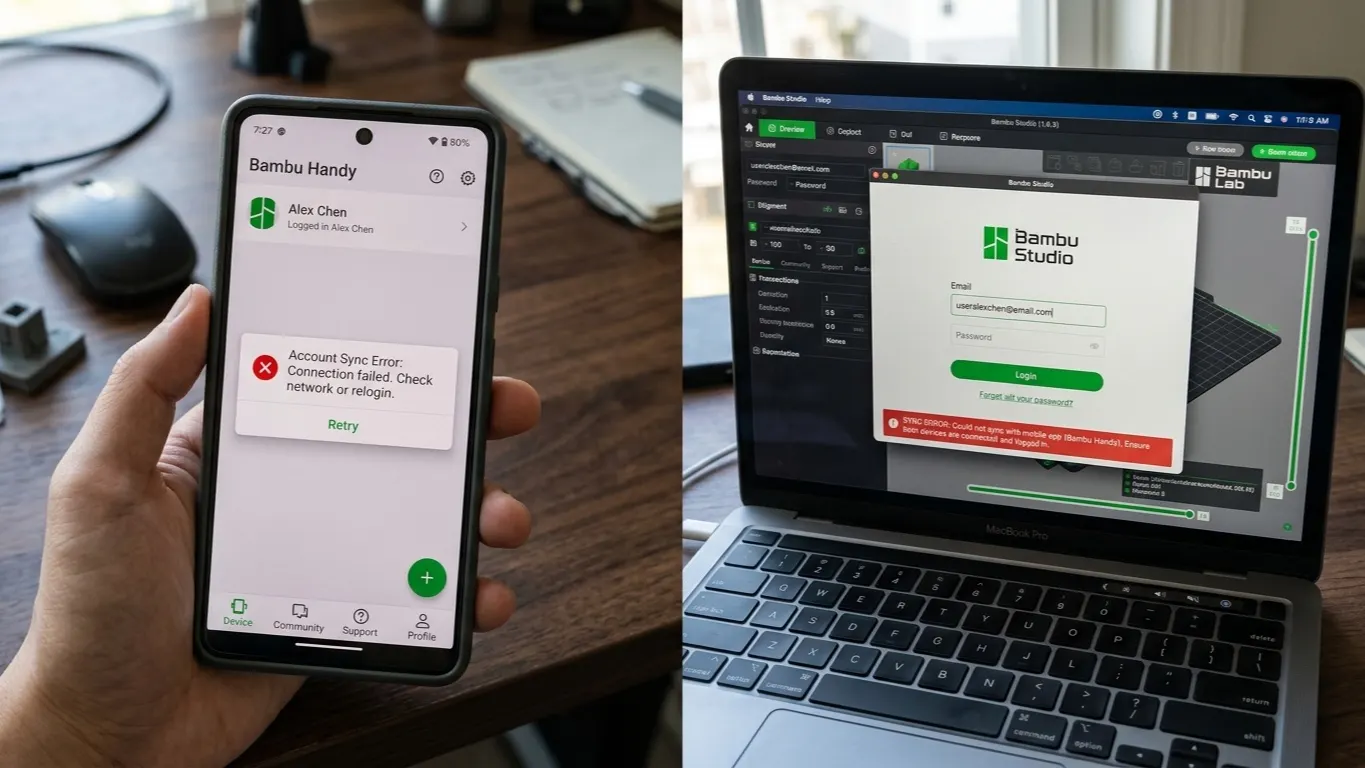
Most login trouble in Bambu Studio comes down to one thing: two accounts getting crossed. Studio on the computer is signed into one email, the Handy app on the phone into another, and the printer only shows up in one of them.
The fix is to sign out of both and back in with the same account.
Lining the two up
In Bambu Studio: go to the home page and hit Log out. Then log back in with the email and password you think are the right ones.
In Bambu Handy: go to the Me tab, scroll down, Settings → Log out. Sign back in with the account you used in Studio, not the other one.
You need the account the printer is registered to. The printer's screen shows which account it is bound to.
If the name on that screen is an auto-assigned user_ number and you cannot tell the accounts apart, changing the username removes the confusion at its source.
Region mismatch
Bambu accounts are tied to a region: the Chinese and global servers are separate. Create an account in one region and try to sign in from the other and you get "account not found", even with the right password.
Bambu Studio's sign-in screen has a region selector. It has to match the region the printer is registered in. On the wrong region it behaves as though the account does not exist.
Region cannot be changed afterwards; if you created the account in the wrong one, you need a new account in the right one.
The printer is not in the list
Signed in but no printer showing:
- Same account? Check the bound account on the printer's screen.
- Same network? Computer and printer must be on the same local network. A 5 GHz / 2.4 GHz split can cause this.
- Is LAN Only Mode on? If it is, the printer will not appear in the cloud list and must be added by IP. If you are seeing an HMS code, see connection errors.
- Is the printer awake? One left unused for a long time can drop off the network.
If MakerWorld will not load in a browser either, the problem is not the account but your computer not reaching Bambu's servers; in that case see the network plugin and cloud access.
The session keeps dropping
If Studio asks you to sign in at every launch:
- Check the clock. A wrong system time invalidates the session token. Turn on automatic time.
- VPN. Connecting from a different country each launch makes the system drop the session for security.
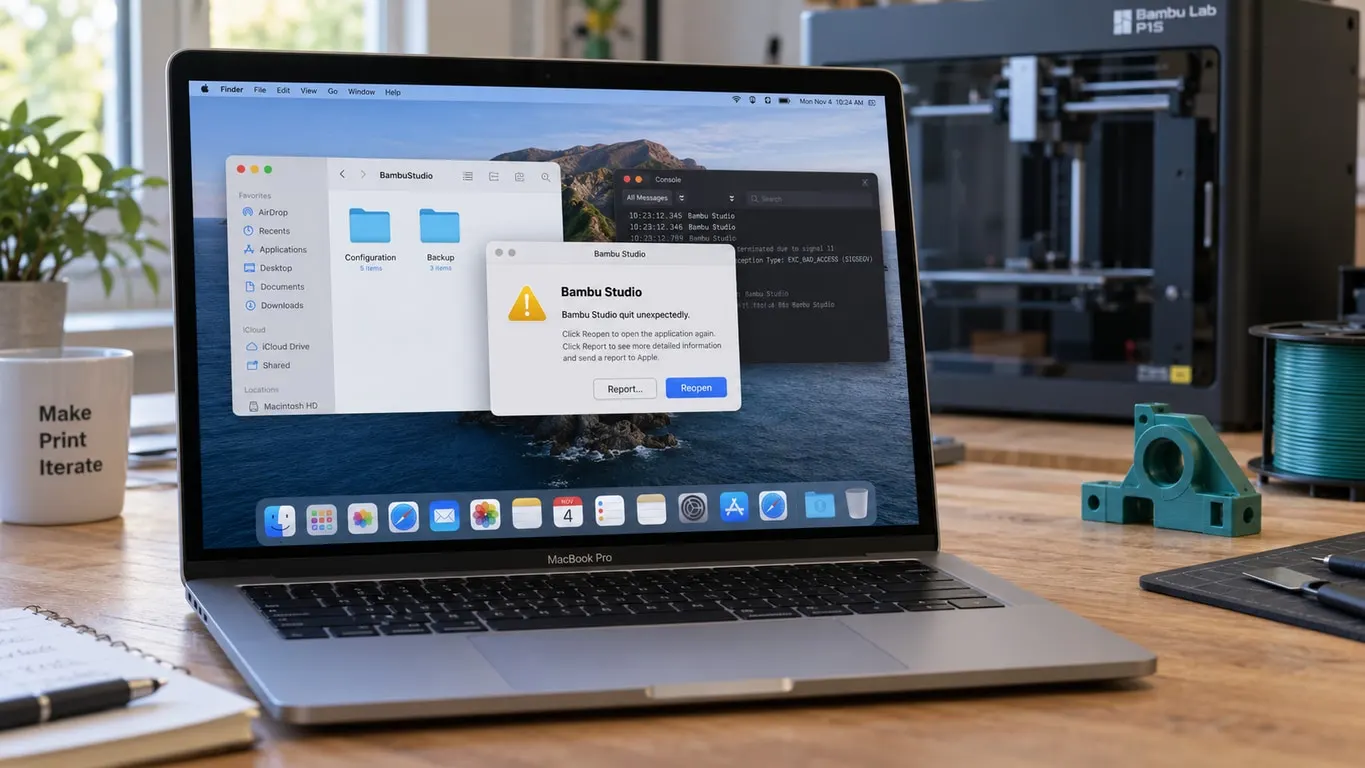
- Configuration folder. A corrupt settings file may be unable to hold the session. Close Studio and rename the Bambu Studio configuration directory in your user folder; the program creates a fresh one. The old folder stays behind as your backup: presets synced to the cloud come back when you sign in with the same account, and only the local ones need copying back from it.
Using it without signing in
Bambu Studio works without an account. Slicing, changing settings and saving G-code need no sign-in.
An account is needed for: sending prints to the printer over the cloud, remote monitoring, downloading models from MakerWorld and sharing profiles.
If you work purely on a local network, LAN Only Mode lets you send prints with no account at all. Take the access code from the printer's screen and add the printer in Studio by IP.