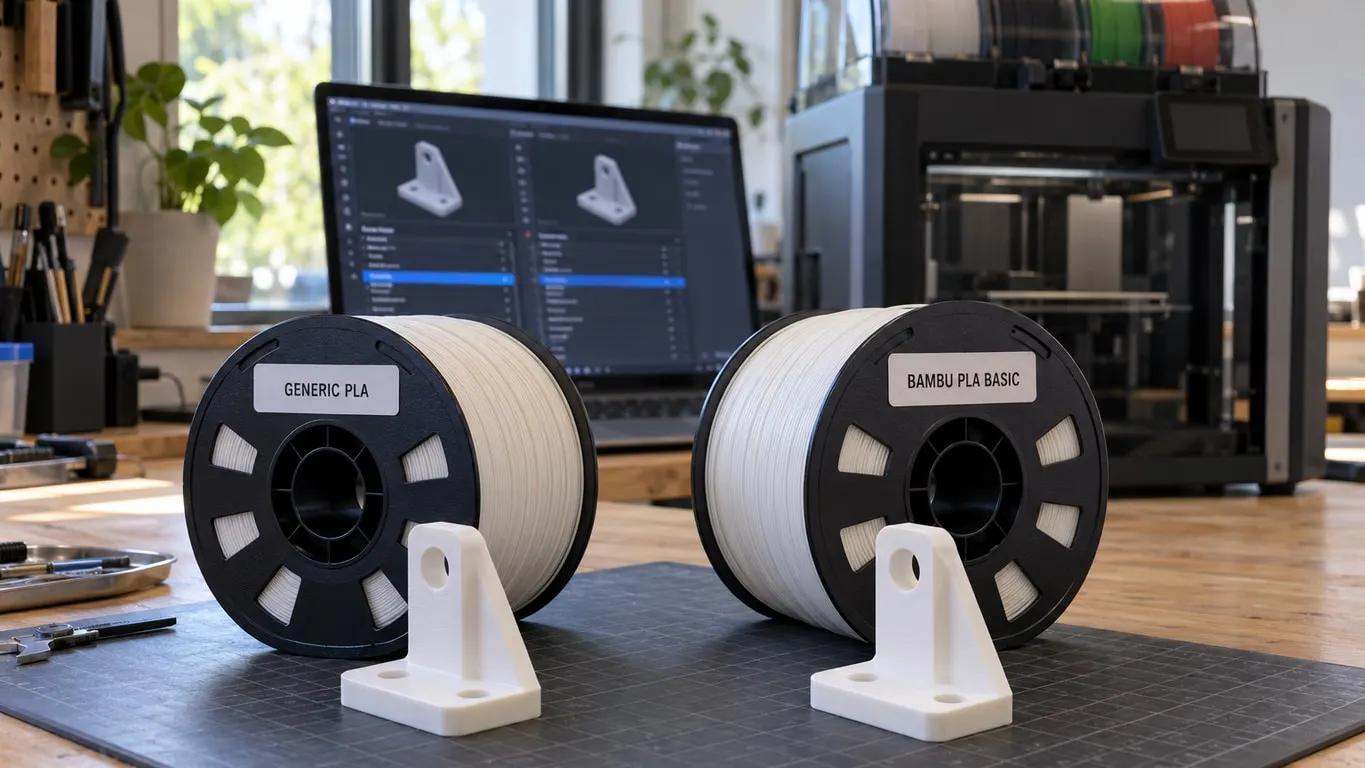
Bambu PLA Basic and Generic PLA both print at 220 °C in Bambu Studio, so the obvious settings do not explain why the same model slices faster on the Bambu preset. The biggest lever is Max volumetric speed: 12 mm³/s on Generic PLA, 21 mm³/s on Bambu PLA Basic for the X1C, P1S and A1. Generic also waits longer on small layers (Layer time 8 s against 4 s on the X1C and P1S), and on multicolor jobs it sets a larger Filament prime volume for the prime tower (45 against 30 mm³). By the preset's own description, Bambu tunes the generic presets conservatively on purpose.
How big the gap gets depends on the model. One print sliced at 4 h 35 min with the spool mapped as Generic PLA by mistake, and at 3 h 27 min after resyncing it as Bambu PLA Basic.
Quick fix
- A Bambu spool that shows up as Generic: hit Synchronize filament list from AMS in the filament area of the sidebar.
- To list every difference, open Compare presets from the far right of the Process bar and put one preset on each side of the filament row.
- A third-party spool: start from a copy of Generic PLA, measure your own volumetric speed with Max flowrate, then calibrate K.
What changes between the two presets
Per-printer values from the Bambu Studio repository as of October 2026, standard 0.4 mm nozzle:
| Setting | X1C, P1S | A1, A1 mini | H2D |
|---|---|---|---|
| Max volumetric speed, Generic PLA | 12 mm³/s | 12 mm³/s | 12 mm³/s |
| Max volumetric speed, Bambu PLA Basic | 21 mm³/s (29 with a High Flow hotend) | 21 mm³/s | 25 mm³/s (40 with a High Flow hotend) |
| Layer time, Generic / Bambu | 8 / 4 s | 8 / 6 s | 8 / 4 s |
| Part fan range | 100% in both | 60-80% in both | Generic 100%, Bambu 60-80% |
Those rows come from two middle layers, Generic PLA @base and Bambu PLA Basic @base, plus the printer files on top of them; underneath, both share fdm_filament_pla, which is why so much else lines up. Nozzle temperature (220 °C, first layer included), Flow ratio (0.98) and bed temperatures are the same in both, except the H2D's SuperTack plate (45 °C on Generic, 40 on Bambu). The rest is small: density 1.24 vs 1.26 g/cm³, a price field of 20 vs 15.99 per kg, and the prime volume of 45 vs 30 mm³ mentioned above.
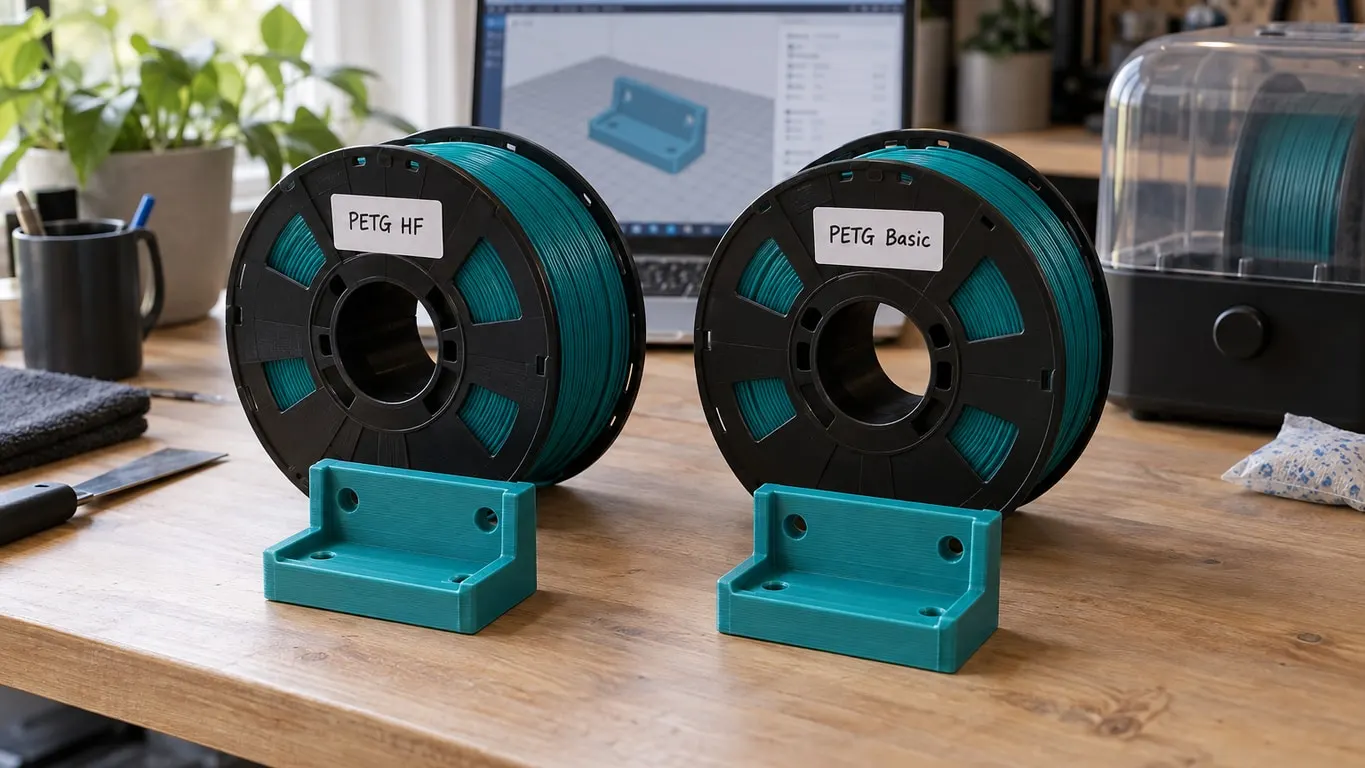
The flow gap is old. In 1.10.1 (tag v01.10.01.50, released November 15, 2024 and still the stable build in December), Generic PLA was already at 12 mm³/s and Bambu PLA Basic at 21 on the X1C, P1S and A1; Bambu's price field read 24.99 then. PETG was different: Generic PETG and PETG Basic were nearly level then (12 vs 13 on the X1C, 8 vs 9 on the A1), and today the split is 12 vs 15 on the X1C and P1S, 8 vs 13 on the A1 and 12 vs 18 on the H2D. The PETG HF comparison covers that increase. The PETG presets part ways mostly on cooling: Generic runs the part fan at 40-90% with 90% on overhangs, PETG Basic on the X1C at 20-40% and 50%.
Why the estimate jumps
Flow is the hard ceiling. However fast the process preset asks the toolhead to move, the slicer caps every line so that it never pushes more than Max volumetric speed, which lives on the Filament page of the filament settings, inside the Volumetric speed limitation group under the temperatures. On a flow-limited line such as wide infill or a thick wall, dropping from 21 to 12 leaves a little over half the speed. The flow rate article walks through the math. Layer time works on a different set of layers: Slow printing down for better layer cooling is on in both presets, so any layer estimated below the threshold in the Max fan speed threshold row of the Cooling page gets stretched to meet it, and small layers can take up to twice as long at 8 seconds as at 4.
To see which of the two cost you the extra 1 h 8 min, work on a copy of Generic: raise only the volumetric speed to 21 and reslice, then lower the layer time and reslice once more.
Compare presets, side by side
The Compare presets button is the last icon on the Process bar at the top of the left panel in Prepare, after the Global/Objects switch, the Advance toggle and View all object's settings. It sat in the same spot in 1.10.1 in December 2024.
What opens depends on your version. The 2.8.2 stable release shows Select presets to compare over three rows (process, filament, printer), each with a preset list on both sides and an equal or not-equal icon in the middle; clicking the icon copies the left pick to the right. Choose Generic PLA and Bambu PLA Basic in the filament row and the table underneath lists only what differs, by page and section, with both values. Show all presets (including incompatible) adds presets that do not fit the selected printer. The 2.8.3 beta replaced the rows with tabs named Process Preset, Filament Preset and Machine Preset, and the columns read Parameters, Preset A and Preset B.
How the AMS picks a preset
Resync works by ID. Every system preset carries a filament ID (GFA00 for Bambu PLA Basic, GFL99 for Generic PLA), and on sync Bambu Studio picks the preset whose ID matches the slot and whose printer list includes yours. An official Bambu spool is identified from its RFID tag, so it lands on the right preset by itself; a third-party spool carries whatever was set for that slot on the printer screen or in Studio. That is the trap the Bambu wiki's AMS setup page describes: load a new third-party spool and the slot keeps showing the previous spool's information until you reconfigure it, which you cannot do mid-print.
No matching ID for your printer means a fallback to the Generic preset of the same material, with the warning The filament may not be compatible with the current machine settings. Generic filament presets will be used. If a Bambu spool still shows as Generic after a resync, tap the slot on the printer screen to see what the tag returned; the AMS panel in Studio's Device tab also has RFID read buttons.
Getting more speed from Generic on third-party filament
Generic PLA's description spells out the tradeoff: "The generic presets are conservatively tuned for compatibility with a wider range of filaments. For higher printing quality and speeds, please use Bambu filaments with Bambu presets." The Bambu wiki's calibration page adds that generic or third-party filament types may not have the correct max flowrate set. You could assign Bambu PLA Basic to a third-party spool, but that prints at a number Bambu chose for its own filament. Instead, save a copy of Generic PLA under your own name with Save as (the filament profile guide shows where it lands in the list), and print Max flowrate from Calibration → More.... On a Bambu printer that menu only appears with Develop mode on; the calibration guide has the steps.
The wiki reads the test as start volumetric speed + (height where quality drops × step): starting at 10 with a step of 1, a failure at 14 mm means 24 mm³/s, and you may take 5-10% off for margin. Put that into your copy before you run the K value calibration, because the Flow Dynamics page asks for a fresh run whenever max volumetric speed or print temperature changes. Layer time comes last: 4 seconds shortens small parts, but the slowdown exists to cool thin tips and small details, so raise it again if those start to soften or droop.