If you are not sure what you are rating on MakerWorld, or which profile to pick, the reason is that a model page holds two separate things: the model and the print profile, and they are rated separately. The model is geometry; the profile is a set of settings prepared to print it: layer height, infill, supports, material choice. Different people can upload each one. You rate from the Bambu Handy app once the print is done.
The short version:
- Send the print with the MakerWorld profile, over the cloud. A job printed from an SD card cannot be rated.
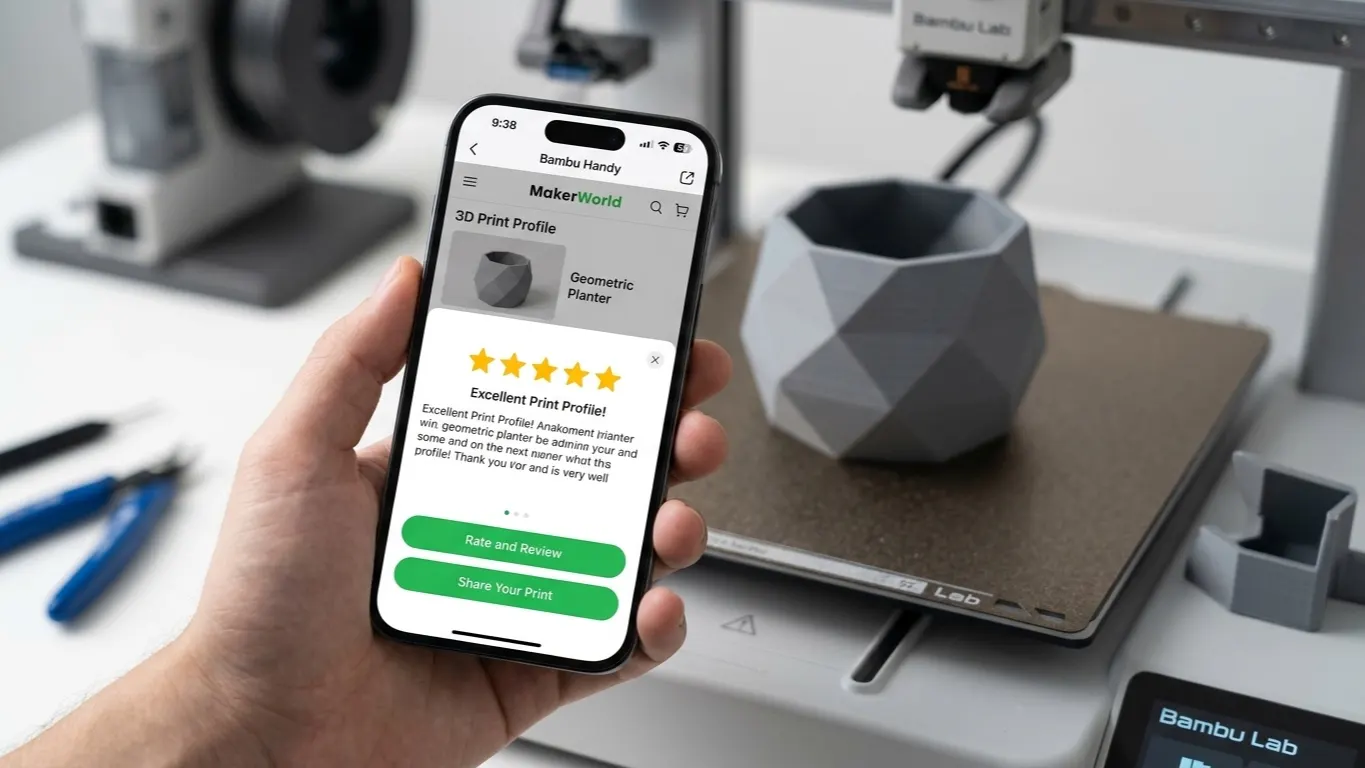
- When it finishes, use the rating screen Handy brings up on its own.
- Missed it? Go back through Me → Ratings in Handy, or use the rating tab on the model page on the web.
- Before you pick a star count, decide whether you are judging the model or the profile.
Where rating happens
You rate from the Bambu Handy app after the print finishes. The app recognizes the finished print and brings up the rating screen on its own.
If you missed it, you can go back through Me → Ratings in the app. On the web there is a rating tab on the model page.
When there is no rating option
Rating only works if the print went out with that profile, over the cloud. Both halves of that condition count. Download the G-code and print from an SD card and the system has no way to tie the print to the model, so no rating option shows up, however well the part came out. If there is a profile you want to rate, send the next print over the cloud.
Model rating, profile rating
One model can carry several profiles: a fast one at 0.2 mm, a detailed one at 0.12 mm, a multicolor one for AMS.
The model can be good and the profile bad, or the other way around. That is why they get separate ratings: a model printing badly may be the profile's fault rather than the model's.
Be careful which you are judging. Giving a model a low score because a profile spoiled the print is unfair to whoever drew it, and the reverse is just as unfair to whoever tuned the profile.
Choosing a profile
When a model page offers several, look at:
| What | Why |
|---|---|
| How many times printed | A profile printed often has been tested |
| Its rating | Stay away from low-rated profiles |
| Which printer it is for | It has to match your machine |
| Material | A PLA profile will not behave the same in PETG |
| Whether AMS is required | A multicolor profile will not run without one |
| Time and filament estimate | Does it match what you expect |
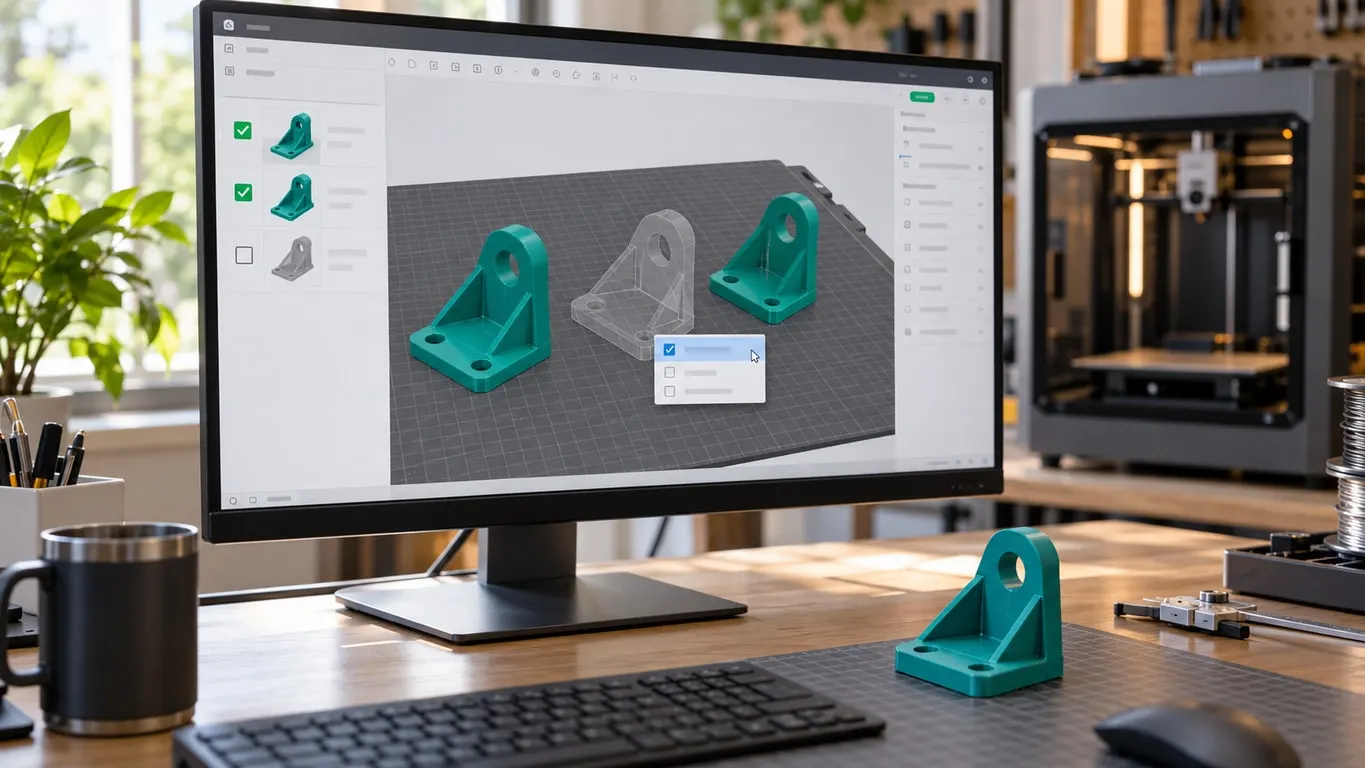
A profile adapts settings to your printer, but not every setting transfers. Your own calibration values (flow ratio, pressure advance) stay in your profile; a downloaded one does not overwrite them. A profile also carries which objects are switched on, so if a piece opens gray and see-through, whoever made the profile turned it off; see why an object shows transparent.
How much to trust ratings
Stars alone are not enough. There are complaints that ratings can be manipulated and negative reviews taken down.
Practical approach: do not go by stars alone. Read the comments, particularly the ones reporting problems. How many times a profile has been printed is a more reliable signal than its star average.
Sharing your own profile
If you find settings that print a model well, you can upload them as a profile. Bambu Studio sends it straight to MakerWorld. Putting a profile on somebody else's model goes a different way and the control is not where you would look, covered in adding a profile to another designer's model. If you would rather measure the settings yourself, Orca Slicer's calibration tools help.
Labeling the printer and material correctly matters; a mislabeled profile spoils someone else's print and comes back to you as a low rating.
Your account name appears next to the profile you upload; if it is still the auto-assigned number, take care of changing your account name before you share.