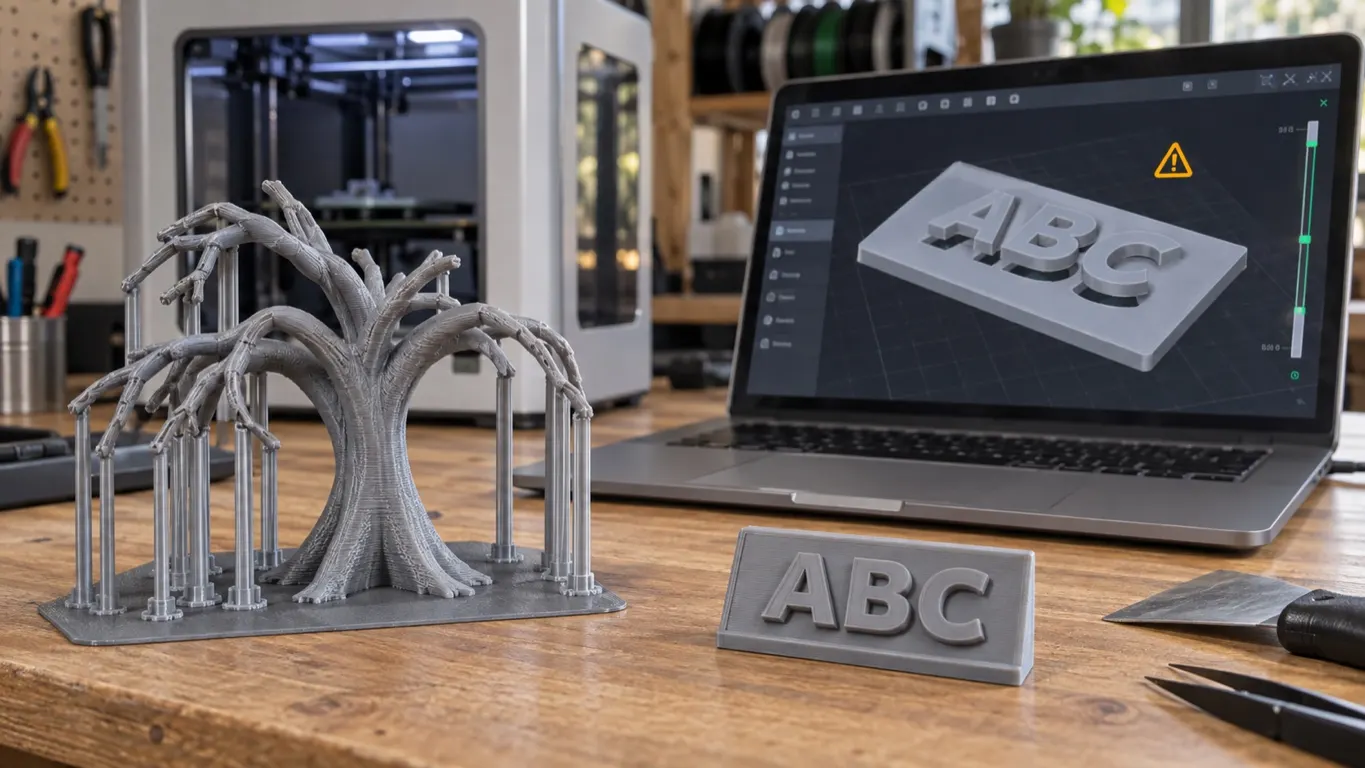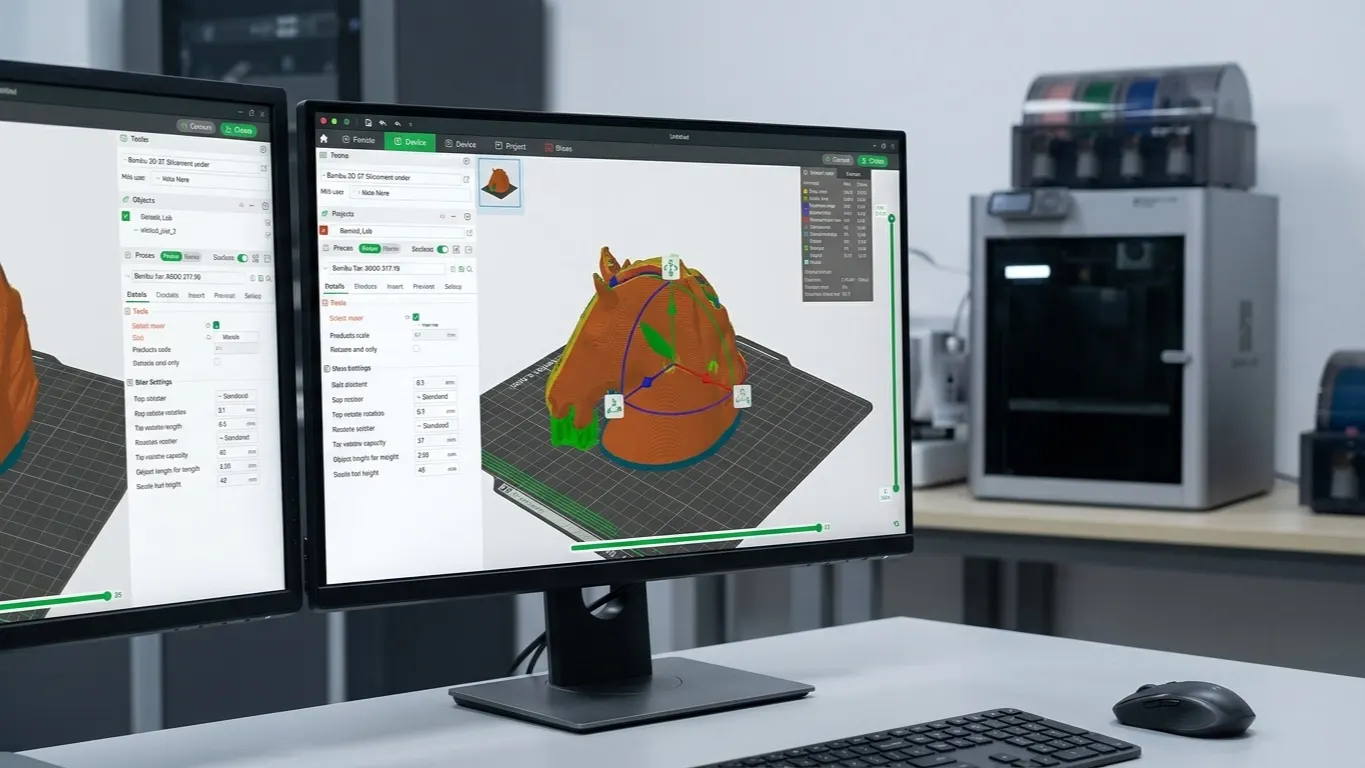
To mirror a model in Bambu Studio, skip the toolbar: there is no mirror icon along the top of the 3D view, which is why it is so hard to find. The command is in the context menu. Select the model, right-click it → Mirror, and pick the axis.
Mirroring works per axis in X, Y and Z. It comes in handy for left and right-handed parts, for pulling molds, and when printing text.
The top toolbar
Every other transform lives in the toolbar centered along the top of the 3D view:
| Tool | Shortcut | What it does |
|---|---|---|
| Move | M | Moves it on the plate |
| Scale | S | Scales |
| Rotate | R | Rotates |
| Lay on face | F | Lays a chosen face on the plate |
| Cut | C | Cuts the model |
Lay on face is one of the most useful. Select the model, press F or click the tool, then click a face on the model, and that face sits flat on the plate. Far quicker than rotating by degrees.
Watch out when scaling
The scale panel shows percentage and millimeters together. With the uniform scaling lock on, all three axes move together; unlock it and you can scale axes independently. Which way each axis in that panel points, and what switching between World and Object coordinates changes, is in the axes article.
Independent scaling usually produces something you did not want: holes go oval, screw bosses stop fitting, mating parts no longer meet. Unless you mean it, leave the lock on.
There is a lower limit to shrinking. Take a model to 30% and its walls fall below the nozzle's line width, so the slicer skips them. The part prints but comes out hollow or incomplete. If you are printing small, check the layers in Preview and confirm the walls are still there.
If walls vanish from Preview once you shrink a model, the slicer skipping parts article covers how to bring them back, including lowering line width.
How rotation affects the print
Rotation is not only about fitting on the plate; it decides print quality directly.
Layer lines run horizontally. How you place the part decides which way the lines show. If there is a visible face, think about how the lines will fall on it.
Strength follows layer direction. Parts break between layers, not through them. Whatever direction the load comes from, the layers should not be perpendicular to it. On a hook, the pull should not be trying to separate layers.
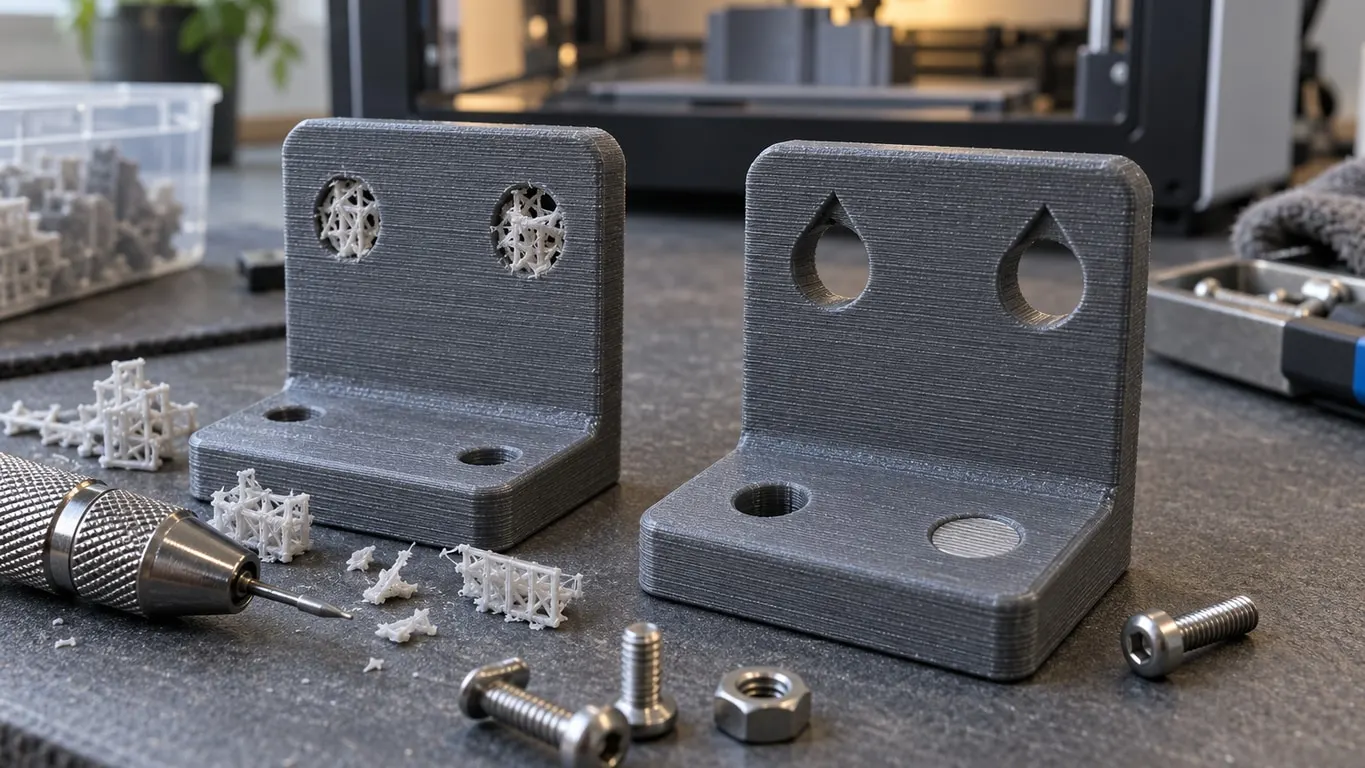
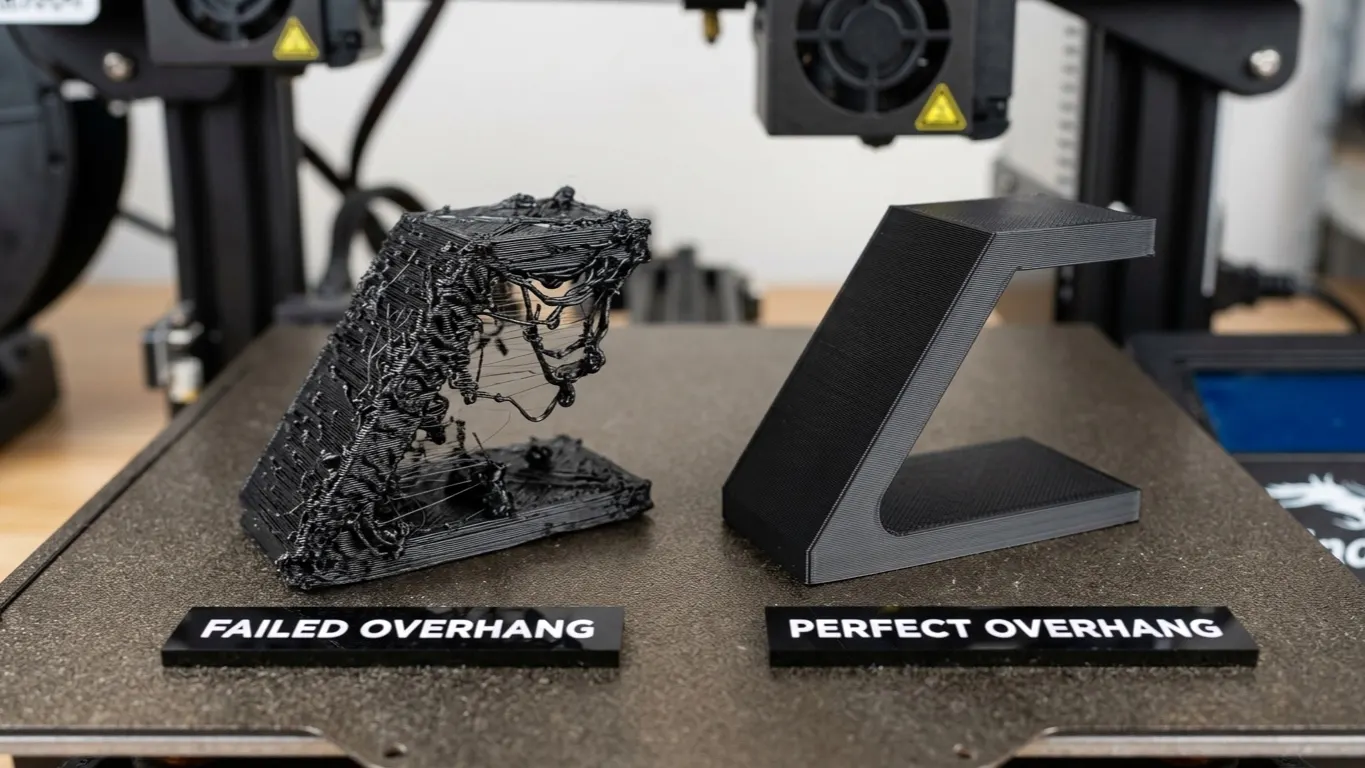
Support needs change with orientation. Tipping the same model 45 degrees can remove the need for support entirely. Try a few orientations before adding any. If you do need support there are three methods; the droop problem itself is covered separately.
Keep plate contact wide. A part with a broad base does not lift. A part balanced on a thin edge is a risk even with a brim.
Multiple copies
For several copies of one model: right-click → Clone (Ctrl+K). To spread them over the plate, use the Auto arrange button at the top (shortcut A).
Auto arrange packs parts closely. On parts at risk of lifting it is worth opening the gaps by hand, because a part that lifts and topples takes its neighbor with it.