There are three critical settings for printing TPU (flexible filament): pressure advance, moisture and speed. All three behave differently from rigid materials, because TPU acts like a spring inside the extruder: filament pushed in does not come straight out of the nozzle, it compresses first.
For TPU95a the measured pressure advance range is 0.110 to 0.190, depending on the brand. Wet TPU will not print well with any settings, and speed stays in the 15-30 mm/s band.
Why pressure advance differs
Pressure advance (linear advance in Marlin) is the setting that decides how far ahead the extruder should speed up and slow down. It accounts for pressure inside the nozzle not changing instantly.
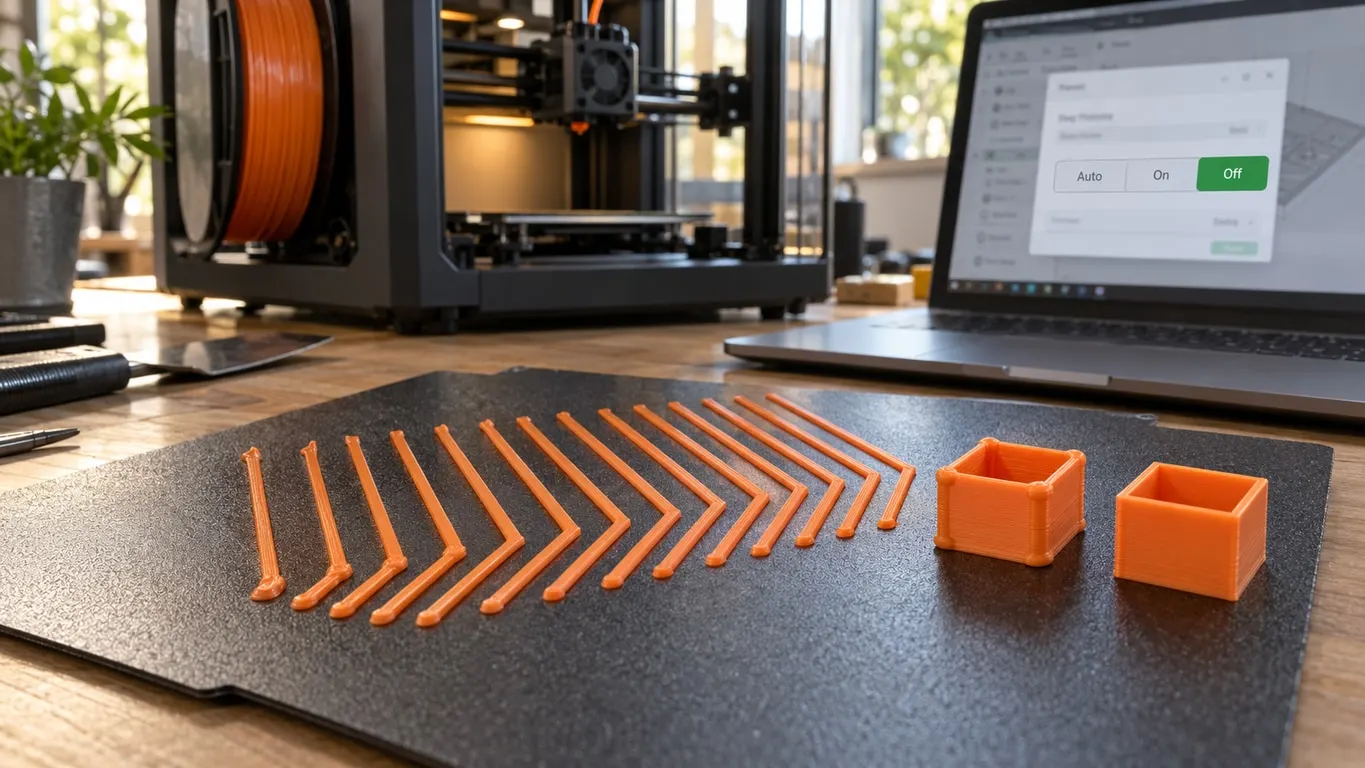
On rigid filament that lag is small. On TPU it is much larger: when the gear pushes, the filament compresses inside itself and the plastic leaves the nozzle late. At a corner the extruder slows down but the pressure is still high, so plastic keeps flowing and the corner bulges. Coming out of the corner it is the reverse: pressure is low, no plastic arrives, and you get a gap.
| Value | Result |
|---|---|
| Too low | Bulging corners, excess plastic on outside corners |
| Right | Sharp corners, consistent line width |
| Too high | Gaps at corners, breaks in the lines |
Finding the value
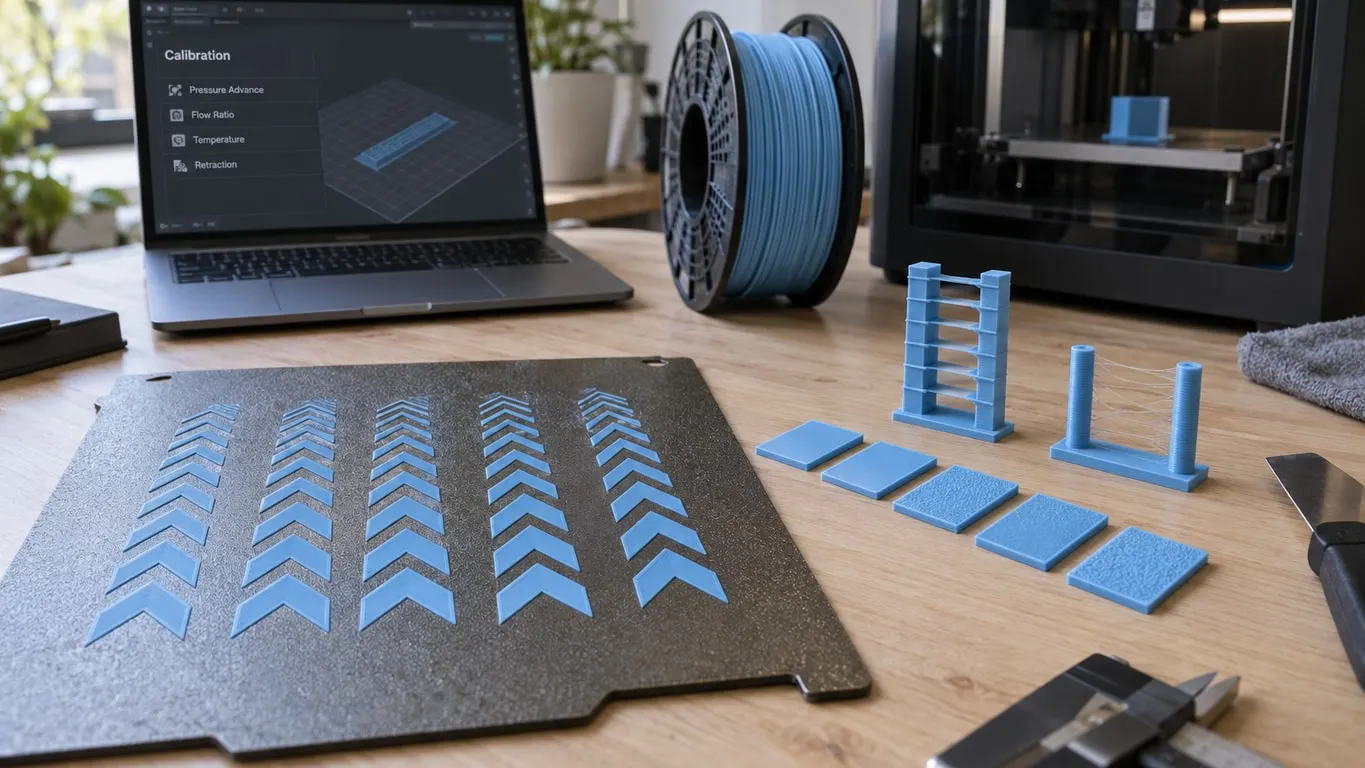
You do not guess this one, you print a test. Orca Slicer's Calibration → Pressure Advance test gives it to you ready-made: it prints a part at rising values and you pick out the sharpest corner.
These ranges work as a starting point:
| Material | Typical pressure advance |
|---|---|
| PLA | 0.02 - 0.05 |
| PETG | 0.04 - 0.08 |
| TPU 95A | 0.110 - 0.190 |
TPU's value runs three or four times PLA's. As shore hardness drops (95A to 85A) the value climbs further, because the material compresses more.
On Bambu printers this value normally comes from flow dynamics calibration, but Bambu's TPU printing guide says to turn that calibration off before printing TPU. Do not count on the automatic measurement here; get the value from the test print.
Moisture: the decisive one
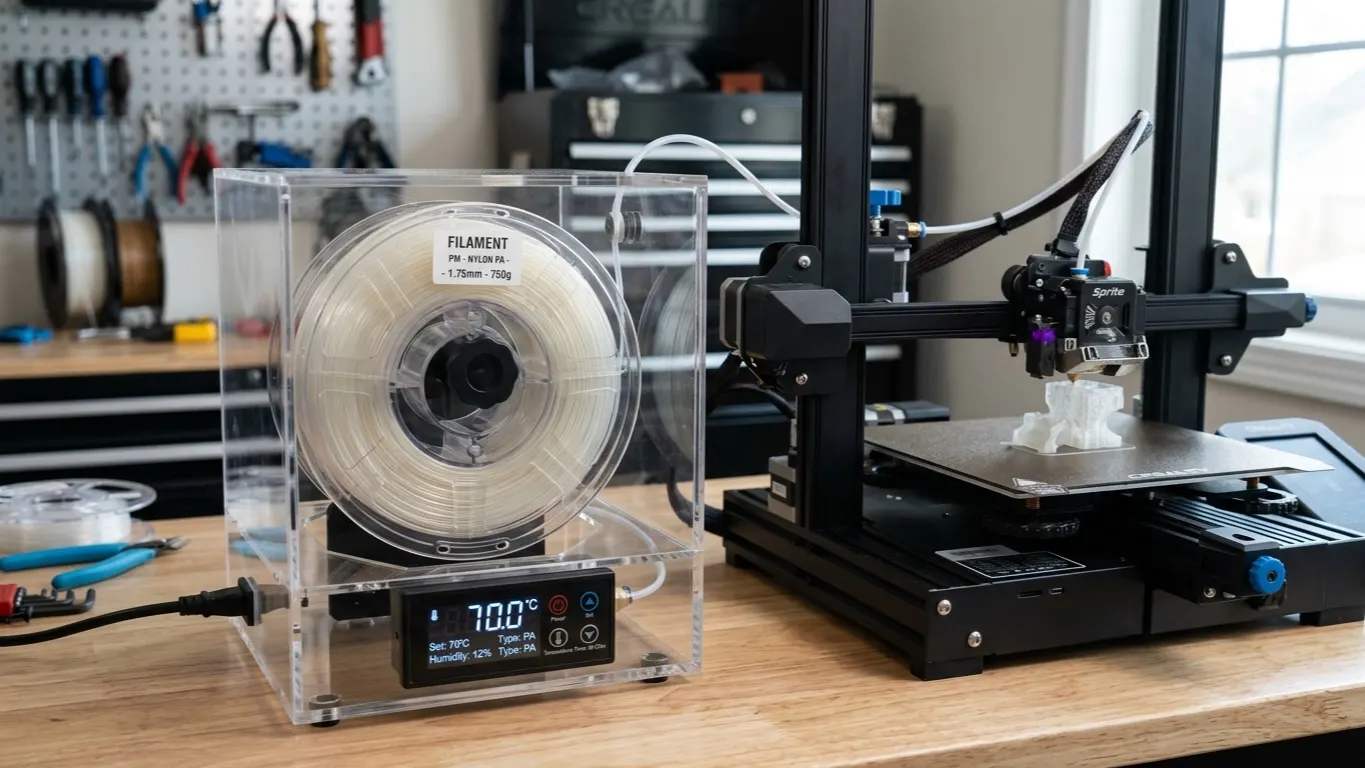
TPU takes up moisture quickly, and wet TPU will not print. The method that works is simple: dry it before the print (numbers below), then feed the machine straight from the dryer with the dryer still running.
Those are two separate things: drying before the print and keeping it drying during the print. The second one matters as much on TPU as on nylon, because the filament takes moisture back up midway through a long job.
| Value | |
|---|---|
| Drying temperature | 70 °C in an oven; 65 °C in an AMS 2 Pro, 75 °C in an AMS HT |
| Time | 8 hours in an oven; 12 in an AMS 2 Pro, 18 in an AMS HT |
| During the print | Dryer on, feeding from it |
These numbers come from the drying table on the Bambu wiki. TPU softens at a low temperature, so the wiki rules out the AMS static drying mode for it: dried on a spool that does not turn, the layers can stick together or deform.
Room humidity counts too. A basement can be hard to hold under 40% even with a dehumidifier running constantly. Above 40% you do not leave a TPU spool out in the open; when it is not in use it goes in a sealed box with desiccant.
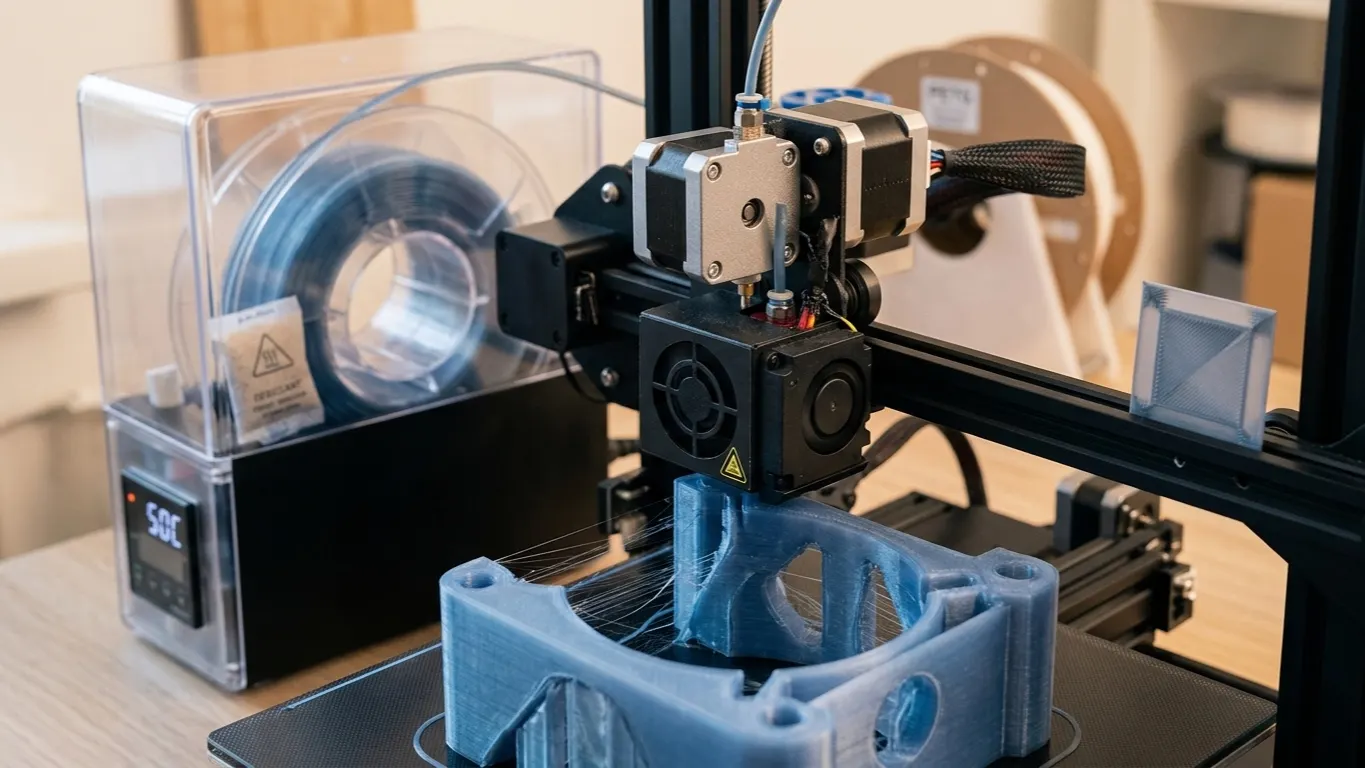
How to tell it is wet: crackling and hissing at the nozzle, bubbles in the extrusion, a furry surface, layers that do not bond. The same signs apply to nylon filament.
Speed
TPU prints slowly, and the reason is mechanical. Being flexible, it compresses in the extruder, so push it fast and your effort goes into squeezing the filament instead of into the nozzle. The result is under-extrusion.
| Setting | Value |
|---|---|
| Print speed | 15-30 mm/s |
| First layer | 10-15 mm/s |
| Retraction | 0.4 mm on Generic TPU; add 0.2 mm if it strings |
| Nozzle | 220-240 °C |
| Bed | 30-35 °C (30 on Cool and Engineering plates, 35 on Textured and High Temp in the profile) |
| Fan | 100%, off for the first layer (Generic TPU profile) |
Raising the speed setting does not help, because the limit is how hard the extruder can push TPU. The same logic on rigid materials is in the flow article: there the limit is the hotend's melting capacity, with TPU it is the filament itself.
Retraction is the touchiest setting. Too much of it buckles TPU inside the extruder and leads to a clog. Some people turn retraction off entirely on TPU and live with the stringing, since that is easier to clean off.
The hardware side
A direct drive extruder is a clear advantage with TPU. A Bowden setup pushes the filament down a long tube, and flexible material coils up inside it. On the nozzle side, how a high-flow CHT-style nozzle can starve TPU on the first layer is in TPU not extruding.
That does not mean you cannot print TPU on Bowden, but the speed has to go lower still and the retraction lower again.
Spool tension matters too: drag TPU off the spool under strain and it stretches, and the flow suffers for it. Make sure the spool turns freely.
When not to use TPU
For flexible gaskets, phone cases, bumpers, belts and insoles nothing else takes TPU's place. It is still not right for everything.
If dimensional accuracy matters, TPU is the wrong choice: a flexible part is hard even to measure, and it deforms in use. For something rigid but tough, PETG or nylon suits you better.
Bridges and overhangs also come out badly in TPU, because the material sags before it sets. The model has to be designed around that: most of the fixes for overhanging surfaces work less well on TPU.