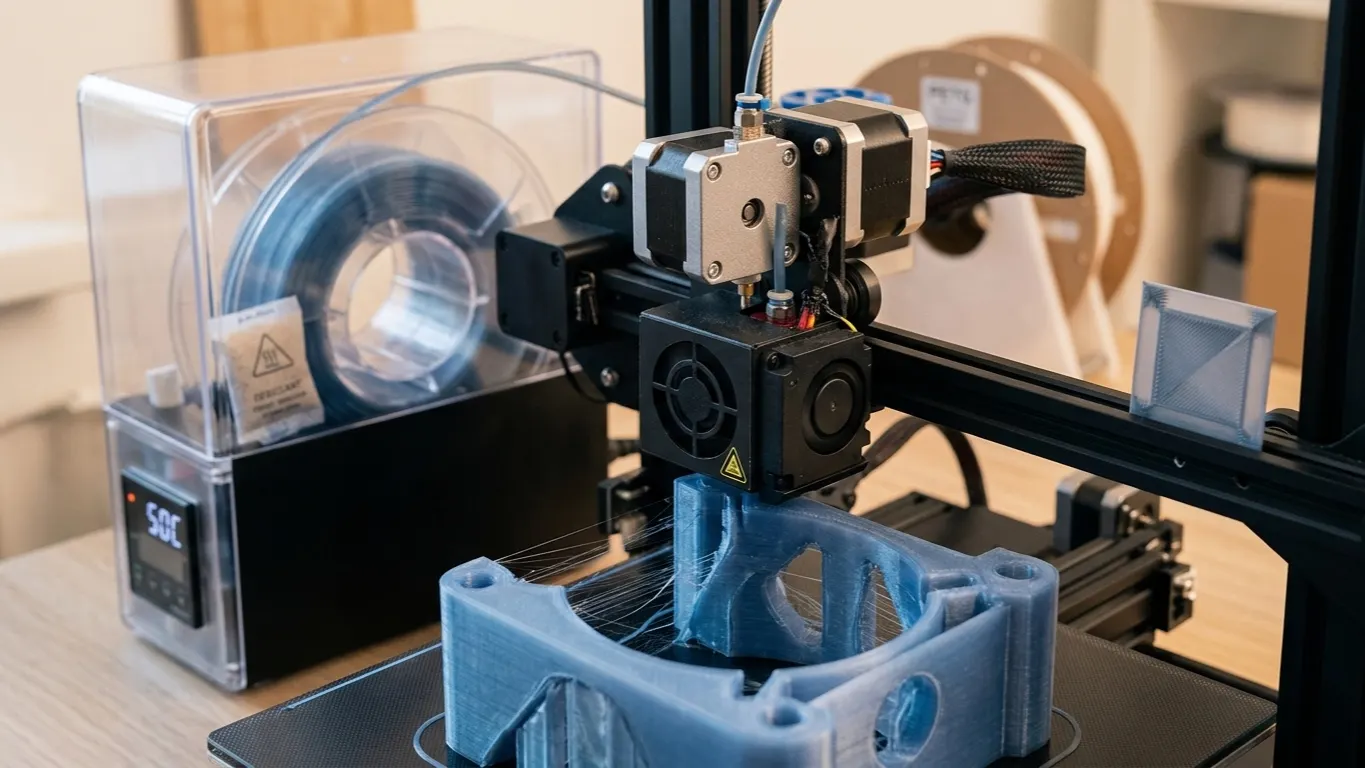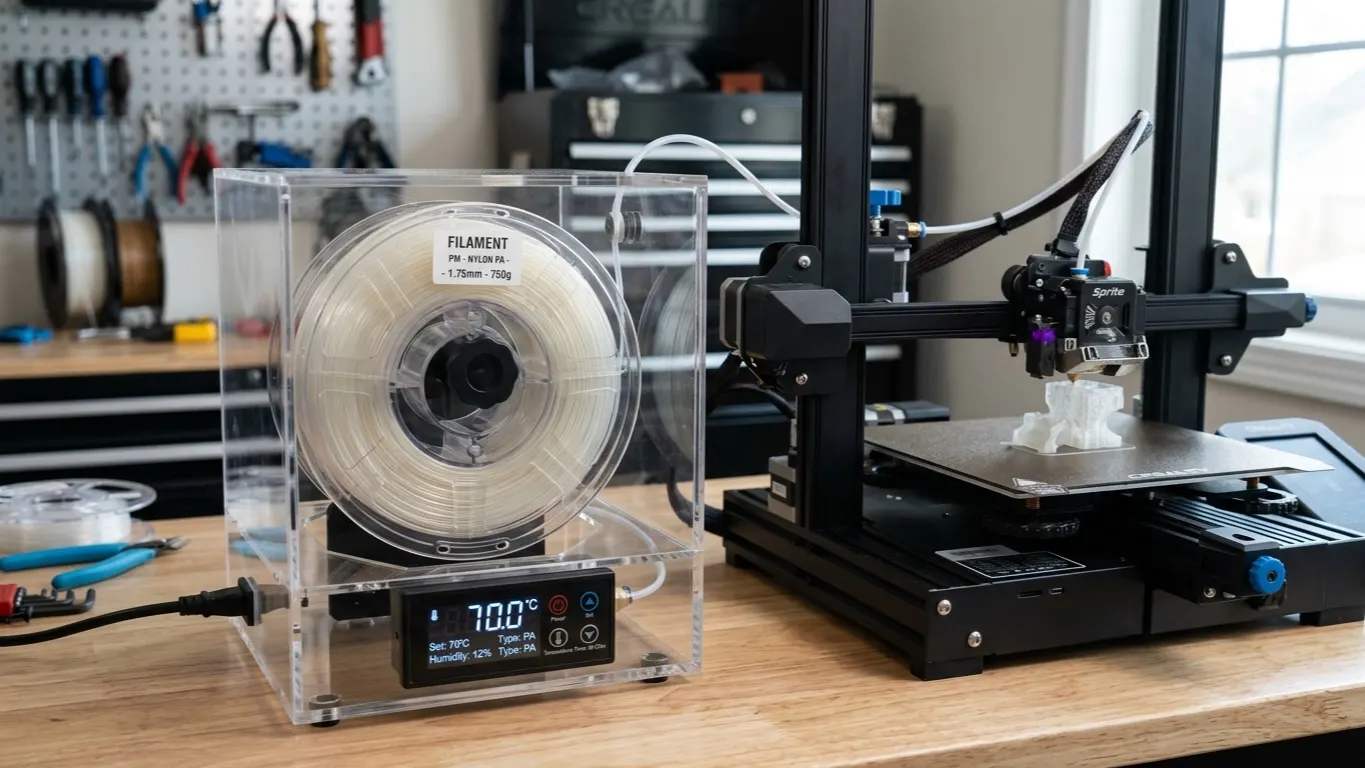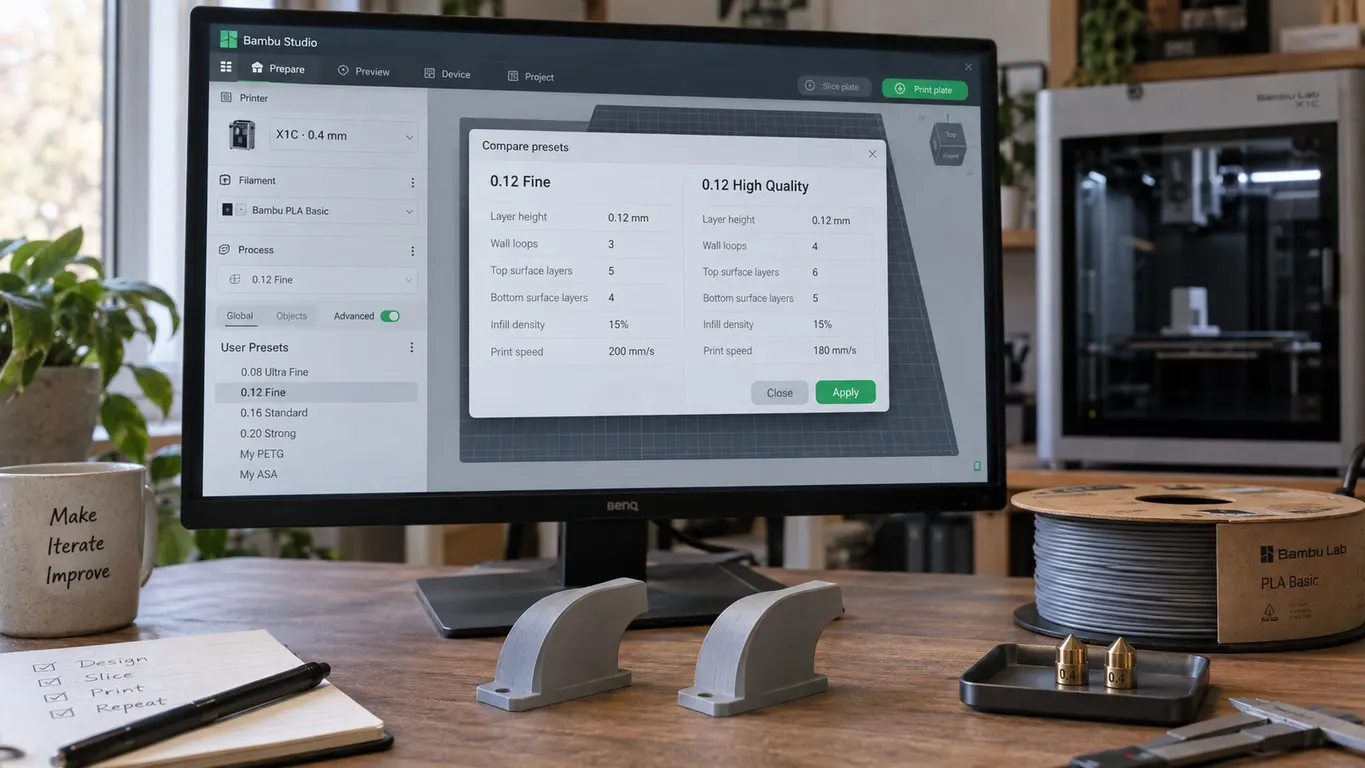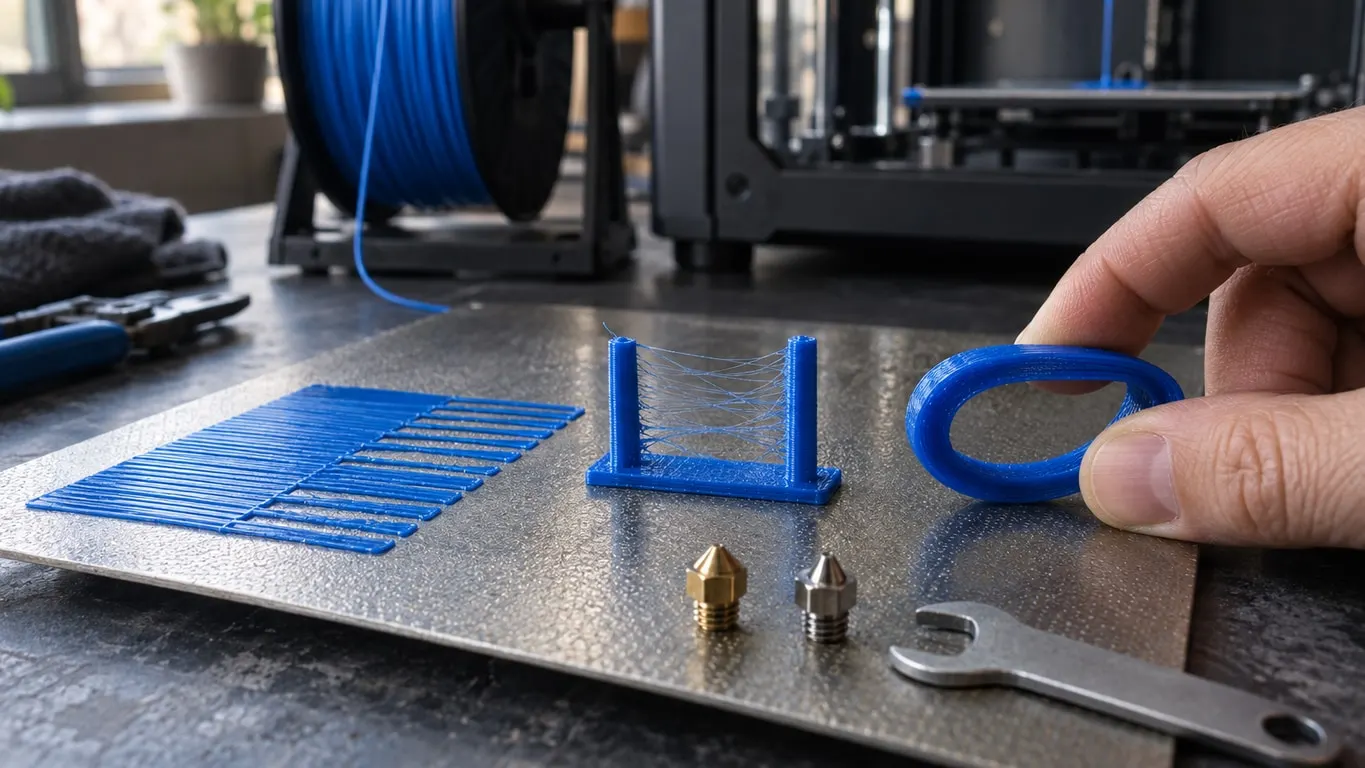
Bambu Lab printer not extruding TPU on the first layer? Some lines go down fine, others get almost no plastic, and on a regular part the flow nearly dies halfway through layer one. If PETG still runs clean through the same nozzle, a clog is unlikely.
This failure has shown up on a third-party, CHT-style high-flow nozzle running a raised 6 mm³/s at 215 °C. A standard 0.4 mm nozzle plus the stock Generic TPU profile, with only the retraction length changed to 0.9 mm, printed cleanly, and heavy stringing in places was the one problem left. The nozzle and the profile changed in the same step, so the order below tests them one at a time. For TPU basics like pressure advance, drying and speed, see TPU print settings.
Reset first, then swap
- Select Generic TPU. If you raised Max volumetric speed or changed the temperature, put both back to the profile values (3.2 mm³/s, 240 °C).
- Print a real part, not just a calibration pattern, and watch the first layer. If lines still starve and a high-flow or CHT-style nozzle is installed, swap in a standard 0.4 mm nozzle.
- Reprint with the same profile. If the flow only steadies after the swap, the nozzle was the problem.
- Stringing left over? Find the retraction length for the filament profile with a retraction test, then try about 5 °C less heat.
Fixes that leave this failure untouched
None of these changed the result for this failure:
- drying the spool for 8 hours, which took off about 6 g
- 0.1 more flow
- more heat, and then less
- a retraction test, with retraction set to the 0.6 mm it pointed to
- a spool stand that turns freely, and unwinding filament before the print
The retraction test came out clean, and that is worth noticing. A tidy test sitting next to a starved first layer says the trouble is in how much plastic leaves the nozzle, not in retraction.
Bambu's TPU guide names four things behind TPU under-extrusion: too much speed, resistance somewhere in the feed path, damp filament, and leftovers from harder or hotter material inside the hotend, which a cold pull removes. Bambu's guide also says to turn off Flow Dynamics Calibration in the print dialog before any TPU print. If all of that is ruled out and the profile is back to stock, look at the nozzle.
Why high-flow nozzles are suspect with TPU
Bondtech's CHT nozzle splits the incoming filament into three thinner strands so the plastic also melts from the inside, which lets you run higher flow rates. Bondtech's own product page narrows that claim: the gains apply to 1.75 mm and 2.85 mm rigid materials, and to flexible filament only at 2.85 mm. The 1.75 mm TPU that Bambu printers run is not covered.
Bondtech does not explain what happens with 1.75 mm flexible filament, and no mechanism has been documented. There is one case to go on: through a CHT-style nozzle set to 6 mm³/s and 215 °C, TPU nearly stopped flowing on the first layer, and through a stock nozzle on the Generic TPU profile (3.2 mm³/s, 240 °C) the same filament printed cleanly. The nozzle and the profile changed together, so that result alone does not pin it on the nozzle. Similar trouble with CHT-style nozzles and TPU has been reported elsewhere. The nozzle here was a third-party copy rather than a genuine Bondtech part, so whether the original behaves the same way is unknown.
What Bambu says lines up with that. Its wiki guide to TPU, last updated September 17, 2026, steers you away from 0.2 mm nozzles and from ordinary high-flow nozzles, then lists each of its TPUs:
| Filament | Compatible | Not recommended | Not compatible |
|---|---|---|---|
| TPU 85A | 0.6 / 0.8 mm, TPU high-flow hotend | High-flow 0.6 / 0.8 mm | 0.2 / 0.4 mm, high-flow 0.4 mm |
| TPU 90A | 0.4 / 0.6 / 0.8 mm, TPU high-flow hotend | High-flow hotend | 0.2 mm |
| TPU 95A HF | 0.4 / 0.6 / 0.8 mm, high-flow hotend, TPU high-flow hotend | None | 0.2 mm |
| TPU for AMS | 0.4 / 0.6 / 0.8 mm, high-flow hotend | None | 0.2 mm |
Only TPU 95A HF and TPU for AMS are cleared for a regular high-flow hotend. If you want the background on melt capacity and why it, not the speed field, sets the pace, read the flow rate article.
Generic TPU values and the AMS question
With a high-flow nozzle it is tempting to raise Max volumetric speed to match. Put it back once the stock nozzle is in. These are the Generic TPU numbers on the X1, P1 and A1 series, the same as in the February 2024 release; H2 series variants can differ on temperature or retraction.
| Setting | Generic TPU |
|---|---|
| Nozzle temperature, first layer included | 240 °C |
| Temperature range in the profile | 200-250 °C |
| Max volumetric speed | 3.2 mm³/s |
| Retraction length (filament override) | 0.4 mm |
You can go cooler than 240 °C later; the profile allows down to 200 °C. Change one thing at a time, though, and only after the first layer behaves.
As for the AMS: Generic TPU's own description says the filament is too soft for it. Bambu's wiki lists the AMS HT as the only AMS that handles TPU, and only as a sealed box with automatic feeding unused, the filament exiting through a separate TPU outlet at the back. The AMS, AMS Lite and AMS 2 Pro are out. TPU for AMS is the exception and feeds normally through every AMS model, and the matching Generic TPU for AMS profile is meant only for TPU of 55D or harder. The wiki recommends 85A or harder for TPU in general.
Stringing once TPU flows again
On the X1, P1 and A1 series, Generic TPU brings its own retraction length of 0.4 mm, so changing the printer's value does nothing while you print TPU. The number that counts is in the filament settings: Setting Overrides page, Retraction group, Length, with a checkbox beside it. While that box is ticked it wins over Length in the Retraction group of the printer's Extruder page. Retraction Speed sits in the same filament group and only shows in Advanced mode.
How much more? Bambu suggests adding 0.2 mm to the current value when oozing is severe, which is a small step. This case went to 0.6 mm and then 0.9 mm and still had heavy strings in spots, a reminder that more retraction does not automatically mean less stringing.
So run a test. In Orca Slicer it is Retraction under the Calibration menu. Bambu Studio has it too, as Retraction test under Calibration, yet with a Bambu printer selected that menu stays hidden until you tick Develop mode in Preferences (Other tab, Developer Mode heading). The defaults are Start retraction length 0, End retraction length 2 mm and a step of 0.1, and the tower adds one step per millimeter of height.
One tip makes the test easier to read: slow travel to around 20 mm/s first (Speed page of the process settings, Travel speed group, Travel) and keep your eyes on the nozzle as the tower climbs.
If strings survive the test, go through these:
| Check | Where | What to do |
|---|---|---|
| Temperature | Filament settings | Drop about 5 °C, then cut Max volumetric speed by 0.4 mm³/s (wiki) |
| Travel count | Others page, Print sequence | With many models on the plate, use By object or print fewer |
| Infill retraction | Others page, G-code output, Reduce infill retraction | If it says Enabled, switch to Disabled or Auto |
| Flow | Filament settings, flow ratio | Overextrusion builds up on the nozzle and drags strings |
| Retraction speed | Setting Overrides, Retraction Speed | Tune it separately once the length is settled |
Why the caveat on Reduce infill retraction? Its behavior changed in 2.05.03. Up to then it was a plain checkbox, and when ticked it skipped retraction on travel inside infill; switching it off is what fixed a PETG stringing problem. From 2.05.03 on you choose Enabled (always skip), Disabled (always retract) or the default, Auto, which skips only for filaments with low metal stickiness such as PLA. TPU had no stickiness value until 2.07, and Auto counts a missing value as low, so on 2.05.03 through 2.06 Auto still skips infill retraction for TPU and you should set Disabled. From 2.07 the TPU profile is marked high, and Auto already retracts.
Wet TPU strings as well, and drying is handled in the TPU settings article. For what flow ratio can and cannot fix, there is the flow ratio guide.